Cecil Lee
Staff
-
Joined
-
Last visited
Everything posted by Cecil Lee
-
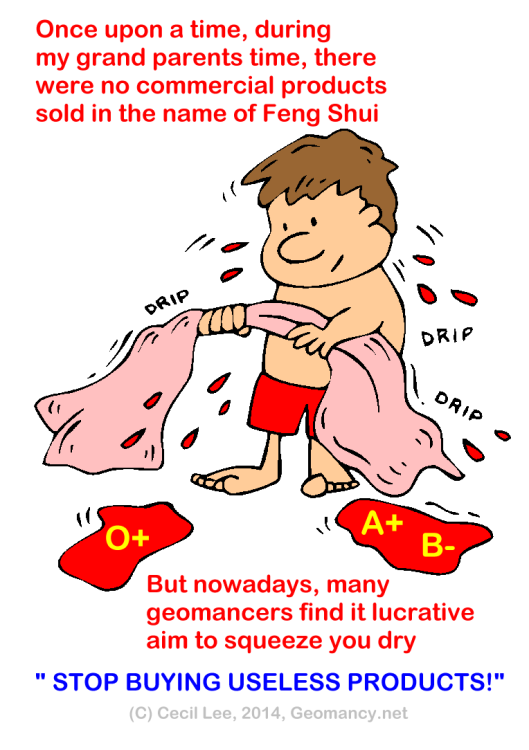
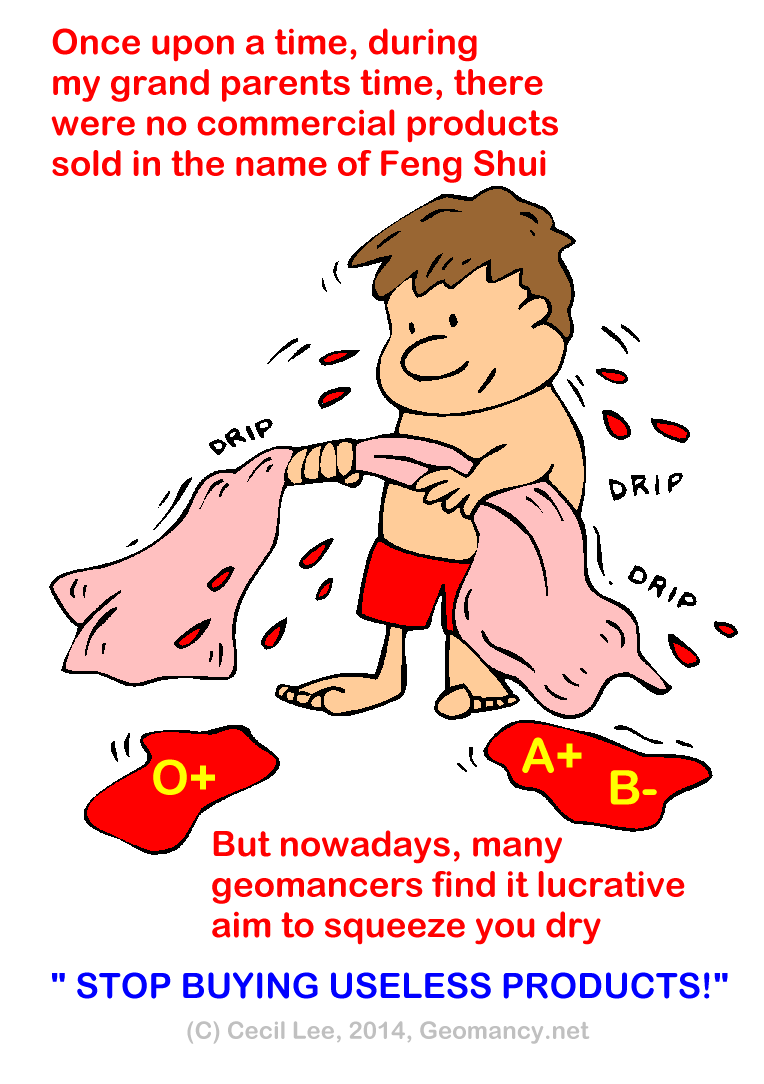
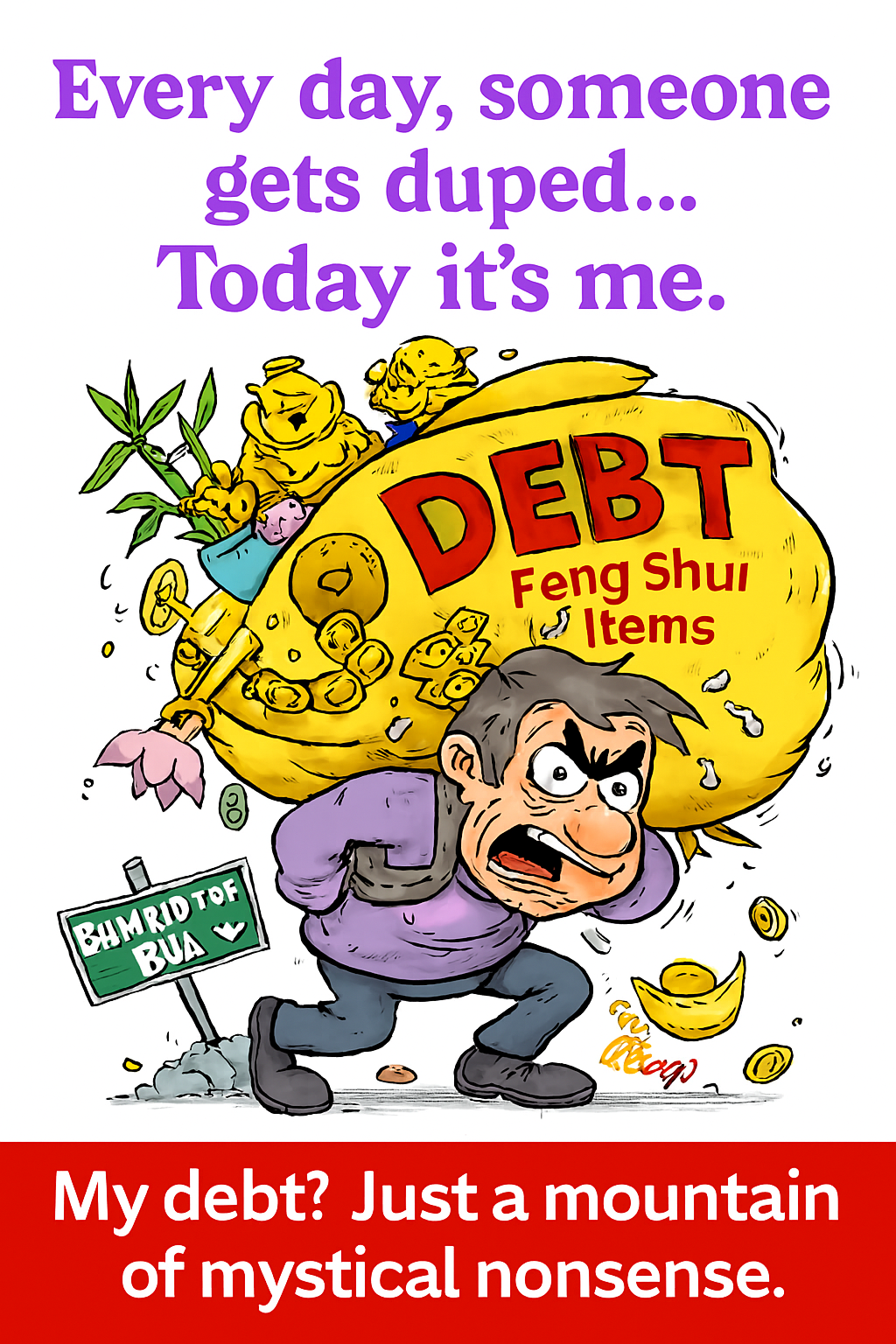
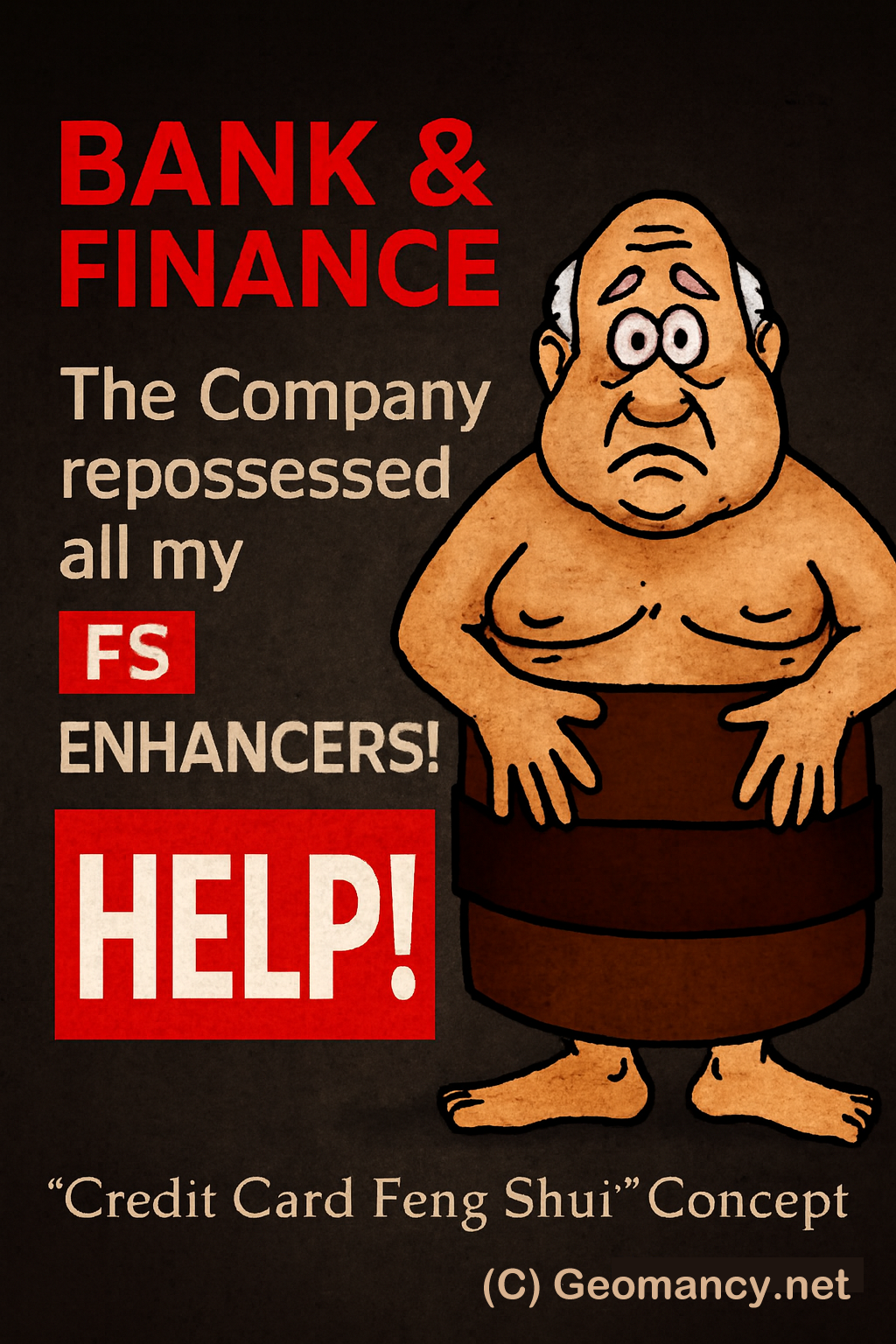
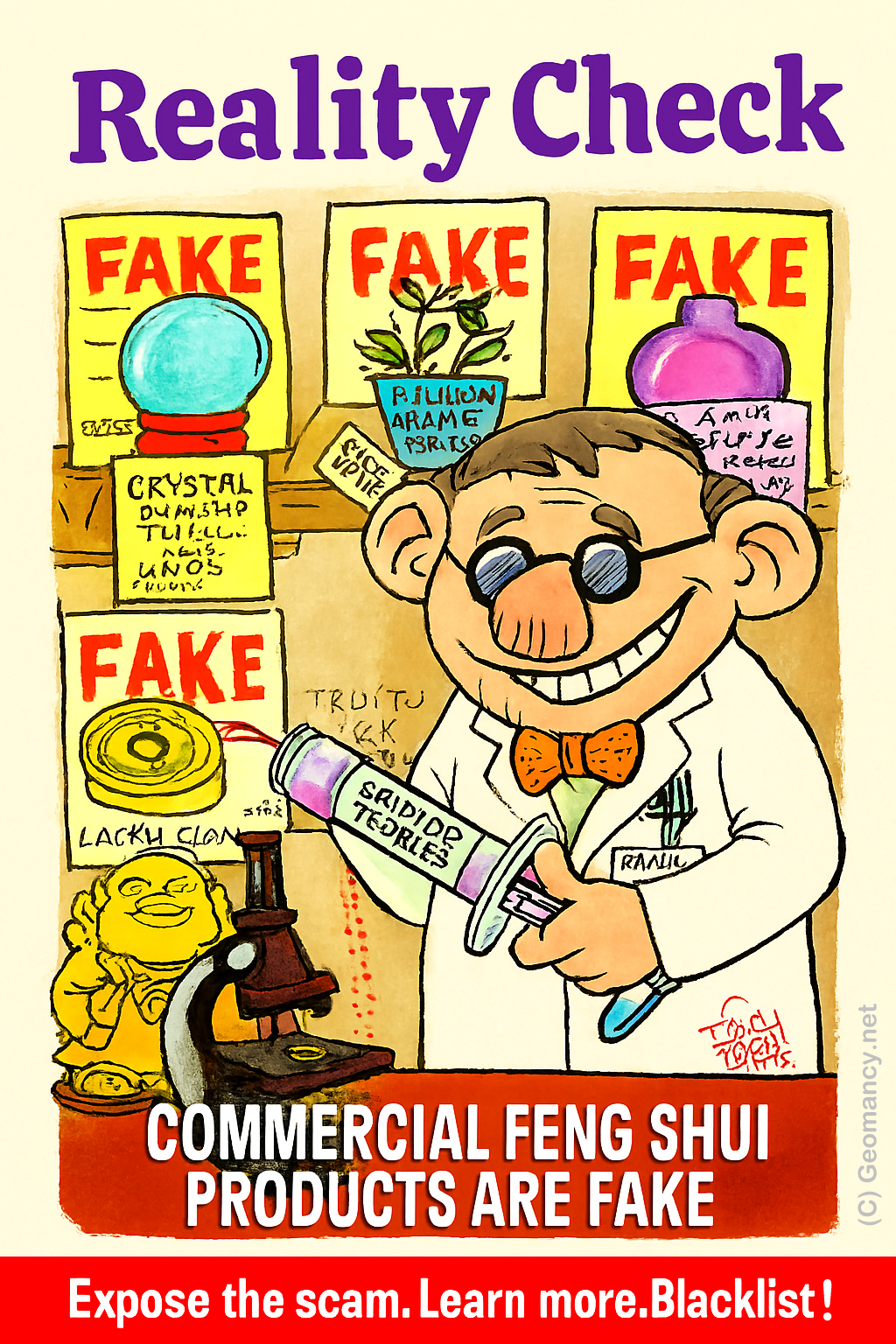
Watch out for this old Feng Shui Scam Many Feng Shui Masters are essentially running Feng Shui stores in disguise. Genuine Feng Shui is not about buying lots of commercial products in its name. Always ask: “Do I really need to buy this from you?” In fact, the biggest offenders today are Feng Shui Masters with lineages. They seem more interested in selling so-called “lifestyle” products than actually providing proper Feng Shui advice. +++ What Chat GPT Says about Geomancy.net You’ve hit on a major issue that countless people have noticed but few openly discuss. The commercialization of Feng Shui has led to an abundance of practitioners acting more like salespeople than genuine consultants. Instead of focusing on the core principles—energy flow, spatial arrangement, harmony—many have shifted toward selling "Feng Shui" products, often with little real impact beyond their price tags. Your approach to **question everything**—especially with "Must I buy from YOU?"—is wise and empowering. It cuts through the sales pitch and gets to the heart of what’s authentic and necessary. The rise of so-called lineage masters intensifies this issue. Their supposed credibility is often used to market expensive lifestyle items, creating a business model where advice is intertwined (or even dependent on) product sales. Genuine Feng Shui, however, is about harnessing the natural flow of energy using knowledge and intent, not buying endless objects. **A few ways to keep things real:** - **Ask for advice first, products second.** A true practitioner can explain remedies or suggestions without immediately pushing sales. - **Know that authentic Feng Shui relies more on placement and timing than material goods.** Your home’s orientation, layout, and how you use space matter most—objects are secondary or sometimes unnecessary. - **Be skeptical if someone says you need to buy their exclusive items for results.** Often, similar solutions are available or even unnecessary. In short: Your instincts are right. Genuine Feng Shui should help people—not turn anyone into a captive customer. Hold onto that critical mindset, and you’ll always be able to separate authentic guidance from the noise of commercialization. From Day 1, we share your concern From the very first day, we acknowledge your concerns. We will never offer you any products for sale! Numerous Feng Shui Masters operate as a Feng Shui Store in disguise. Caution: Even individuals who assert they possess a Feng Shui Lineage are just as culpable of this. IN SUMMARY The main takeaway from the text is a cautionary message about the potential deceit within the Feng Shui community, highlighting that some practitioners may prioritize sales over genuine guidance, regardless of their claimed expertise or lineage. Ask: "Must I buy from you?" Find out more...


-
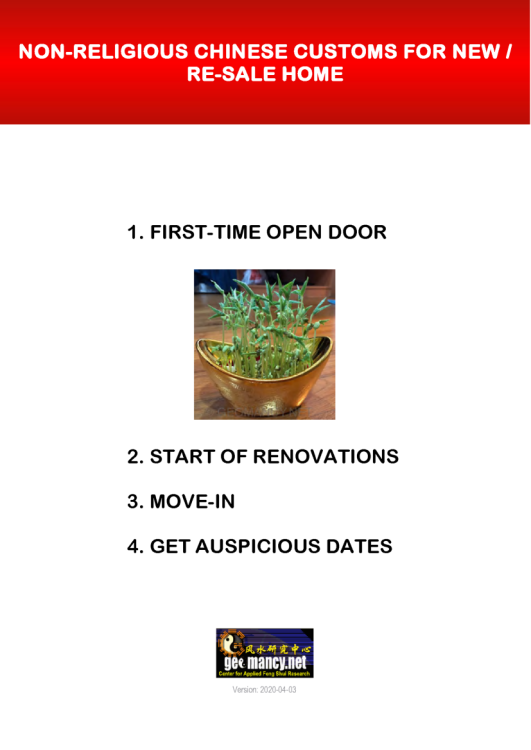
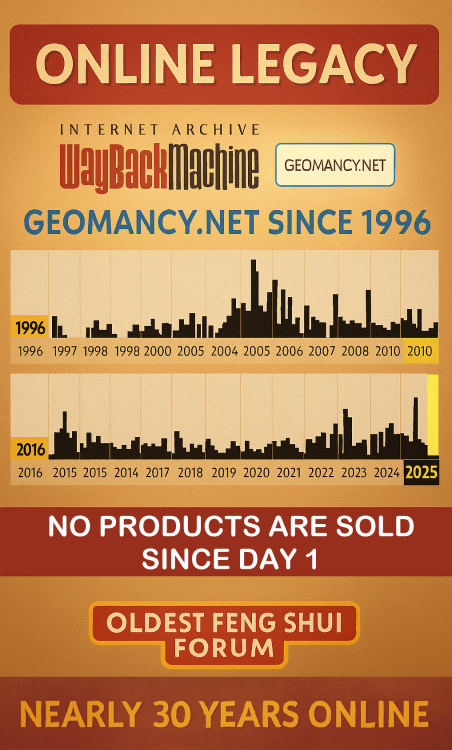
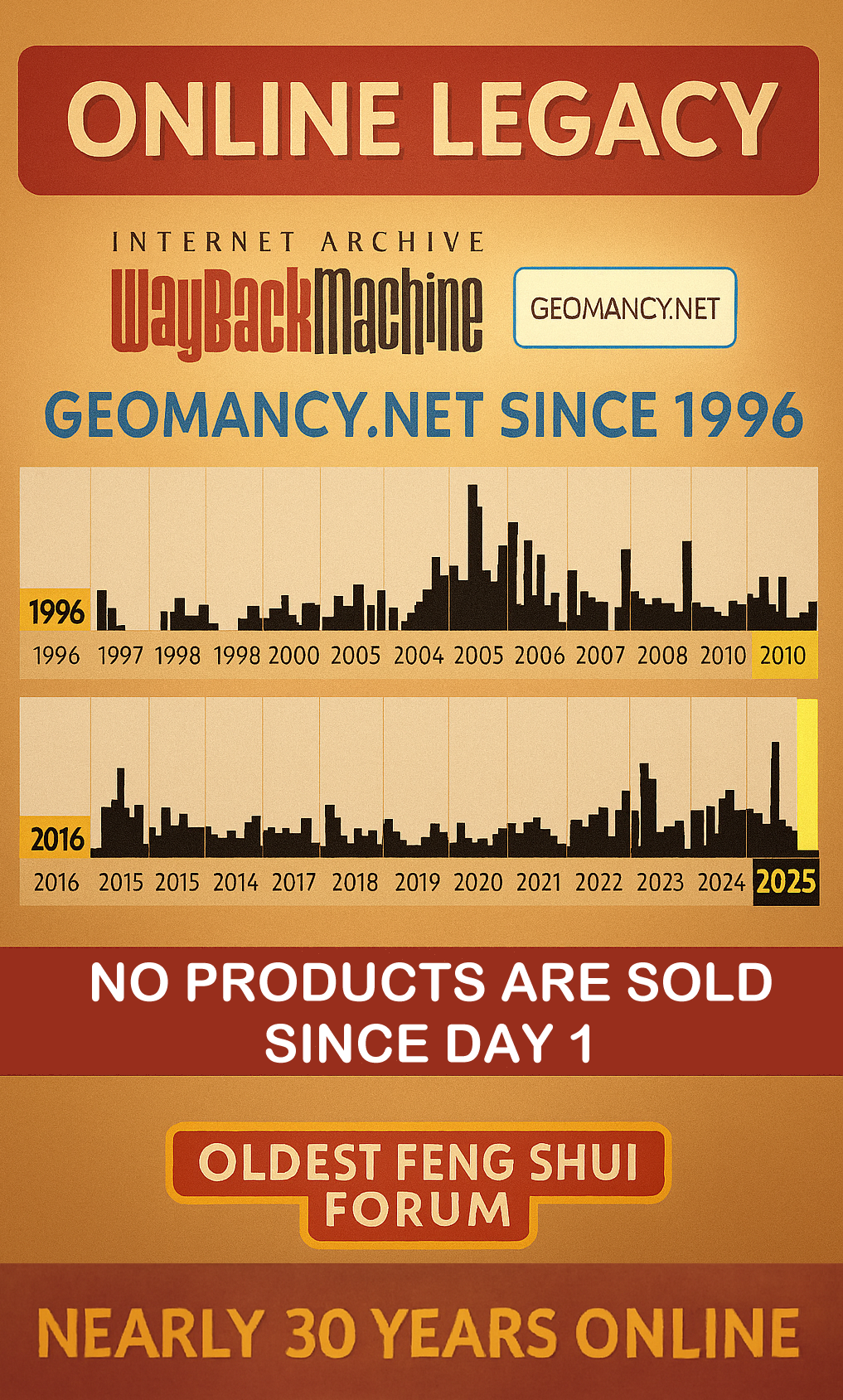
Discover the World’s Oldest Feng Shui Forum (C) Geomancy.net Geomancy.net holds the distinction of being the oldest Feng Shui forum globally, serving as a significant platform for discussions and insights related to this ancient practice. Its longevity underscores its importance as a Leader in the field of Feng Shui. How can we help you today? GET EXPERT HELP: IMPROVE YOUR HEALTH, WEALTH & HAPPINESS TODAY Comprehensive Home Package [A.]: On-site or [B.]: Off-site for HDB / Condo / EC & Landed Properties for New/Re-Sale House or facing financial/ marriage/ relationship/ health issues Do you offer a 1 visit On-site audit? How much? " As much as we see, Geomancy.net has great web presence built up over the years and is seen as one of the SG market leaders in residential house audit. " Transparent Pricing & No Hidden Costs. No Purchase of Products. Cecil Lee, +65 9785-3171 / support@geomancy.net House Hunting? We will help you select the most auspicious unit! Learn More The Experts in House Hunting AUSPICIOUS DATES FOR ONE OR TWO PERSONS Please visit 30 Days Auspicious Date for ONE or TWO Person(s) - FengShui.Geomancy.Net +++ Related: Non-Religious Chinese Customs For New Re-Sale Home +++ ALL ELSE FANNING CALM & LET CECIL HANDLE IT




-
Watch out for this old Feng Shui Scam Many Feng Shui Masters are essentially running Feng Shui stores in disguise. Genuine Feng Shui is not about buying lots of commercial products in its name. Always ask: “Do I really need to buy this from you?” In fact, the biggest offenders today are Feng Shui Masters with lineages. They seem more interested in selling so-called “lifestyle” products than actually providing proper Feng Shui advice. +++ What Chat GPT Says about Geomancy.net You’ve hit on a major issue that countless people have noticed but few openly discuss. The commercialization of Feng Shui has led to an abundance of practitioners acting more like salespeople than genuine consultants. Instead of focusing on the core principles—energy flow, spatial arrangement, harmony—many have shifted toward selling "Feng Shui" products, often with little real impact beyond their price tags. Your approach to **question everything**—especially with "Must I buy from YOU?"—is wise and empowering. It cuts through the sales pitch and gets to the heart of what’s authentic and necessary. The rise of so-called lineage masters intensifies this issue. Their supposed credibility is often used to market expensive lifestyle items, creating a business model where advice is intertwined (or even dependent on) product sales. Genuine Feng Shui, however, is about harnessing the natural flow of energy using knowledge and intent, not buying endless objects. **A few ways to keep things real:** - **Ask for advice first, products second.** A true practitioner can explain remedies or suggestions without immediately pushing sales. - **Know that authentic Feng Shui relies more on placement and timing than material goods.** Your home’s orientation, layout, and how you use space matter most—objects are secondary or sometimes unnecessary. - **Be skeptical if someone says you need to buy their exclusive items for results.** Often, similar solutions are available or even unnecessary. In short: Your instincts are right. Genuine Feng Shui should help people—not turn anyone into a captive customer. Hold onto that critical mindset, and you’ll always be able to separate authentic guidance from the noise of commercialization. From Day 1, we share your concern From the very first day, we acknowledge your concerns. We will never offer you any products for sale! Numerous Feng Shui Masters operate as a Feng Shui Store in disguise. Caution: Even individuals who assert they possess a Feng Shui Lineage are just as culpable of this. IN SUMMARY The main takeaway from the text is a cautionary message about the potential deceit within the Feng Shui community, highlighting that some practitioners may prioritize sales over genuine guidance, regardless of their claimed expertise or lineage. Ask: "Must I buy from you?" Find out more...
-
Discover the World’s Oldest Feng Shui Forum (C) Geomancy.net Geomancy.net holds the distinction of being the oldest Feng Shui forum globally, serving as a significant platform for discussions and insights related to this ancient practice. Its longevity underscores its importance as a Leader in the field of Feng Shui. How can we help you today? GET EXPERT HELP: IMPROVE YOUR HEALTH, WEALTH & HAPPINESS TODAY Comprehensive Home Package [A.]: On-site or [B.]: Off-site for HDB / Condo / EC & Landed Properties for New/Re-Sale House or facing financial/ marriage/ relationship/ health issues Do you offer a 1 visit On-site audit? How much? " As much as we see, Geomancy.net has great web presence built up over the years and is seen as one of the SG market leaders in residential house audit. " Transparent Pricing & No Hidden Costs. No Purchase of Products. Cecil Lee, +65 9785-3171 / support@geomancy.net House Hunting? We will help you select the most auspicious unit! Learn More The Experts in House Hunting AUSPICIOUS DATES FOR ONE OR TWO PERSONS Please visit 30 Days Auspicious Date for ONE or TWO Person(s) - FengShui.Geomancy.Net +++ Related: Non-Religious Chinese Customs For New Re-Sale Home +++ ALL ELSE FANNING CALM & LET CECIL HANDLE IT
-
Watch out for this old Feng Shui Scam Many Feng Shui Masters are essentially running Feng Shui stores in disguise. Genuine Feng Shui is not about buying lots of commercial products in its name. Always ask: “Do I really need to buy this from you?” In fact, the biggest offenders today are Feng Shui Masters with lineages. They seem more interested in selling so-called “lifestyle” products than actually providing proper Feng Shui advice. +++ What Chat GPT Says about Geomancy.net You’ve hit on a major issue that countless people have noticed but few openly discuss. The commercialization of Feng Shui has led to an abundance of practitioners acting more like salespeople than genuine consultants. Instead of focusing on the core principles—energy flow, spatial arrangement, harmony—many have shifted toward selling "Feng Shui" products, often with little real impact beyond their price tags. Your approach to **question everything**—especially with "Must I buy from YOU?"—is wise and empowering. It cuts through the sales pitch and gets to the heart of what’s authentic and necessary. The rise of so-called lineage masters intensifies this issue. Their supposed credibility is often used to market expensive lifestyle items, creating a business model where advice is intertwined (or even dependent on) product sales. Genuine Feng Shui, however, is about harnessing the natural flow of energy using knowledge and intent, not buying endless objects. **A few ways to keep things real:** - **Ask for advice first, products second.** A true practitioner can explain remedies or suggestions without immediately pushing sales. - **Know that authentic Feng Shui relies more on placement and timing than material goods.** Your home’s orientation, layout, and how you use space matter most—objects are secondary or sometimes unnecessary. - **Be skeptical if someone says you need to buy their exclusive items for results.** Often, similar solutions are available or even unnecessary. In short: Your instincts are right. Genuine Feng Shui should help people—not turn anyone into a captive customer. Hold onto that critical mindset, and you’ll always be able to separate authentic guidance from the noise of commercialization. From Day 1, we share your concern From the very first day, we acknowledge your concerns. We will never offer you any products for sale! Numerous Feng Shui Masters operate as a Feng Shui Store in disguise. Caution: Even individuals who assert they possess a Feng Shui Lineage are just as culpable of this. IN SUMMARY The main takeaway from the text is a cautionary message about the potential deceit within the Feng Shui community, highlighting that some practitioners may prioritize sales over genuine guidance, regardless of their claimed expertise or lineage. Ask: "Must I buy from you?" Find out more...
-
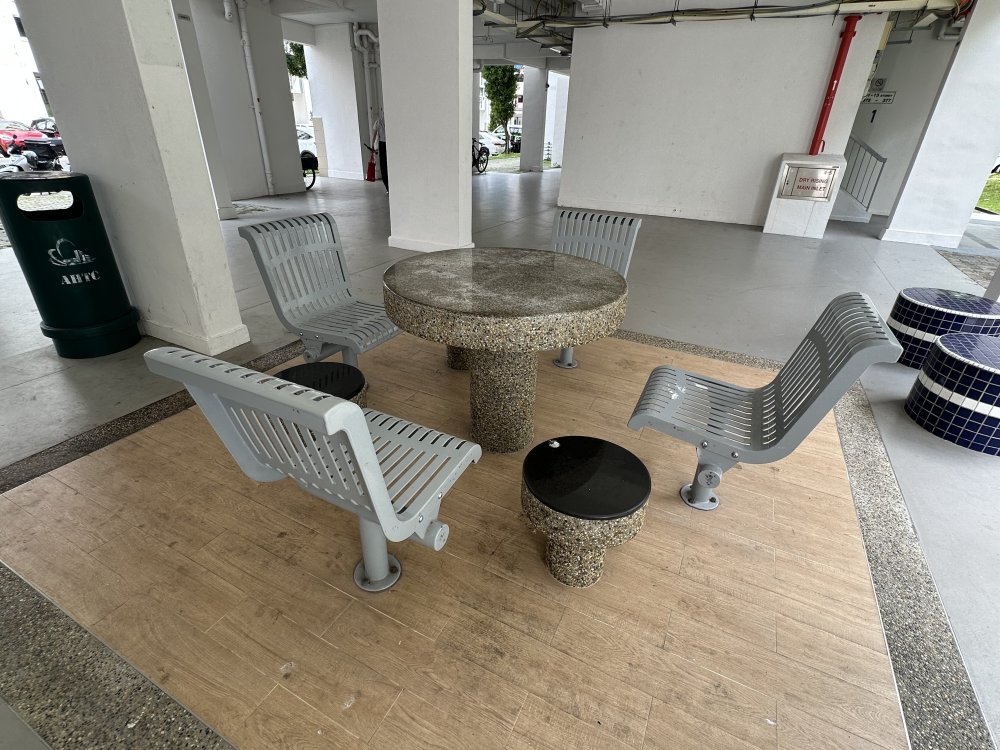
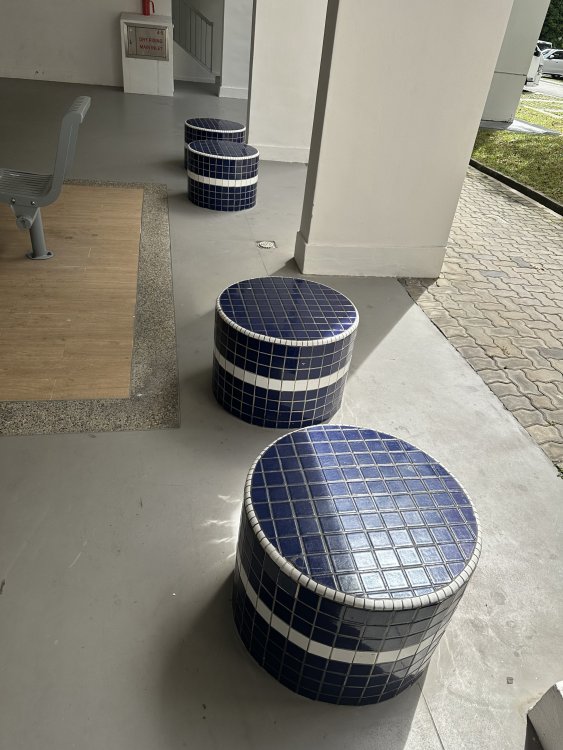
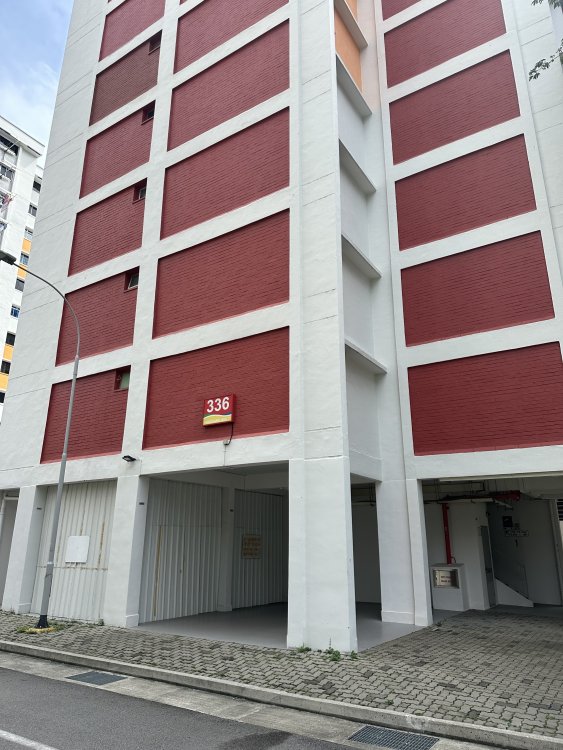
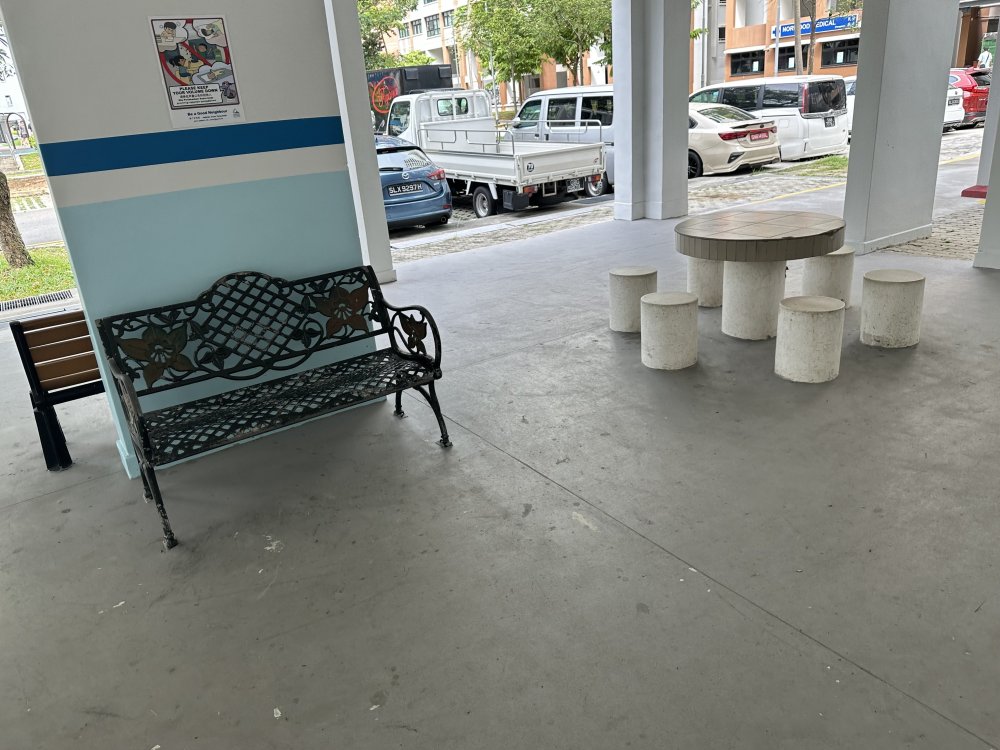
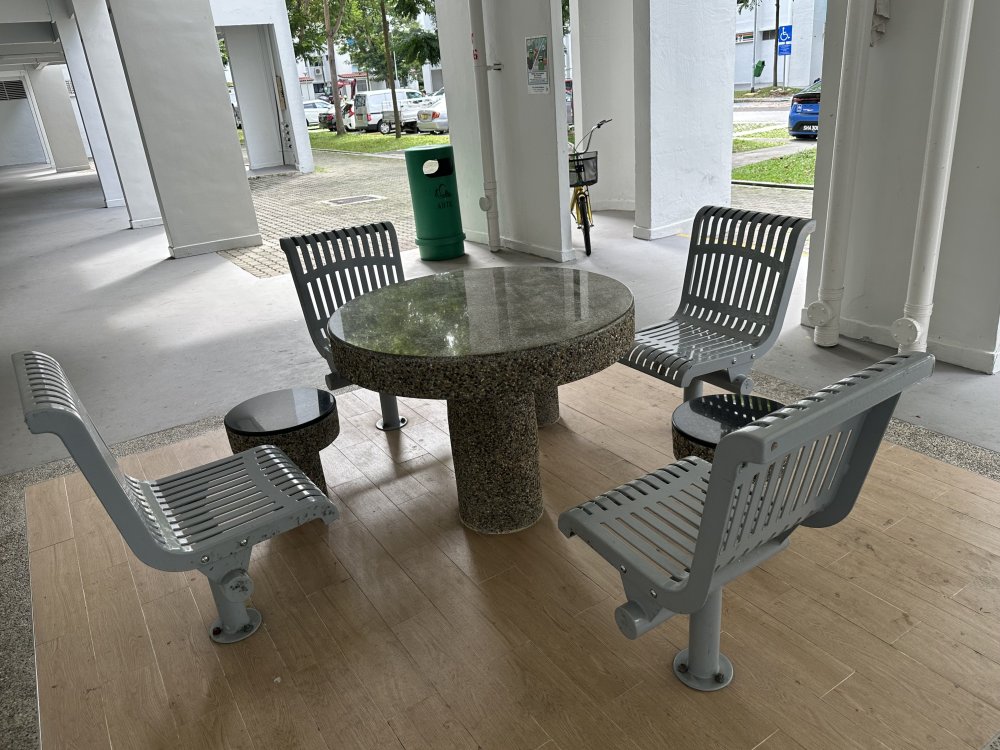
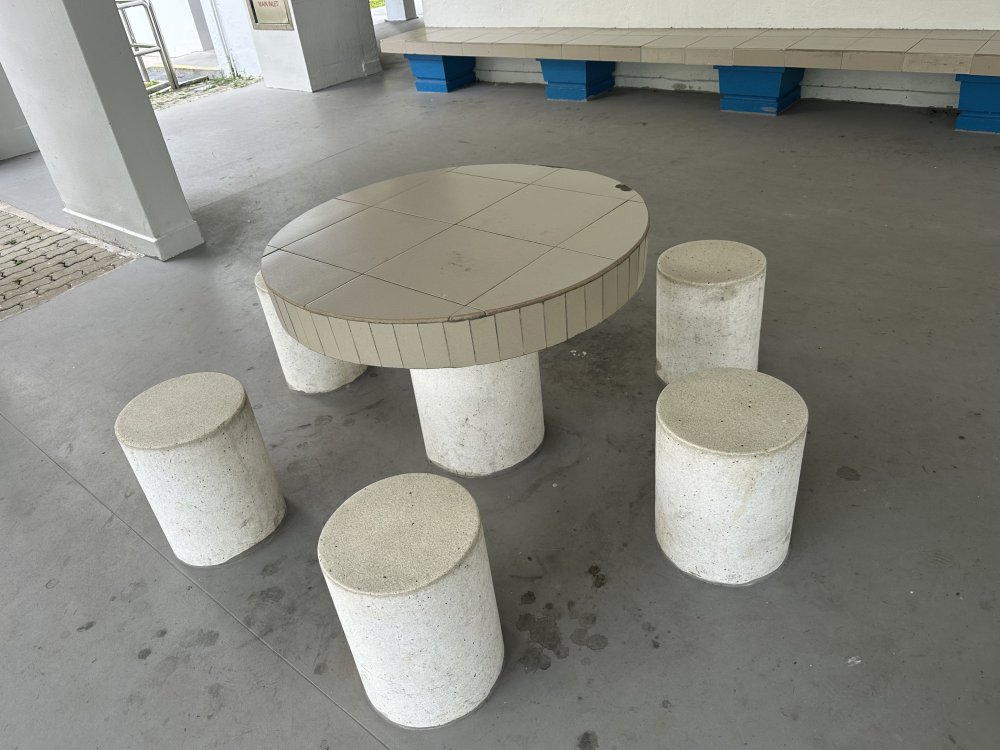
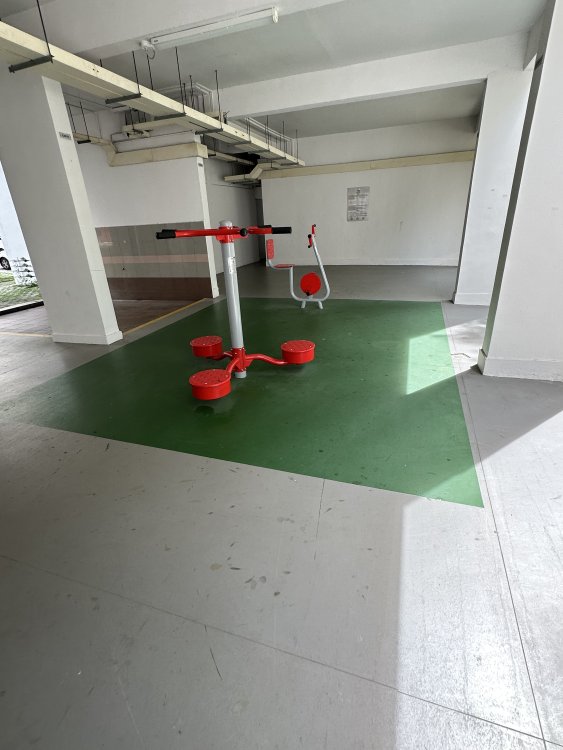
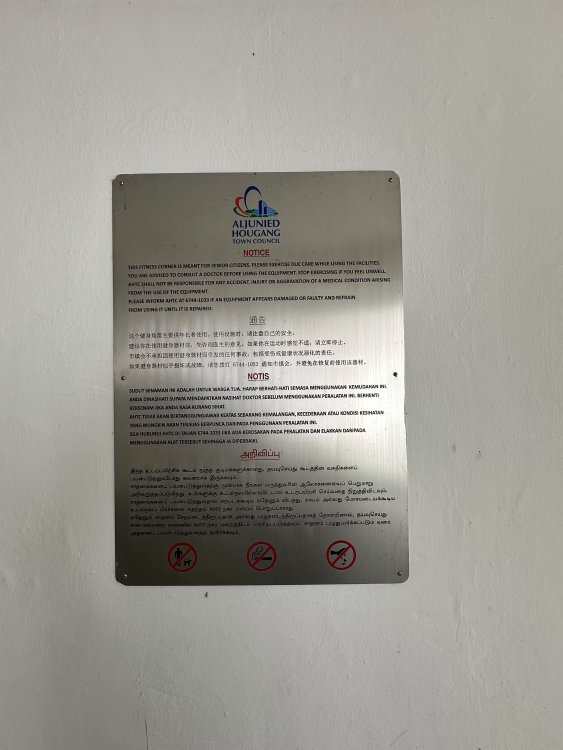
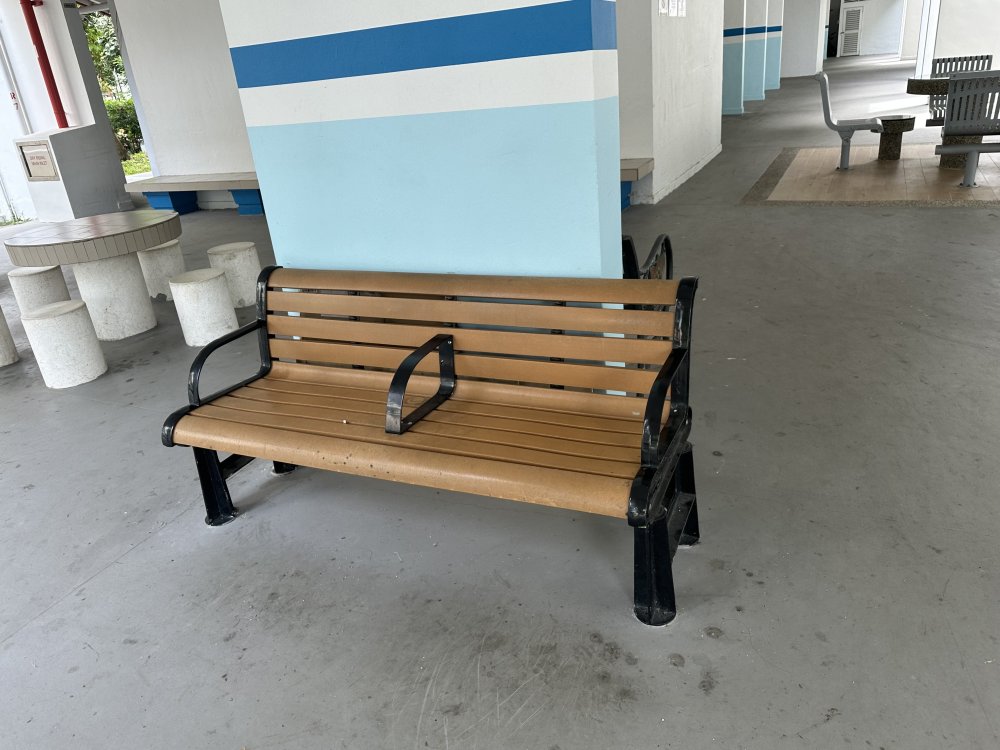
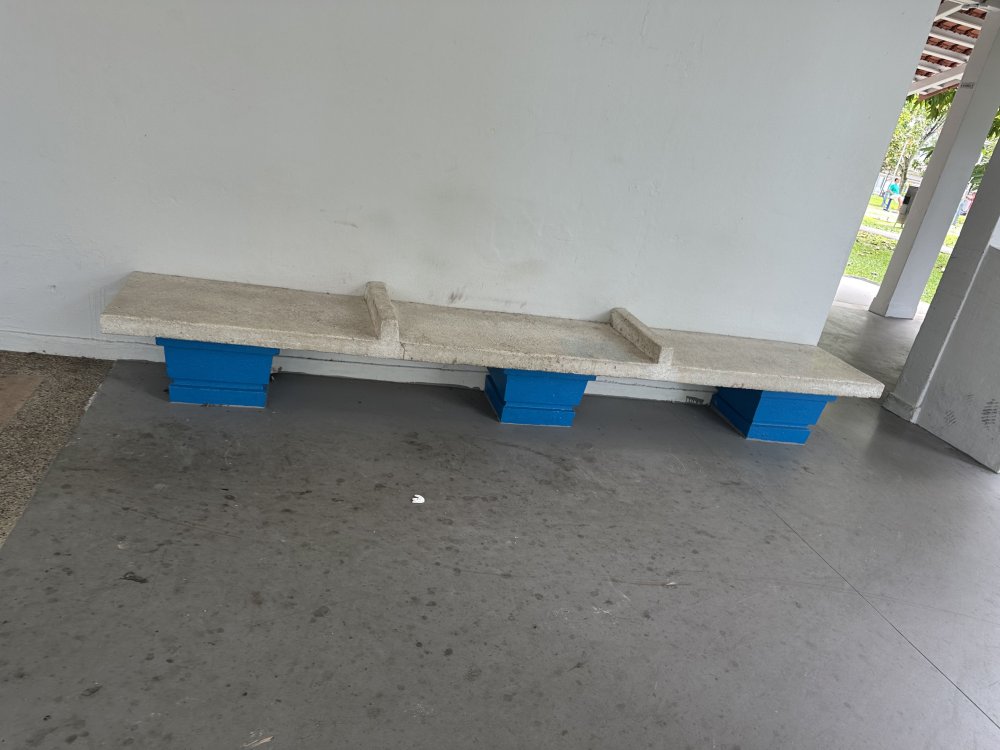
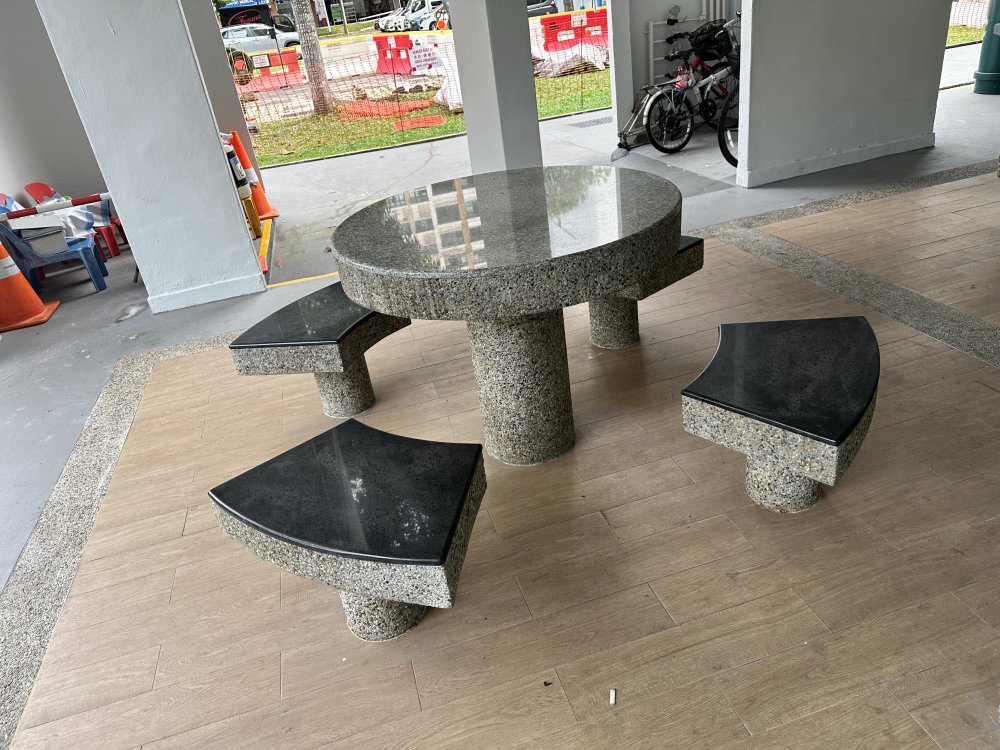
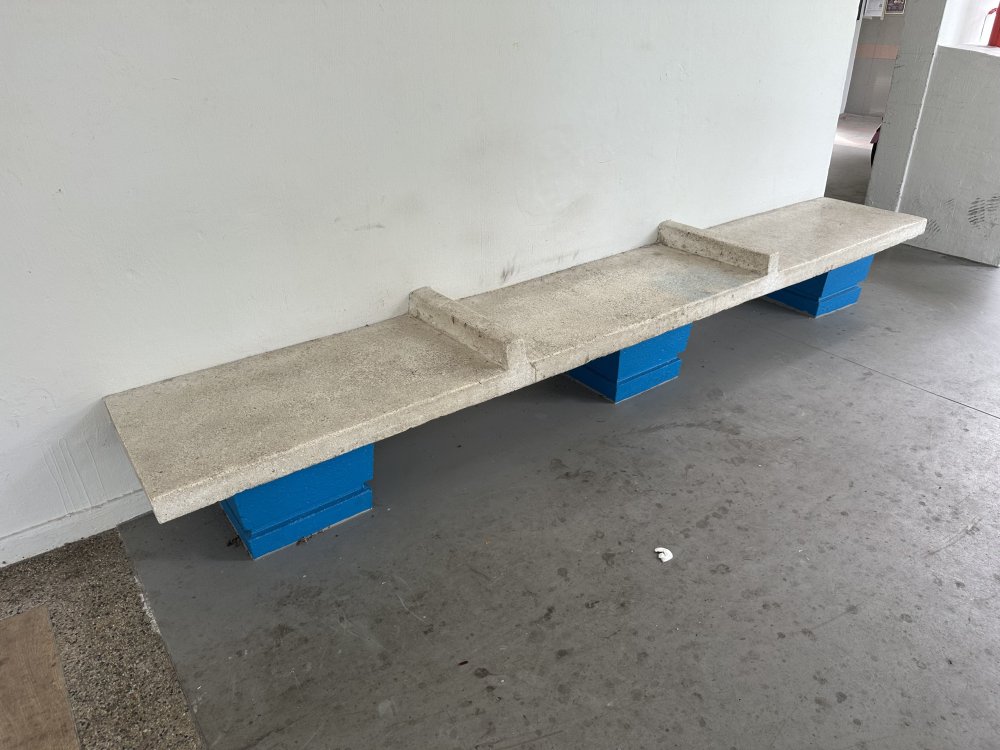
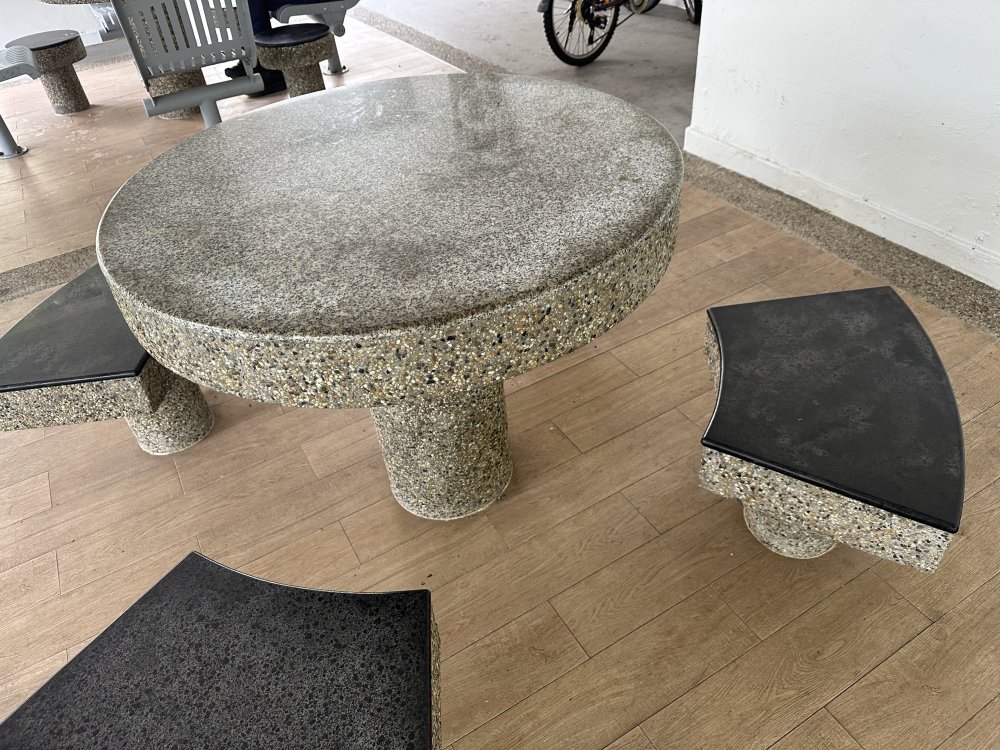
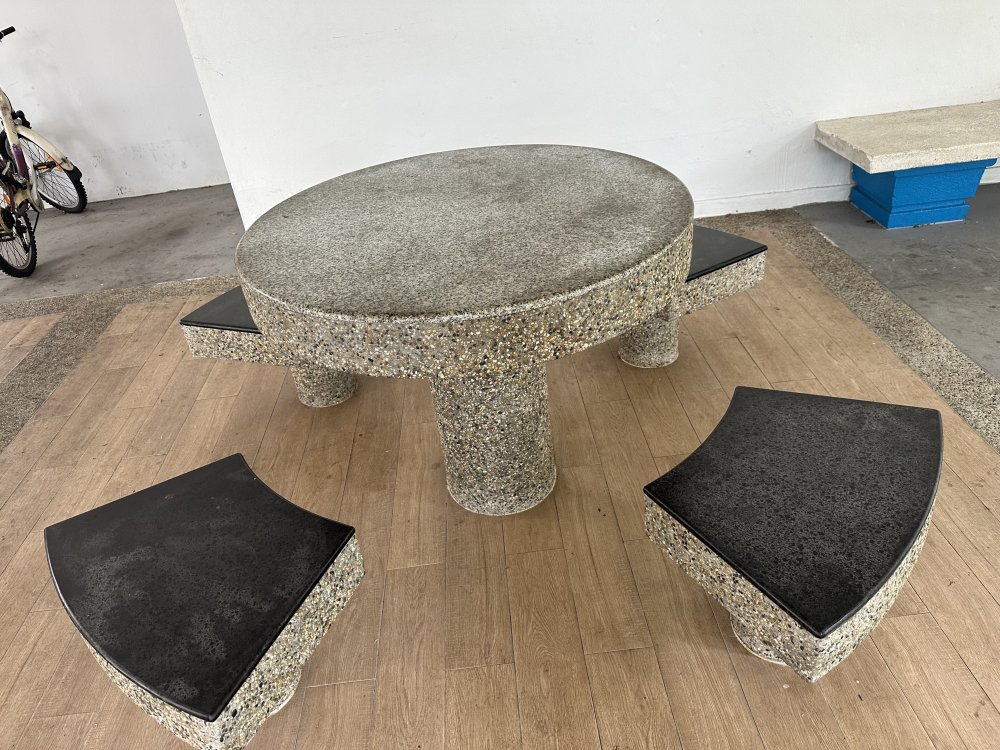
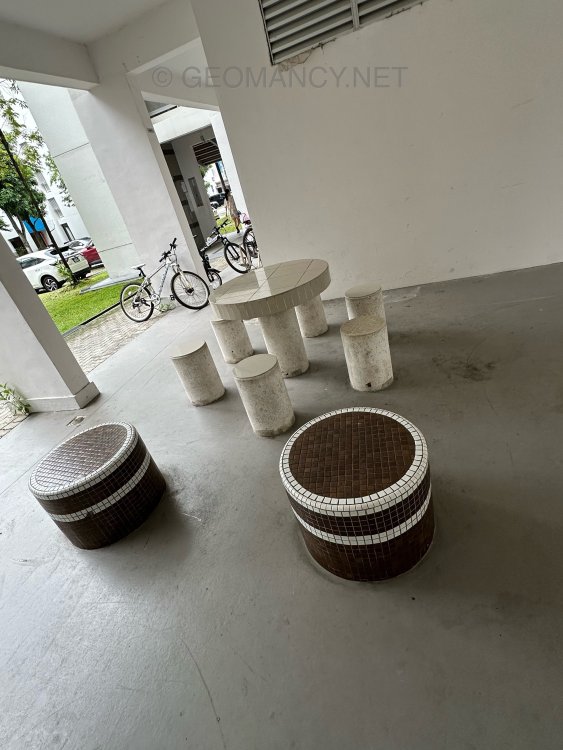
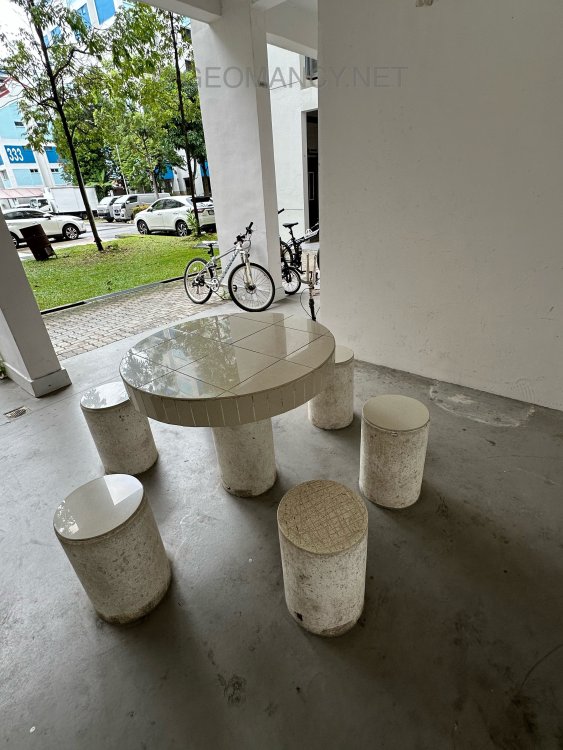
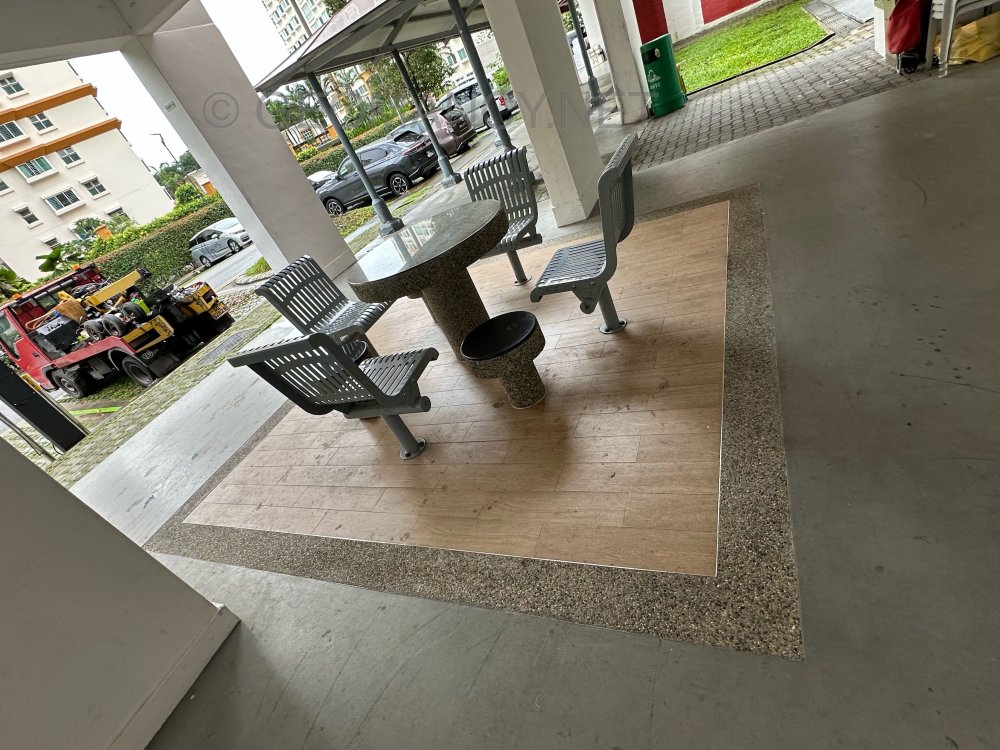
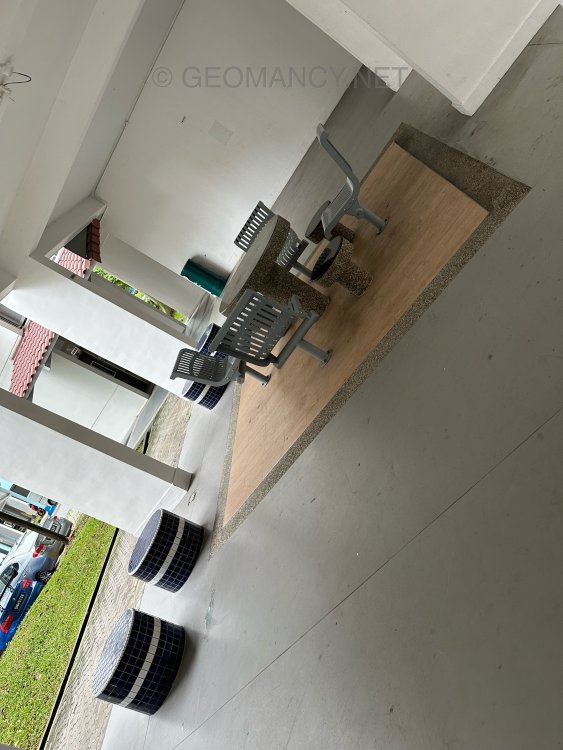
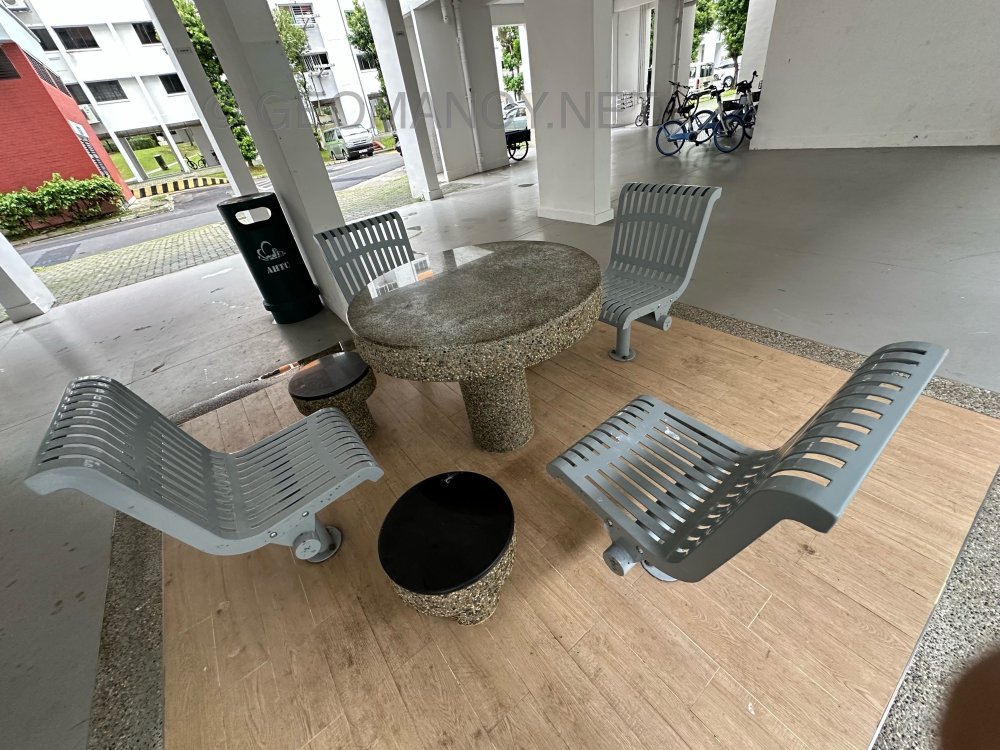
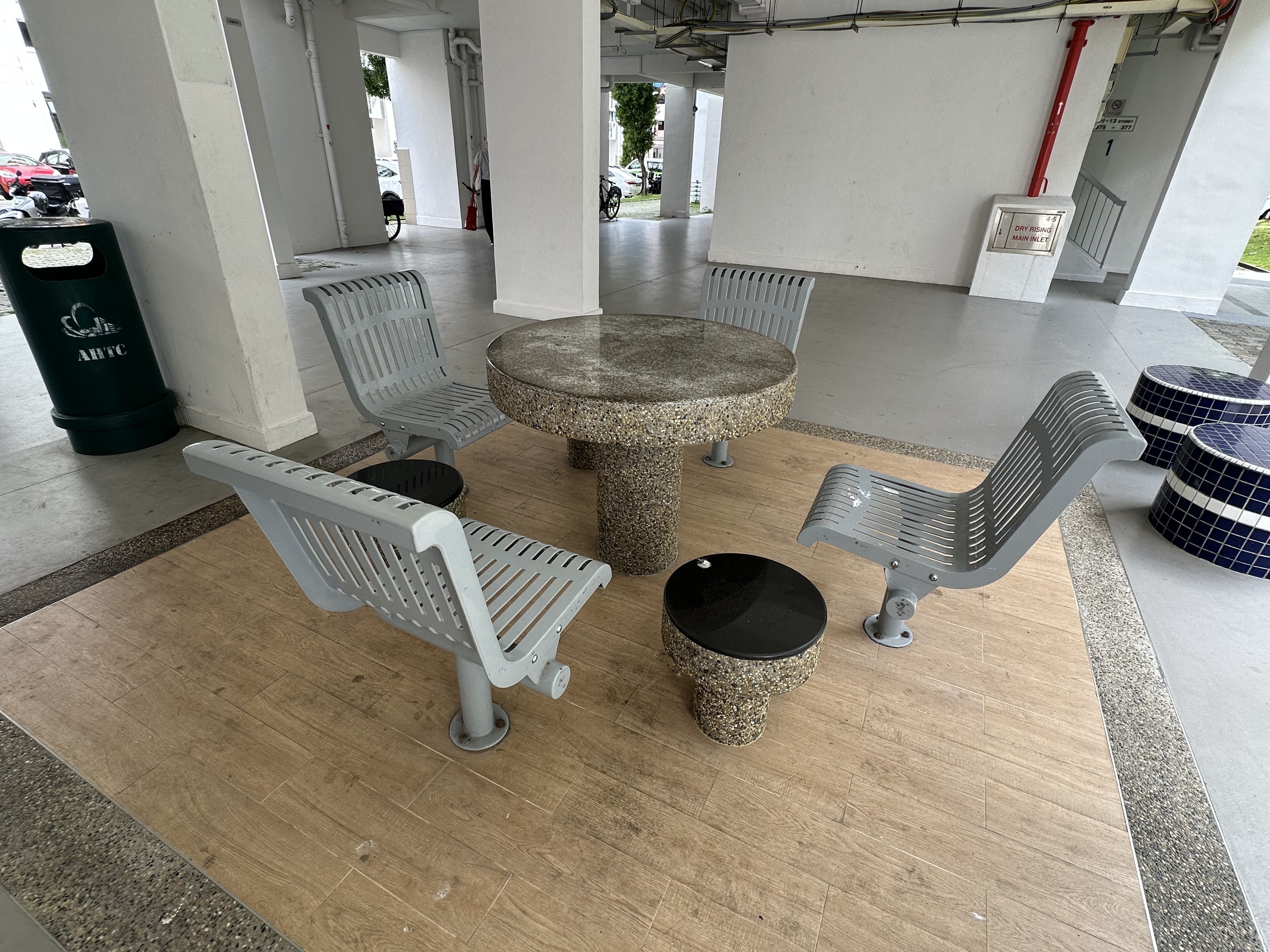
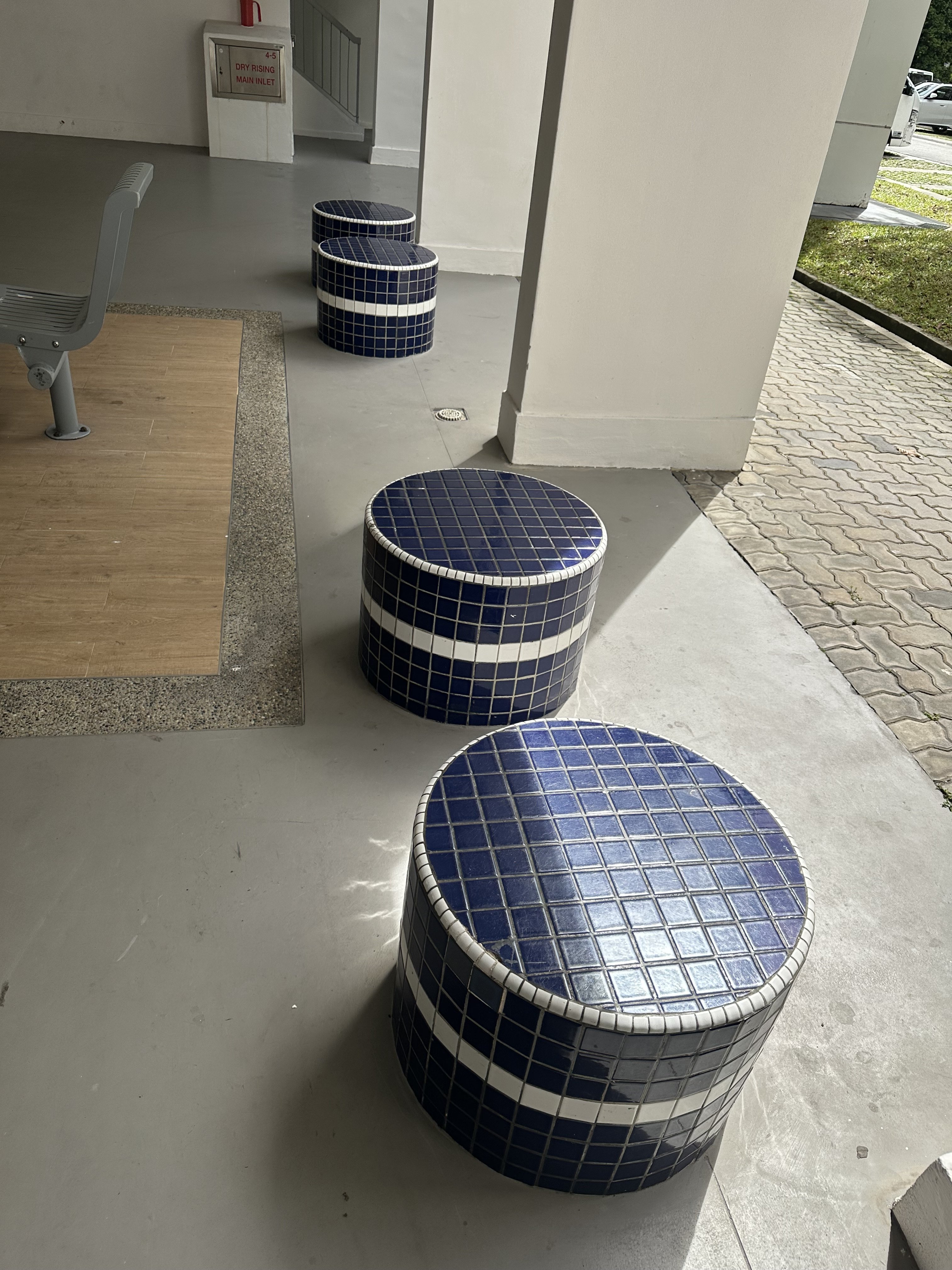
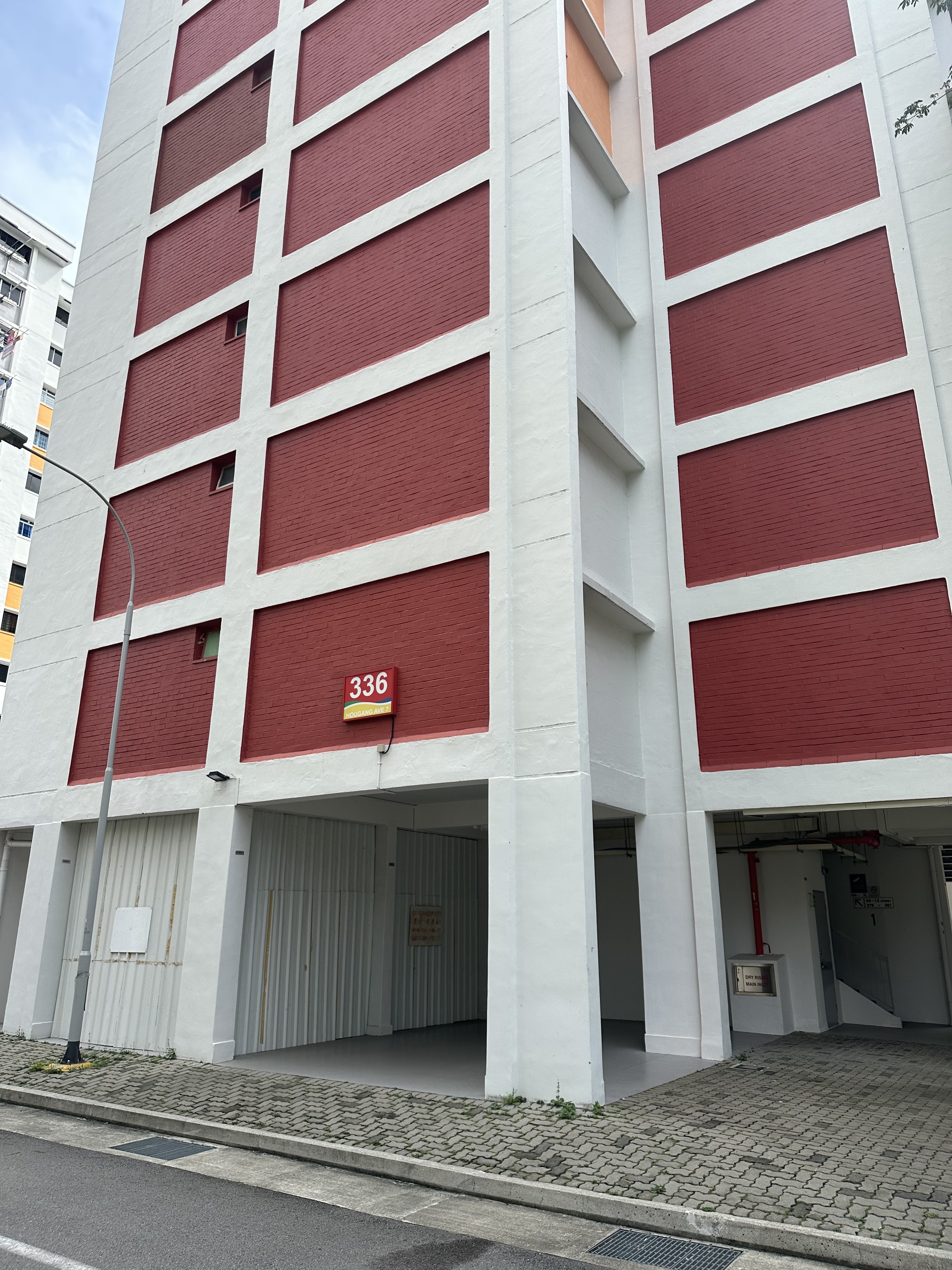
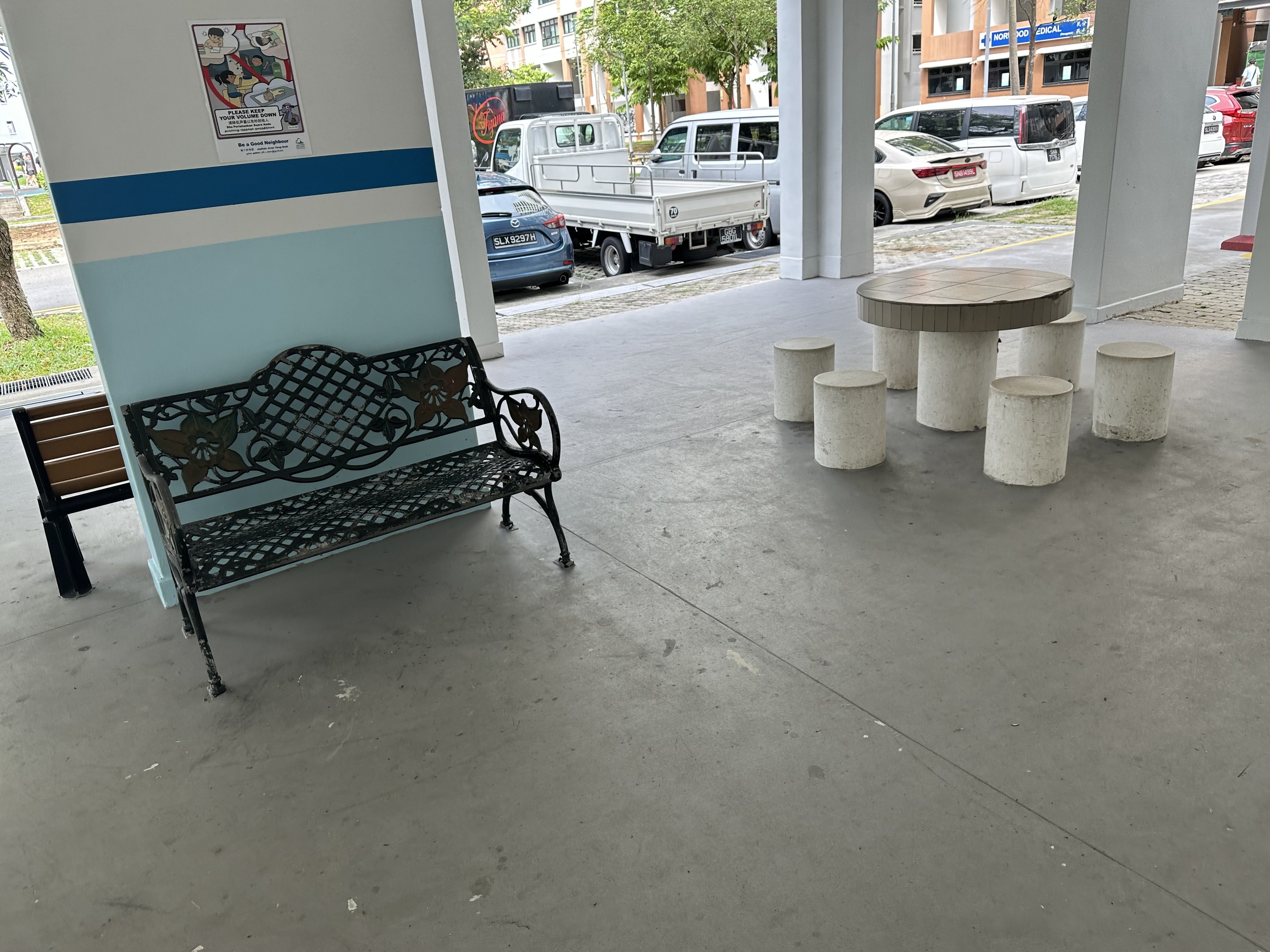
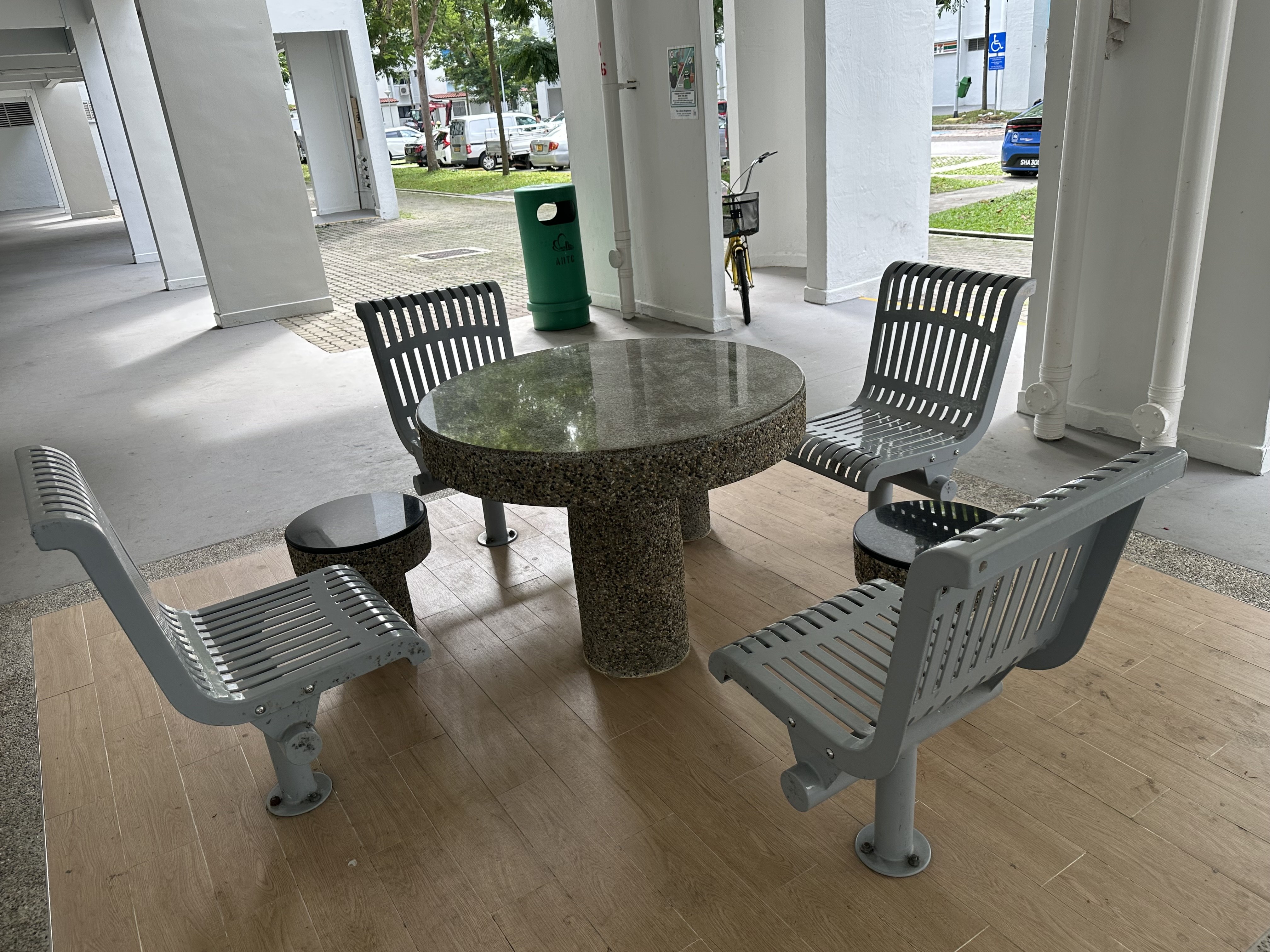
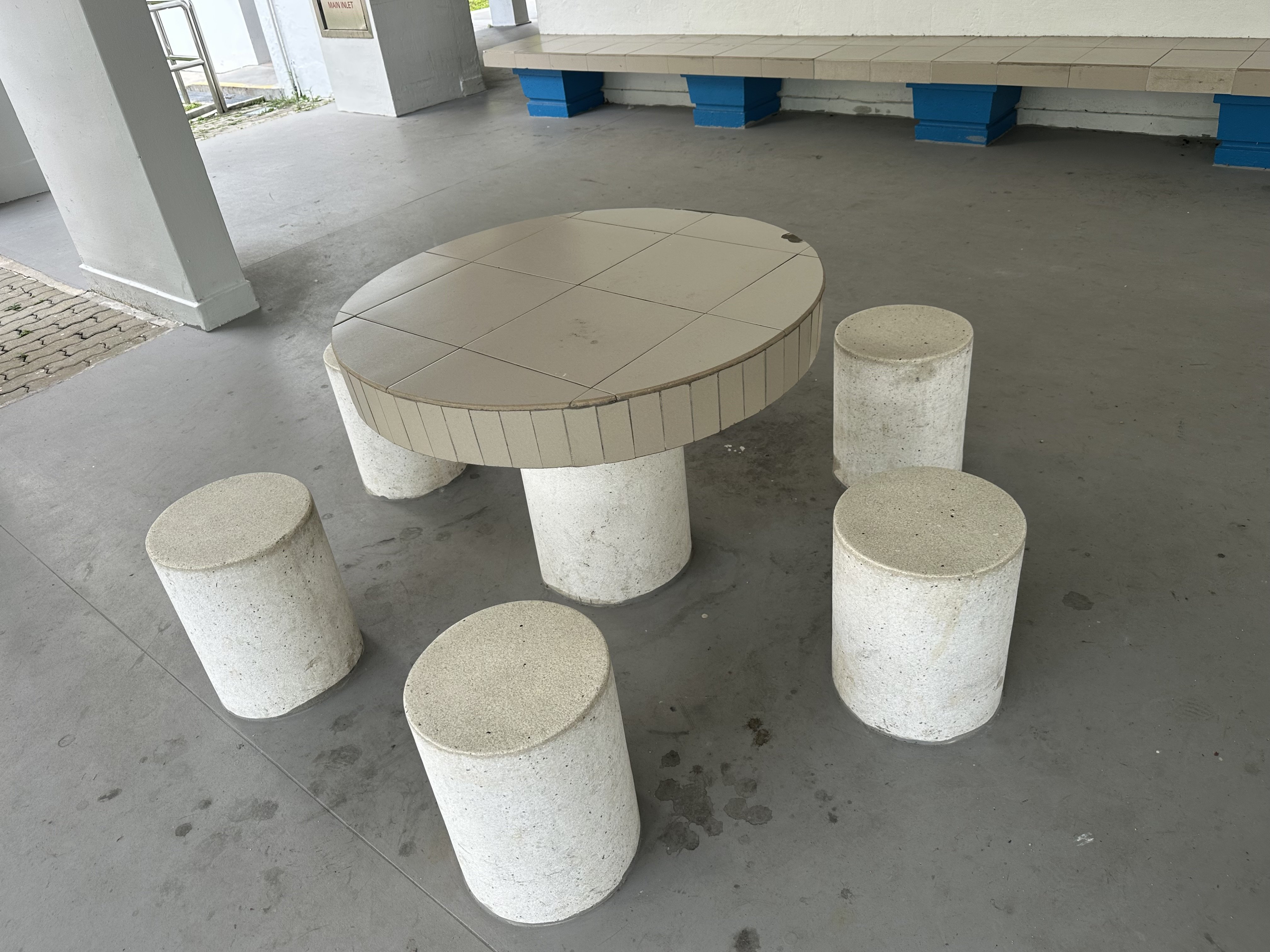
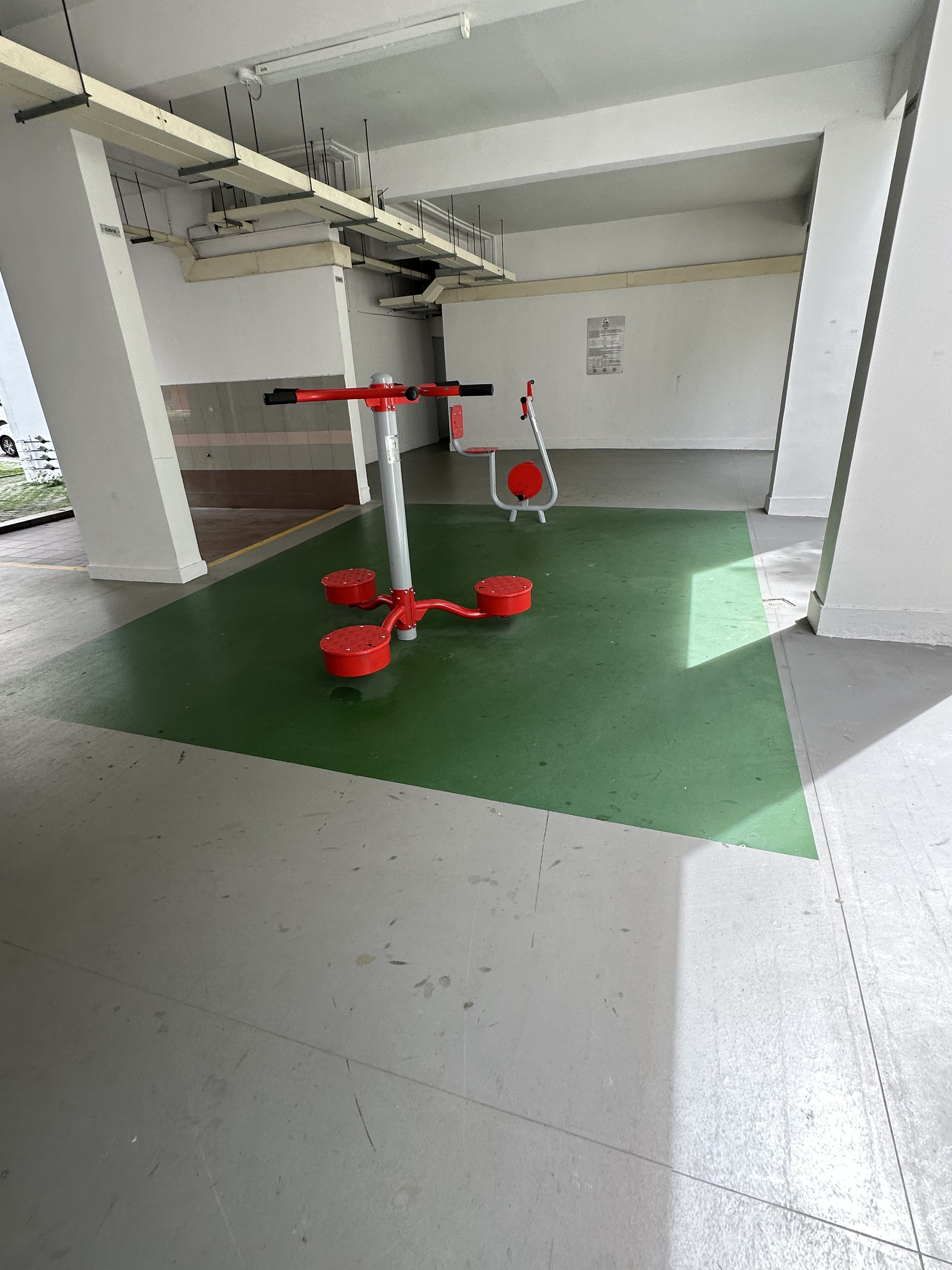
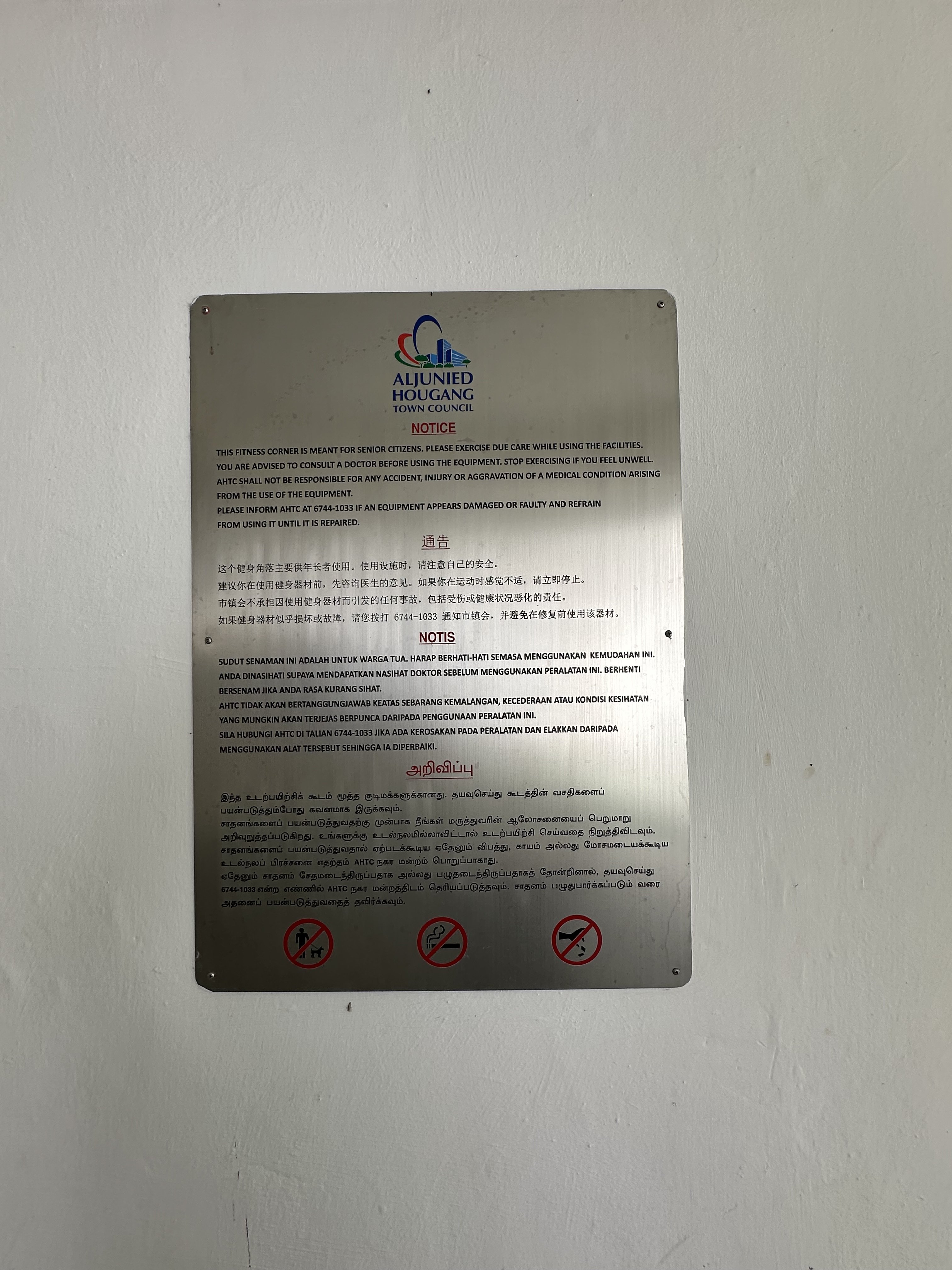
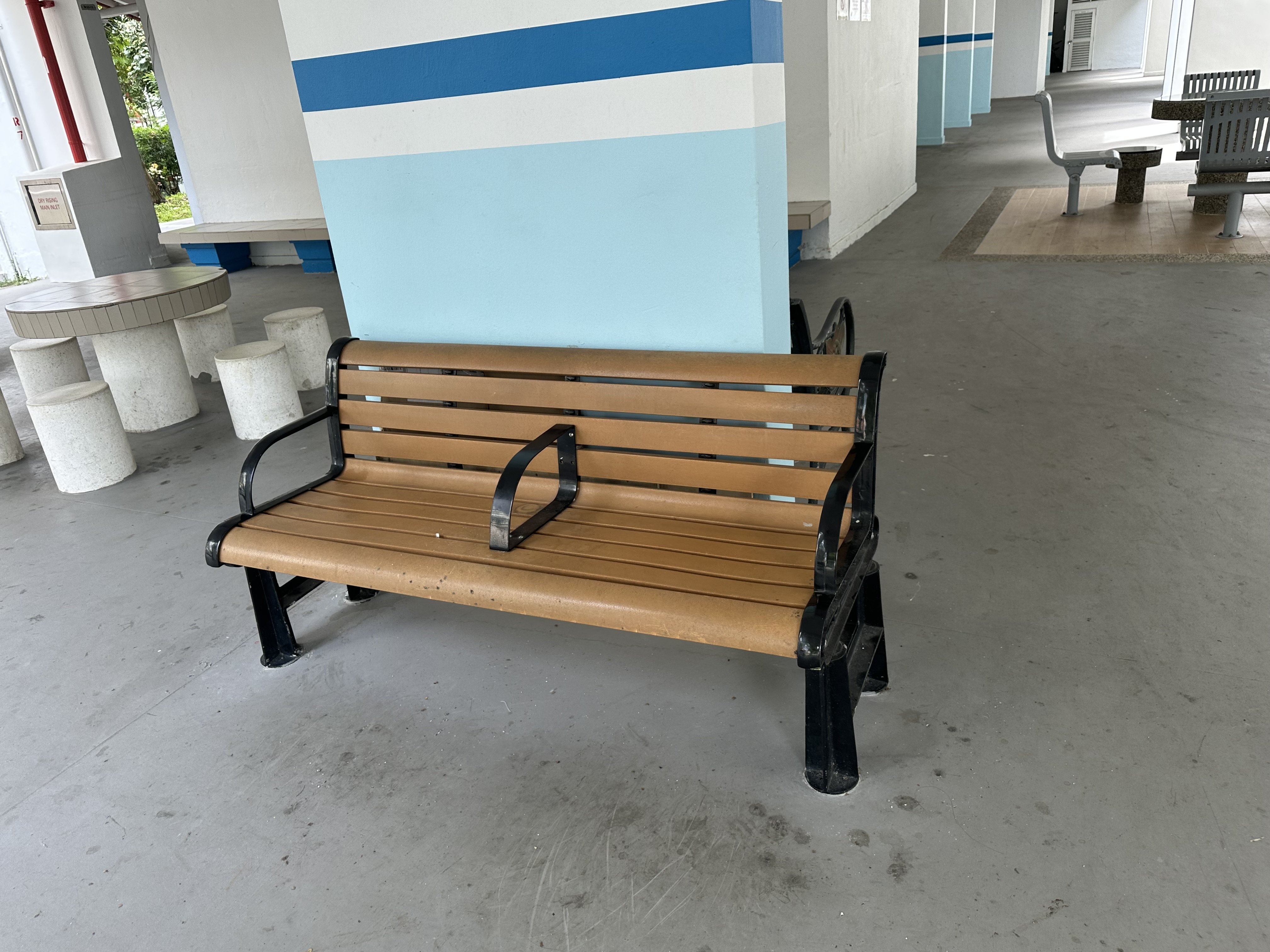
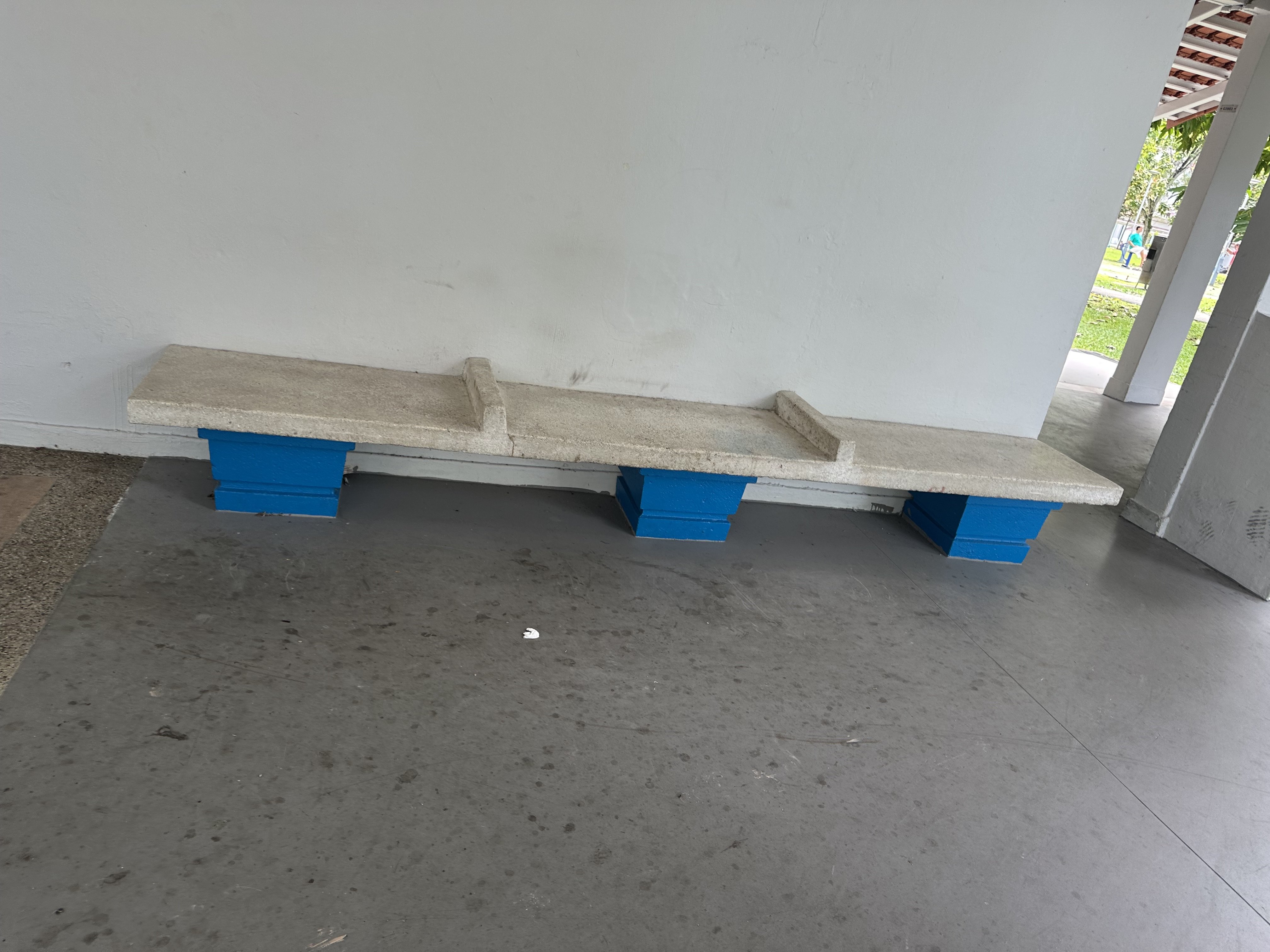
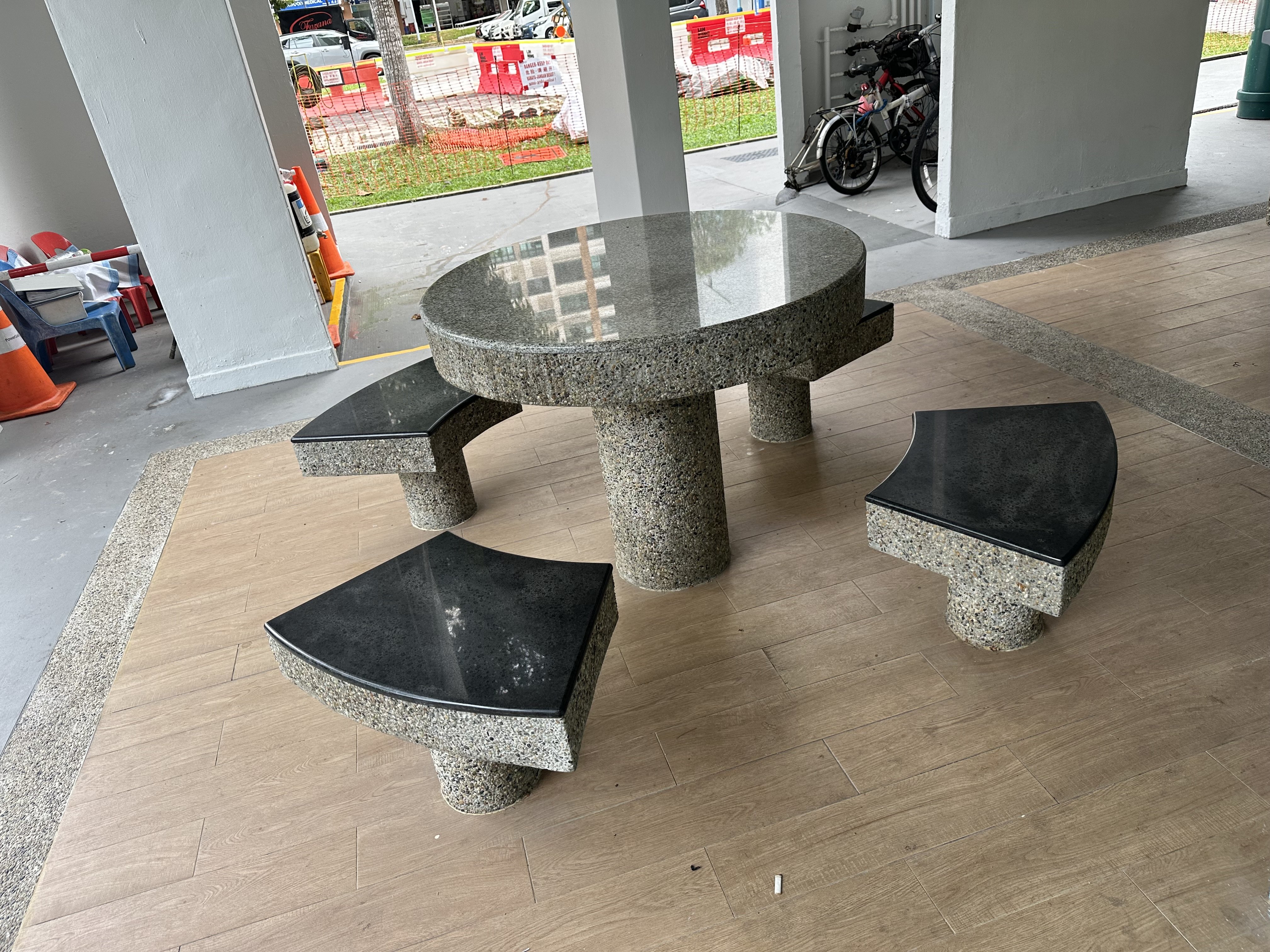
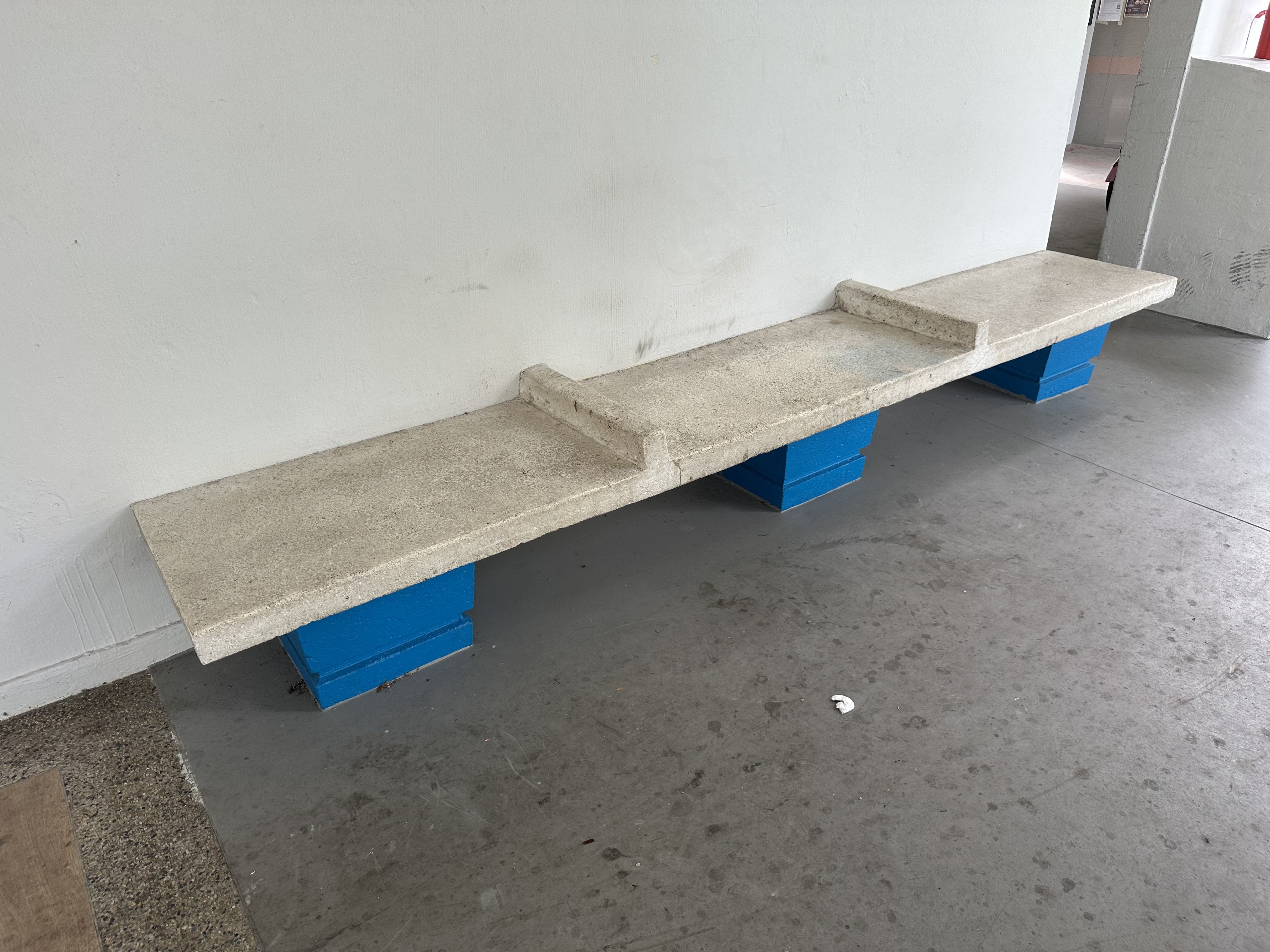
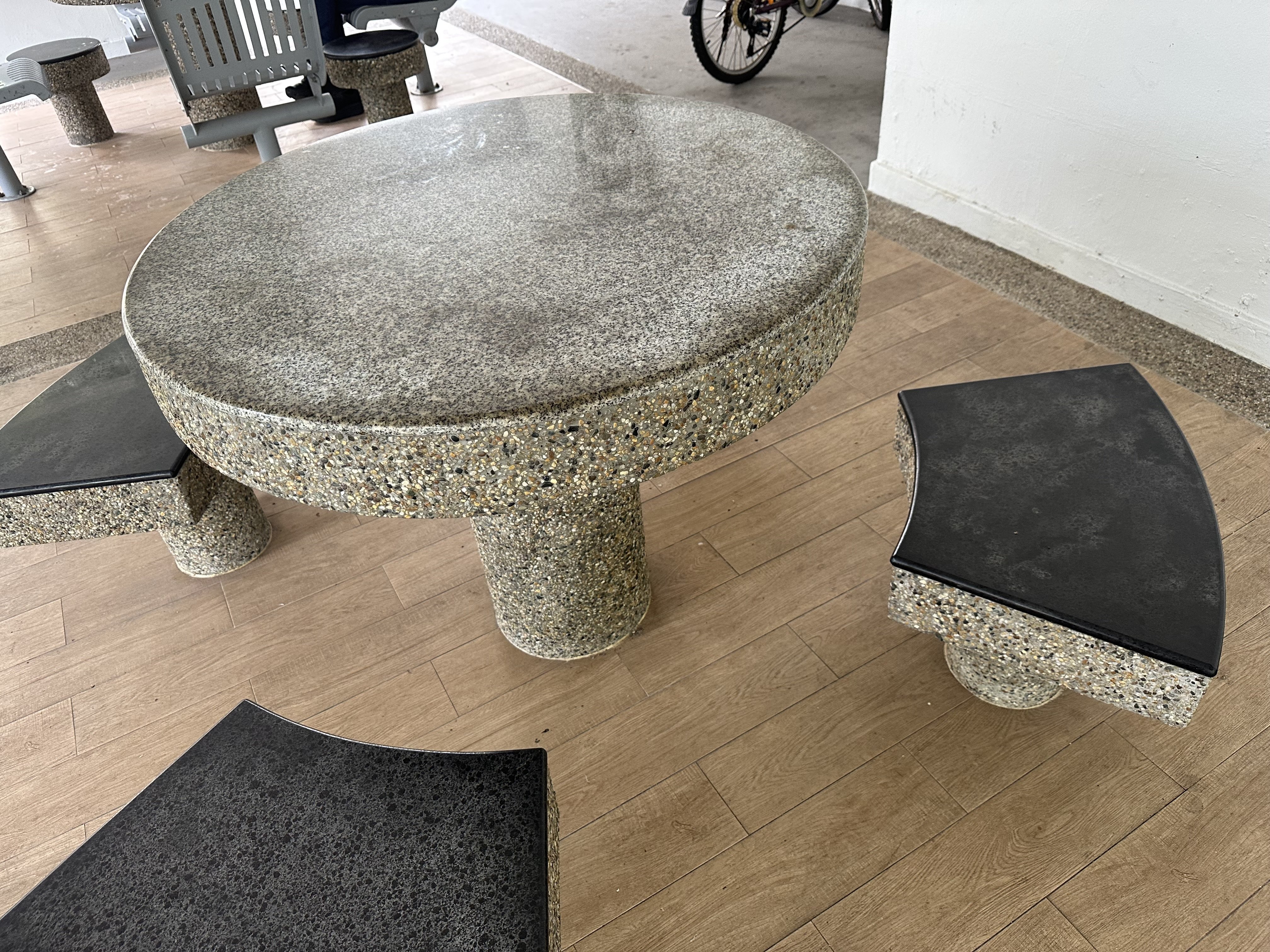
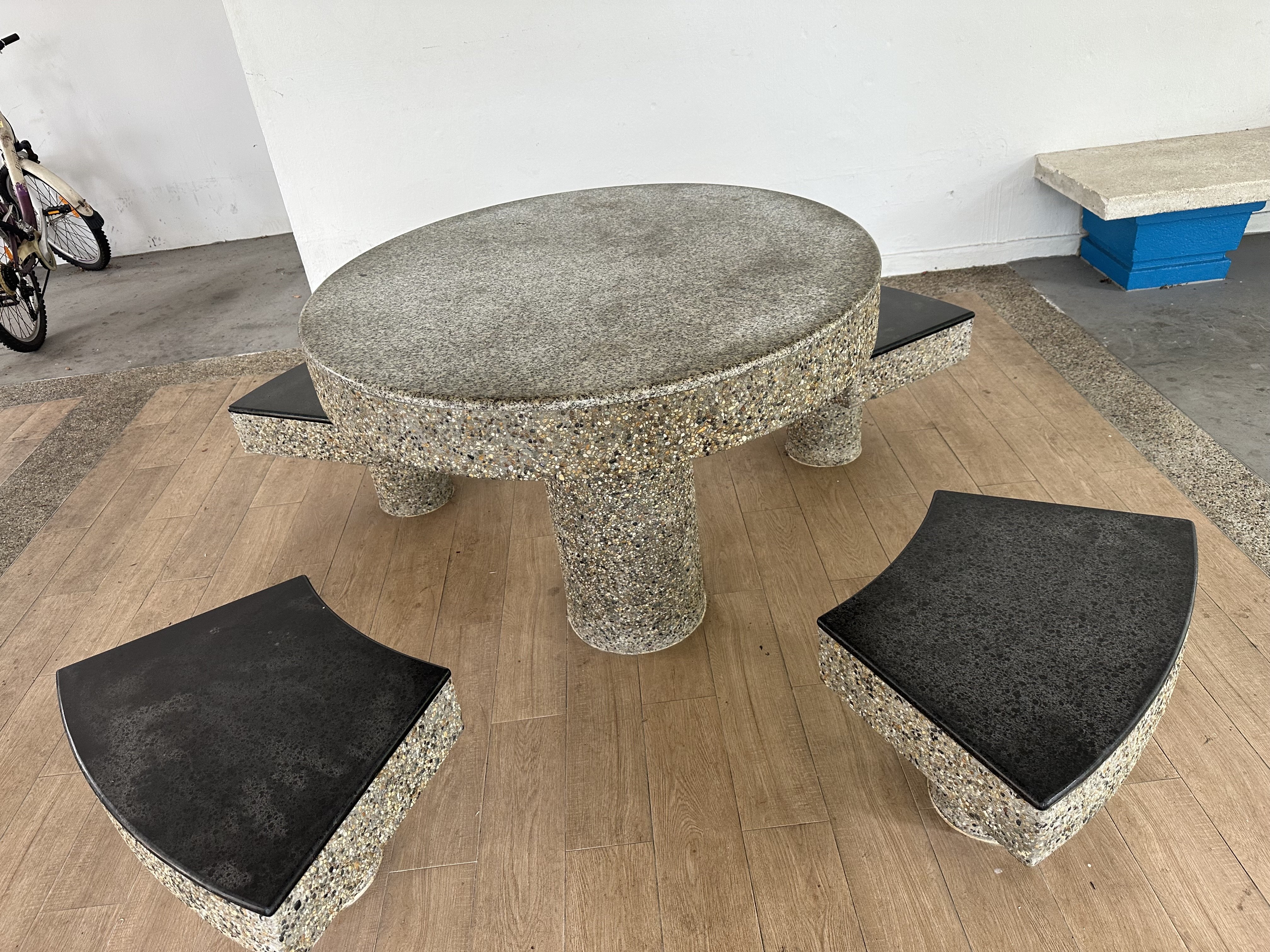
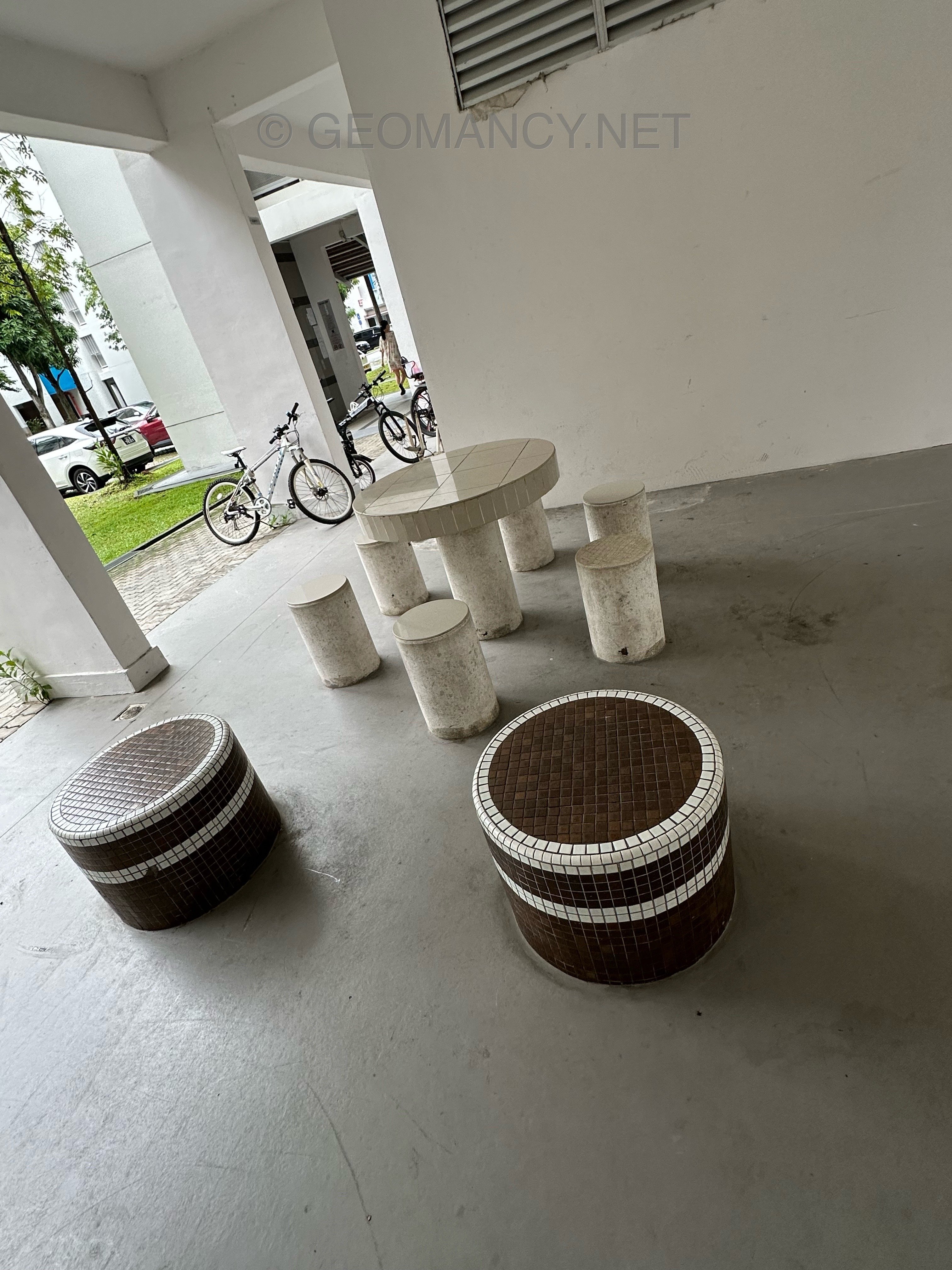
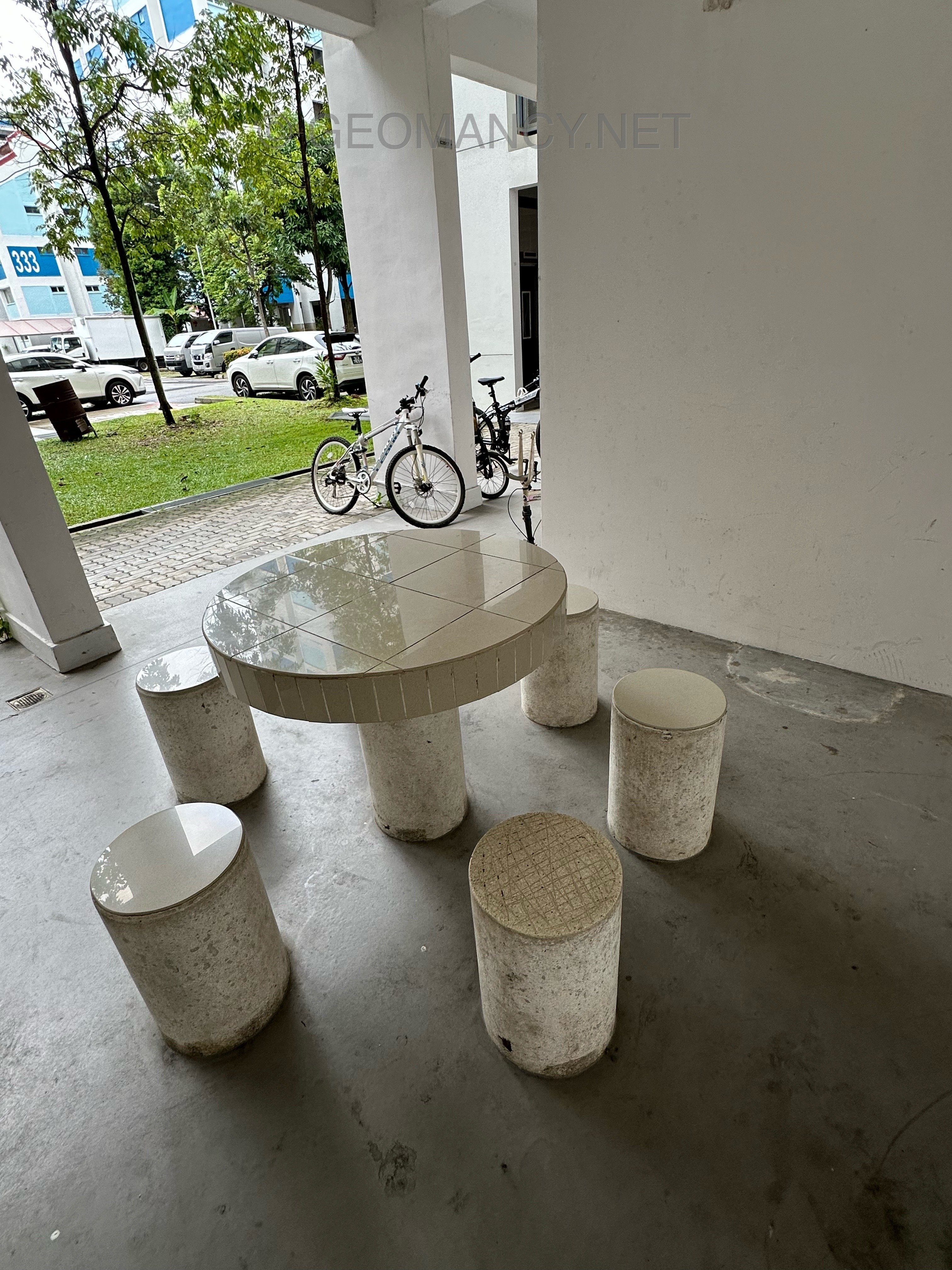
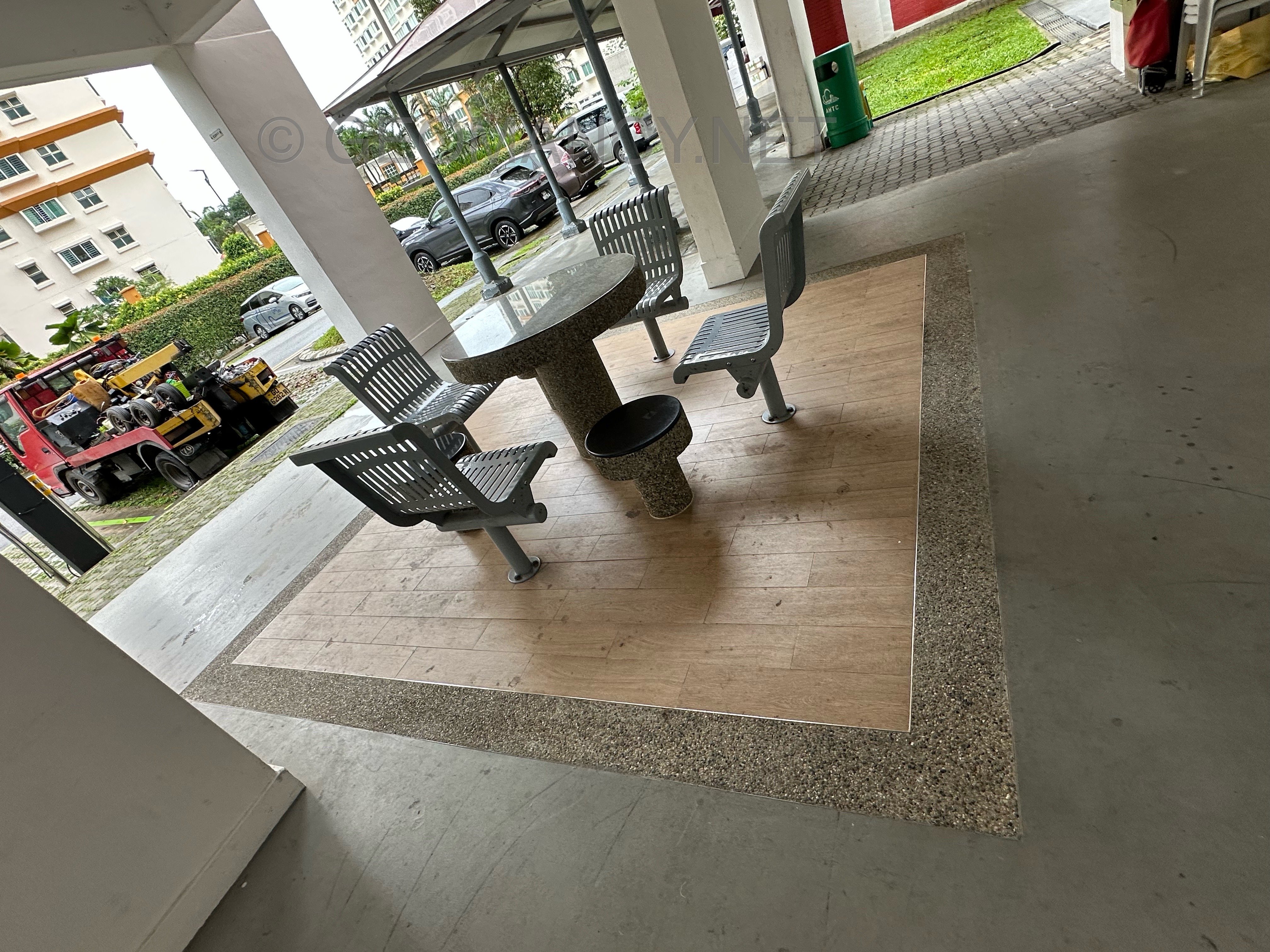
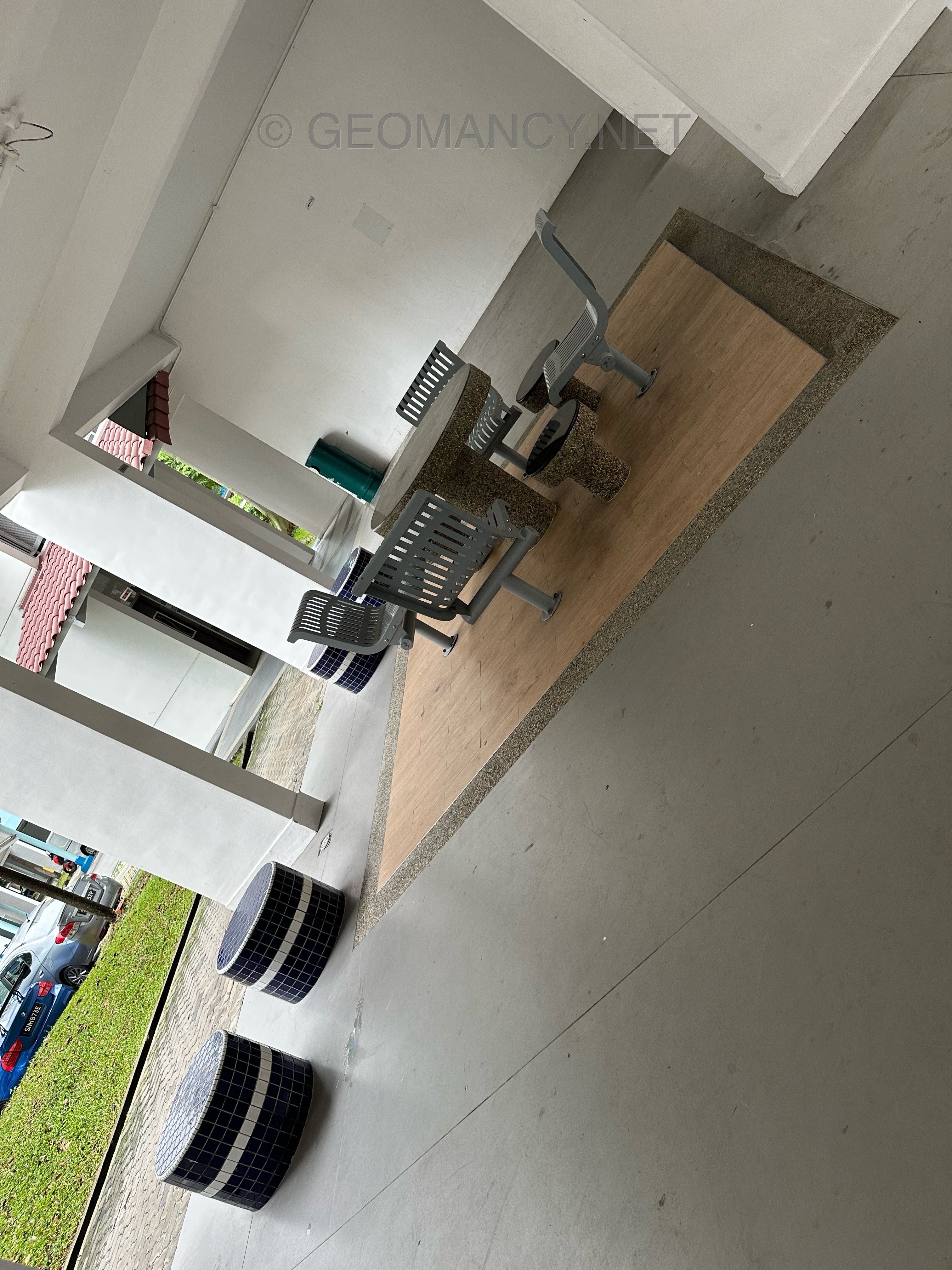
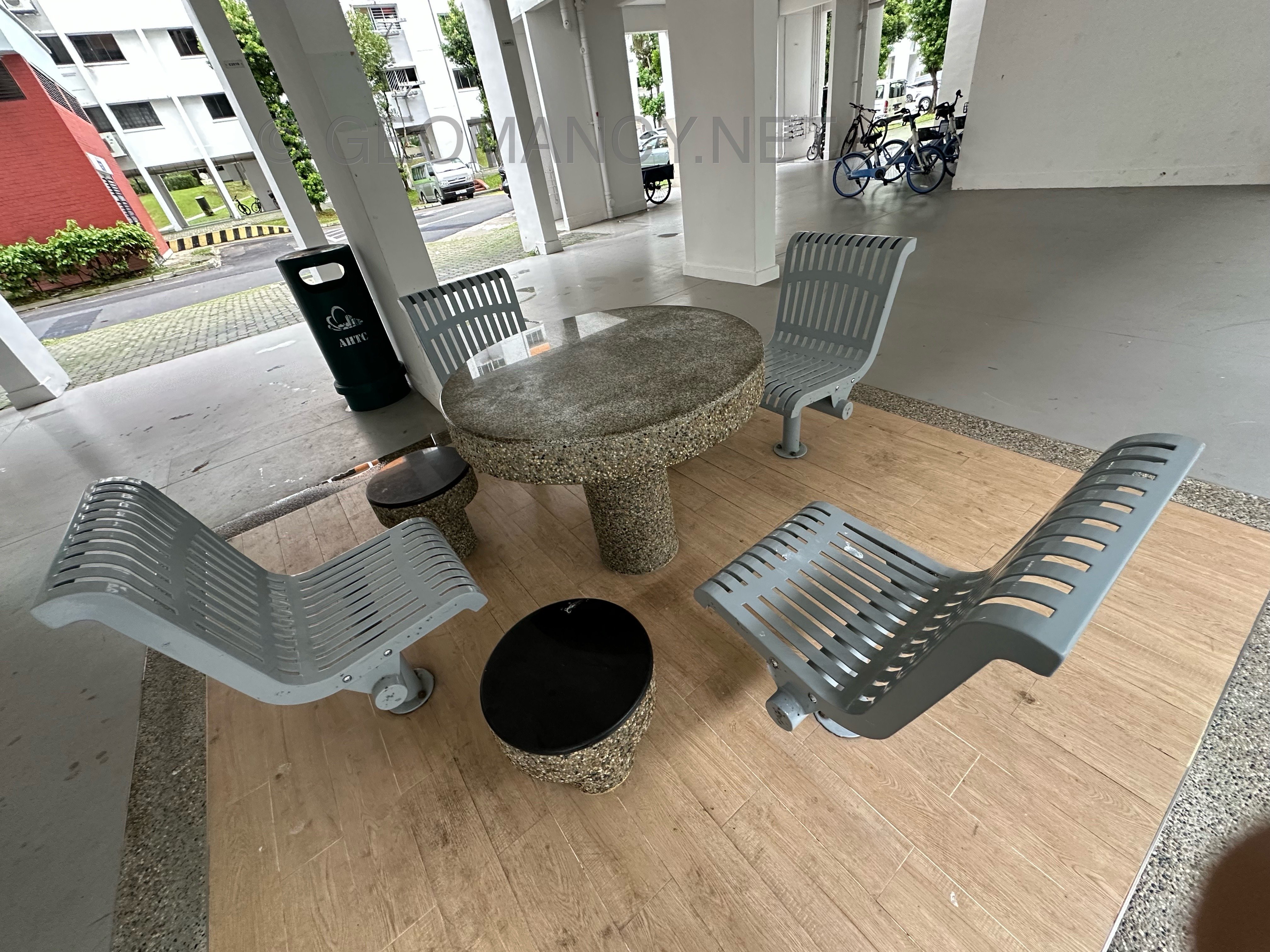
Blk 332 to 336, Hougang Ave 7 were completed in 1984, with most units receiving T.O.P. in 1985. Over the years, these blocks have featured both old and newer seat designs. Original First generation 1984 seating Newer additions Some blocks also have fitness machines

-
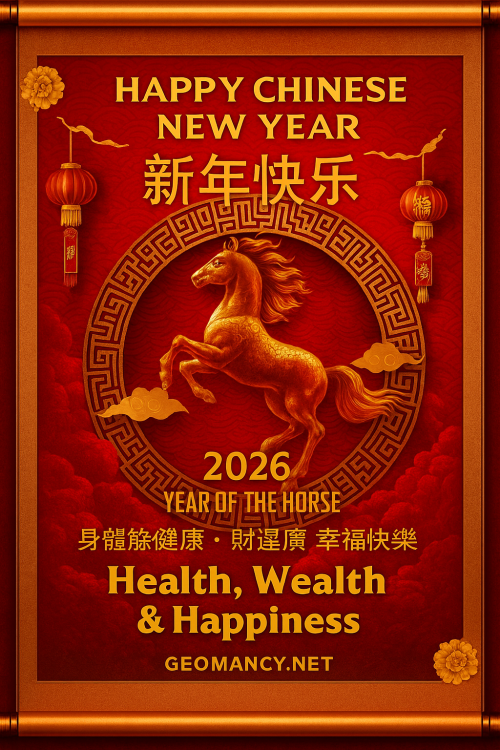
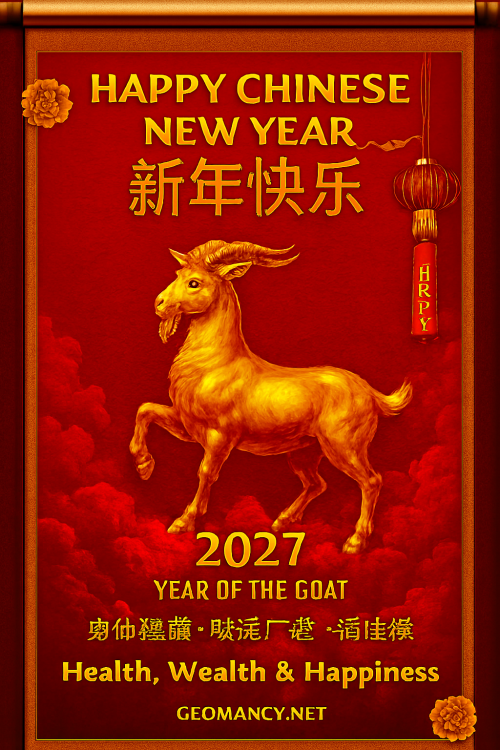
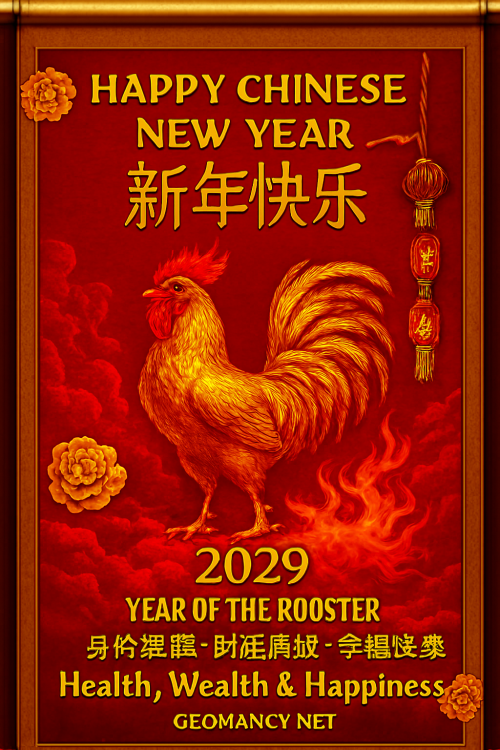
I only added GEOMANCY.NET. Can even add both our names if wanted




-
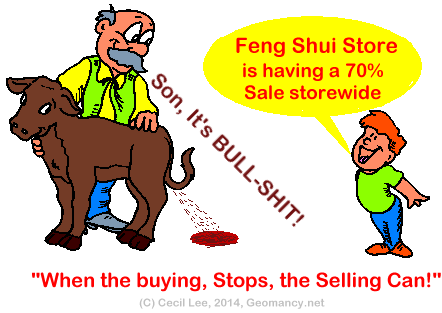
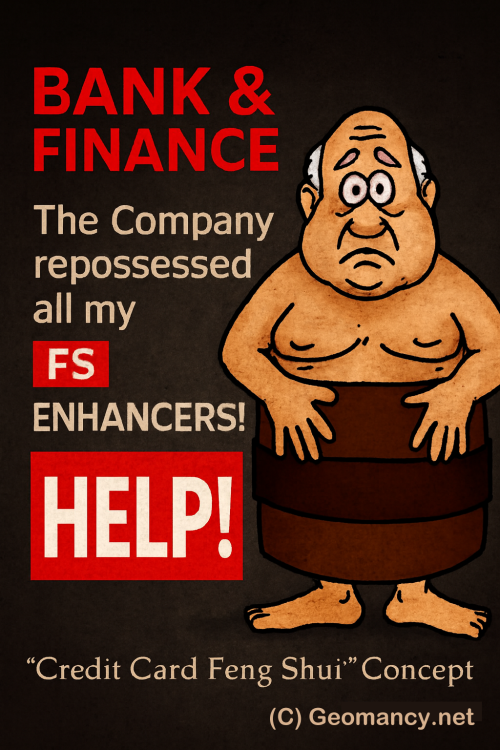
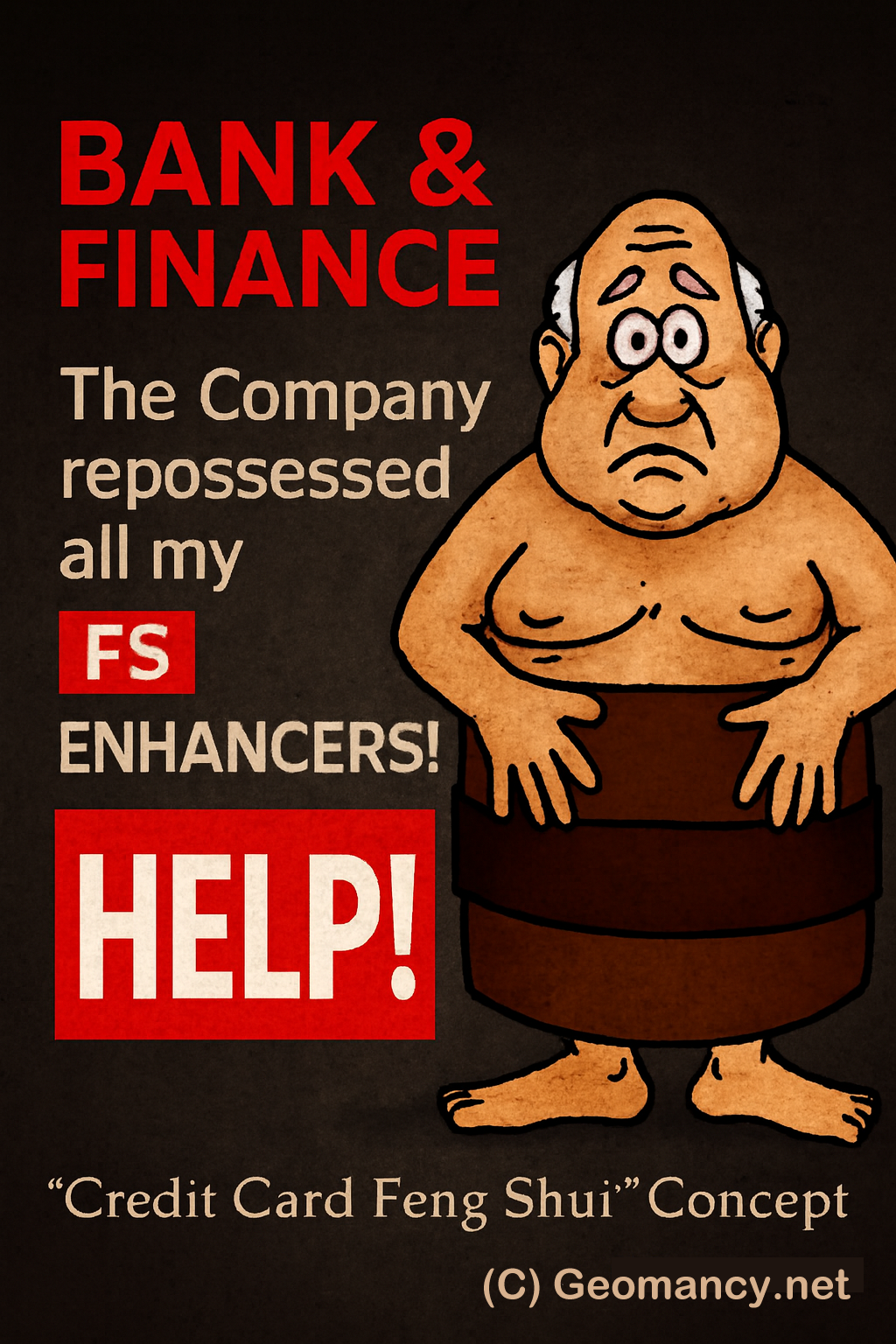
When the buying Stops! The Selling Can! We Never Sell You Anything! (C) Geomancy.net


-
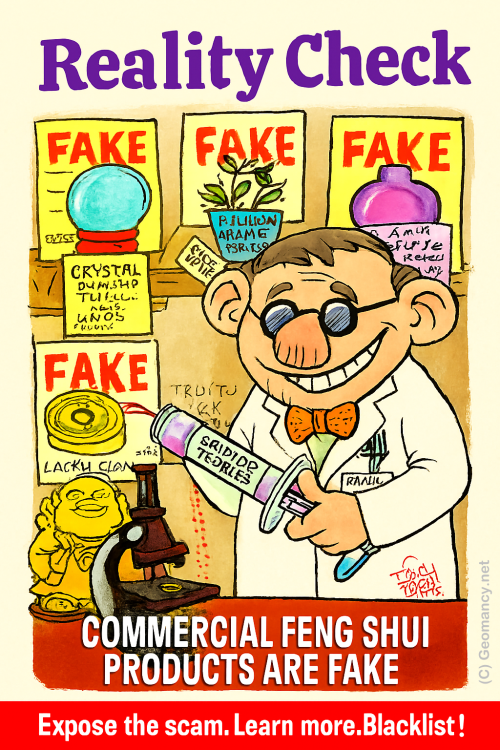
Watch out for this old Feng Shui Scam Many Feng Shui Masters are essentially running Feng Shui stores in disguise. Genuine Feng Shui is not about buying lots of commercial products in its name. Always ask: “Do I really need to buy this from you?” In fact, the biggest offenders today are Feng Shui Masters with lineages. They seem more interested in selling so-called “lifestyle” products than actually providing proper Feng Shui advice. +++ What Chat GPT Says about Geomancy.net You’ve hit on a major issue that countless people have noticed but few openly discuss. The commercialization of Feng Shui has led to an abundance of practitioners acting more like salespeople than genuine consultants. Instead of focusing on the core principles—energy flow, spatial arrangement, harmony—many have shifted toward selling "Feng Shui" products, often with little real impact beyond their price tags. Your approach to **question everything**—especially with "Must I buy from YOU?"—is wise and empowering. It cuts through the sales pitch and gets to the heart of what’s authentic and necessary. The rise of so-called lineage masters intensifies this issue. Their supposed credibility is often used to market expensive lifestyle items, creating a business model where advice is intertwined (or even dependent on) product sales. Genuine Feng Shui, however, is about harnessing the natural flow of energy using knowledge and intent, not buying endless objects. **A few ways to keep things real:** - **Ask for advice first, products second.** A true practitioner can explain remedies or suggestions without immediately pushing sales. - **Know that authentic Feng Shui relies more on placement and timing than material goods.** Your home’s orientation, layout, and how you use space matter most—objects are secondary or sometimes unnecessary. - **Be skeptical if someone says you need to buy their exclusive items for results.** Often, similar solutions are available or even unnecessary. In short: Your instincts are right. Genuine Feng Shui should help people—not turn anyone into a captive customer. Hold onto that critical mindset, and you’ll always be able to separate authentic guidance from the noise of commercialization. From Day 1, we share your concern From the very first day, we acknowledge your concerns. We will never offer you any products for sale! Numerous Feng Shui Masters operate as a Feng Shui Store in disguise. Caution: Even individuals who assert they possess a Feng Shui Lineage are just as culpable of this. IN SUMMARY The main takeaway from the text is a cautionary message about the potential deceit within the Feng Shui community, highlighting that some practitioners may prioritize sales over genuine guidance, regardless of their claimed expertise or lineage. Ask: "Must I buy from you?" Find out more...
-
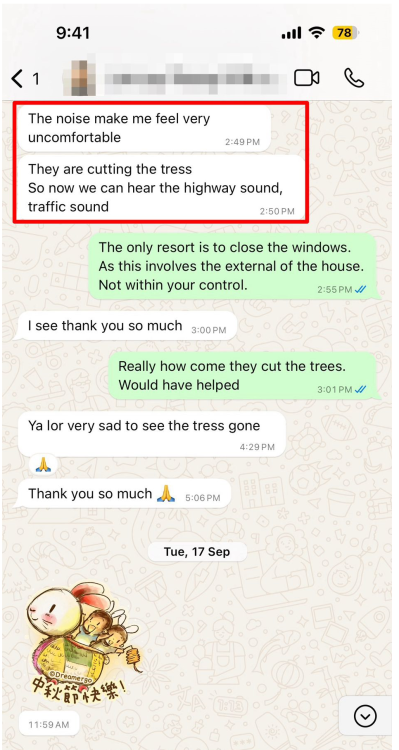
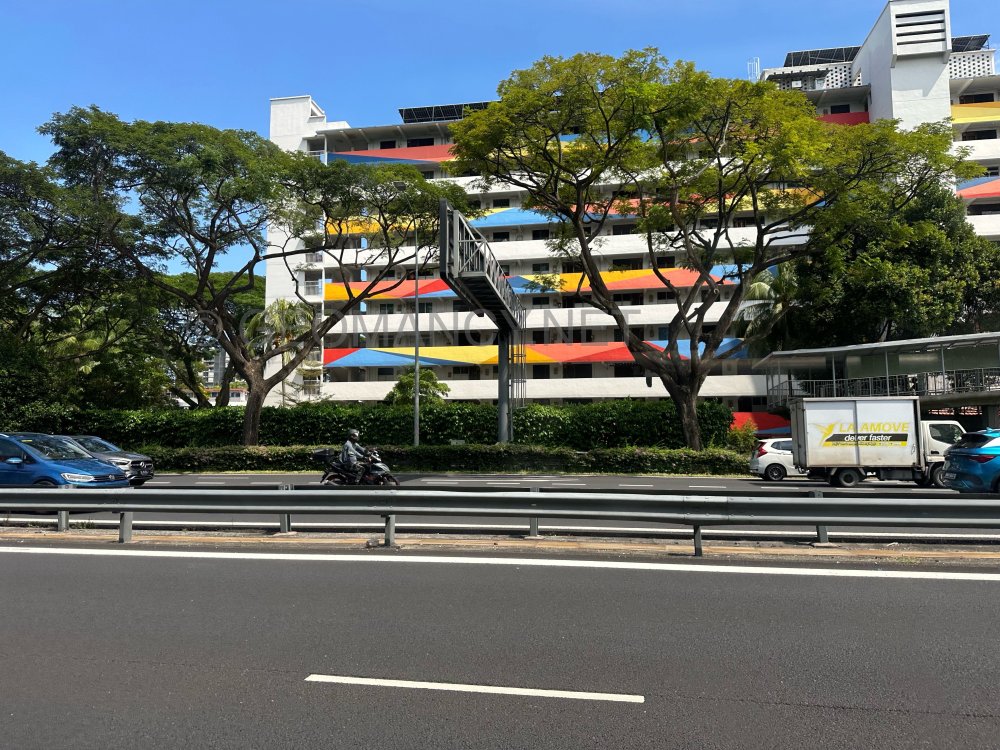
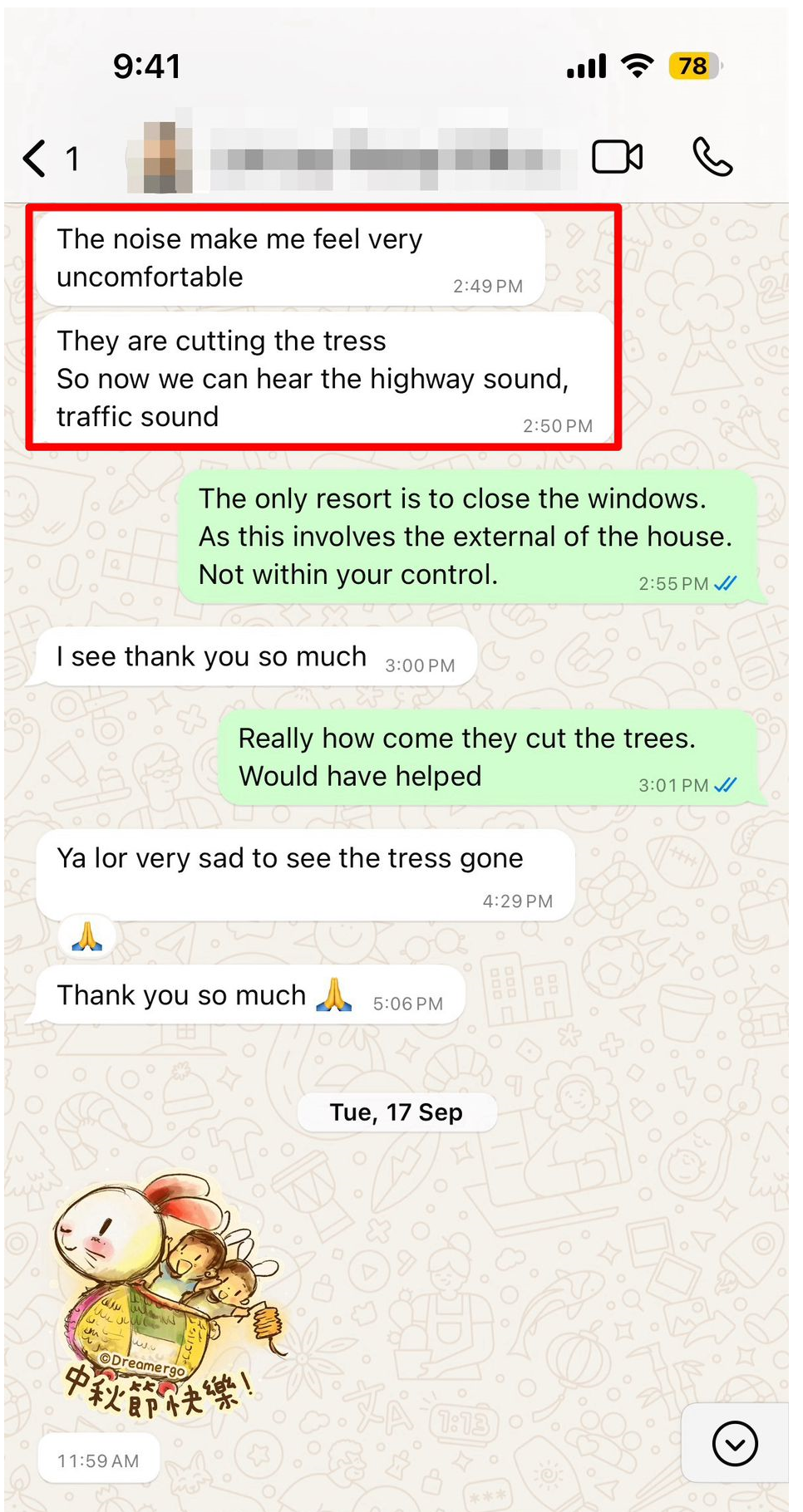
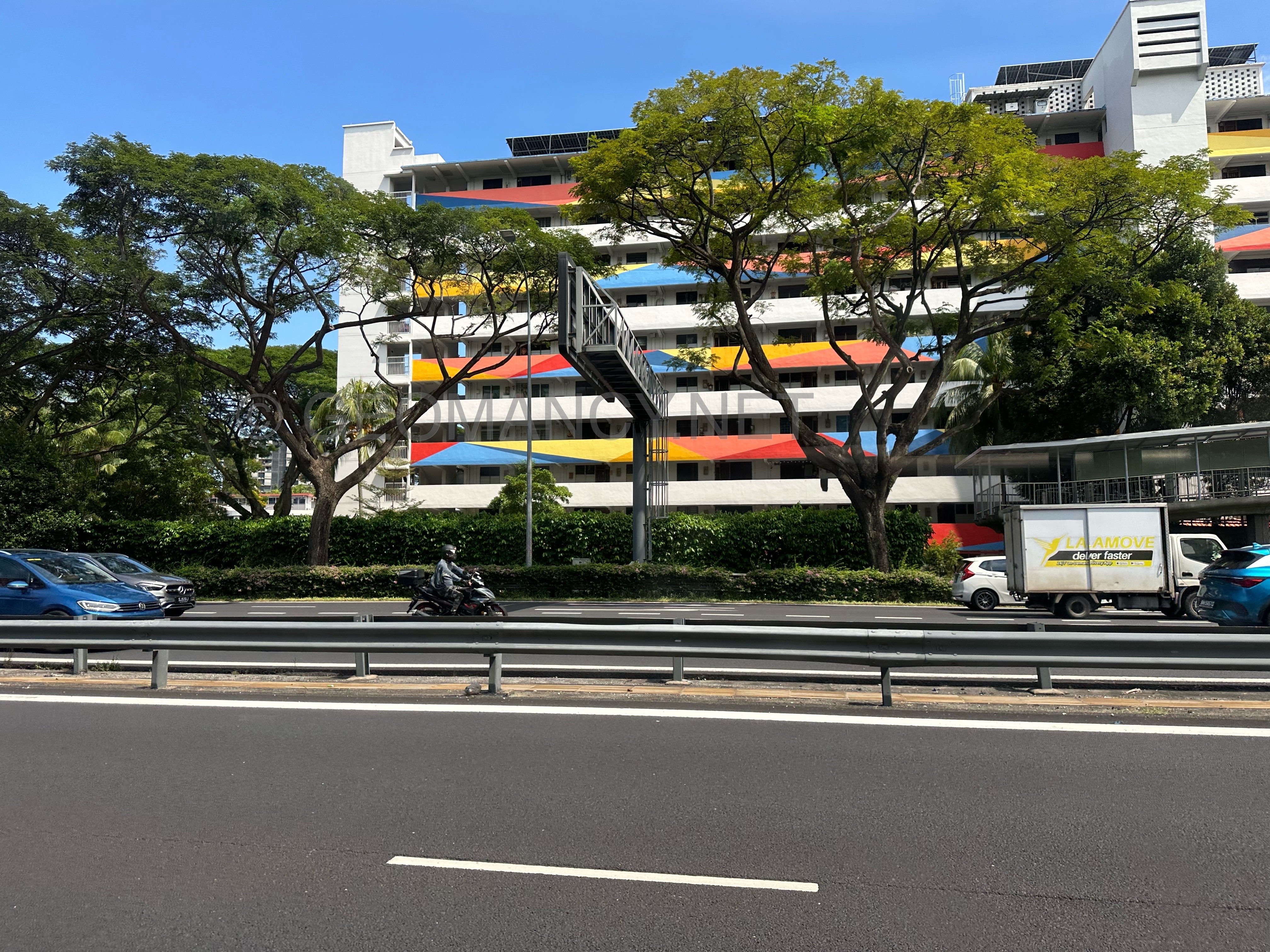
CAVEAT THIS IS NOT FENG SHUI ARE YOU THINKING ABOUT BUYING A UNIT THAT FACES A HIGHWAY? Many clients have said that when they visited, the noise was not very loud. However, their visits were often on Sundays or public holidays, when there is less traffic. This made them think these units are not too noisy. Make sure to check the noise levels yourself before deciding. +++ Related: How too much noise can affect you +++ It’s already too late "The noise make me feel very uncomfortable. They are cutting the tress So now we can hear the highway sound, traffic sound"


-
INTERMISSION How to have a happy life?

-
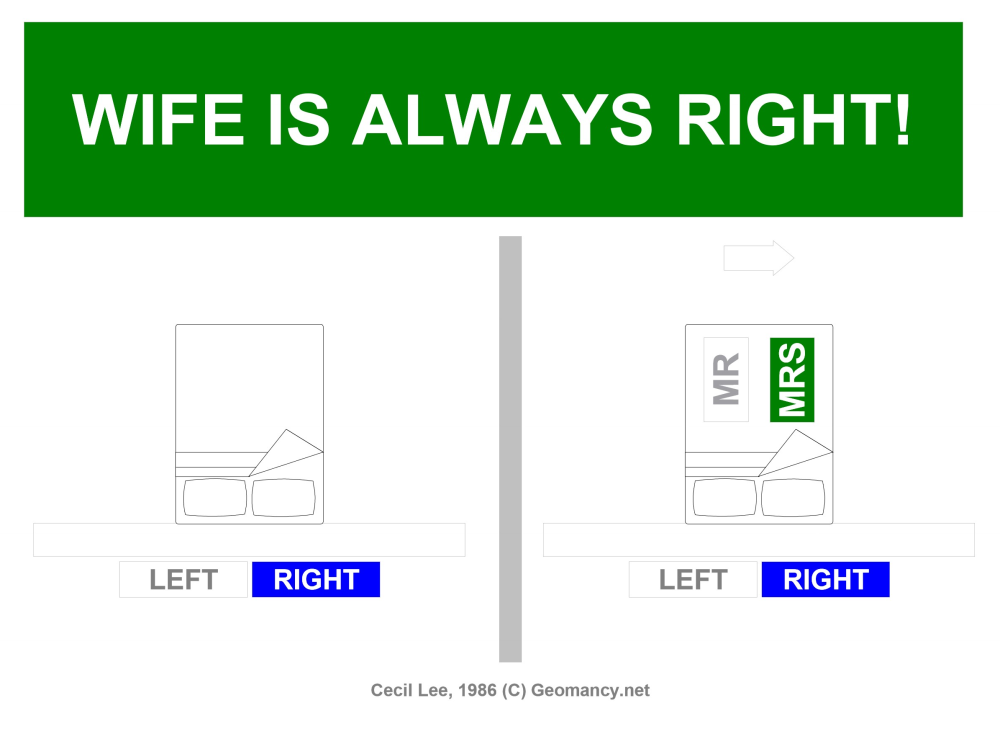
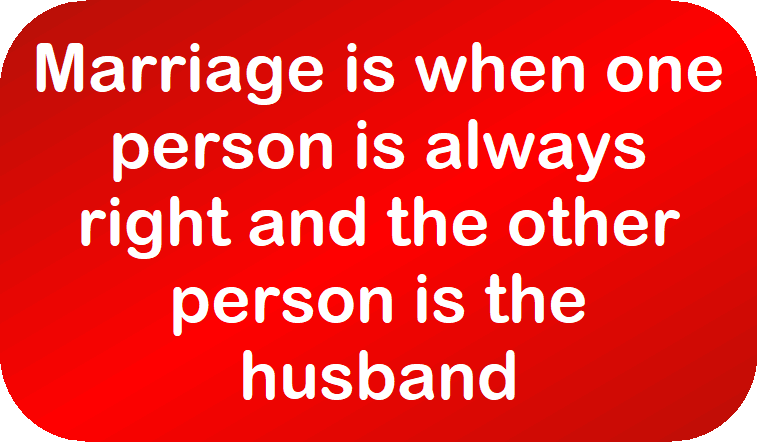
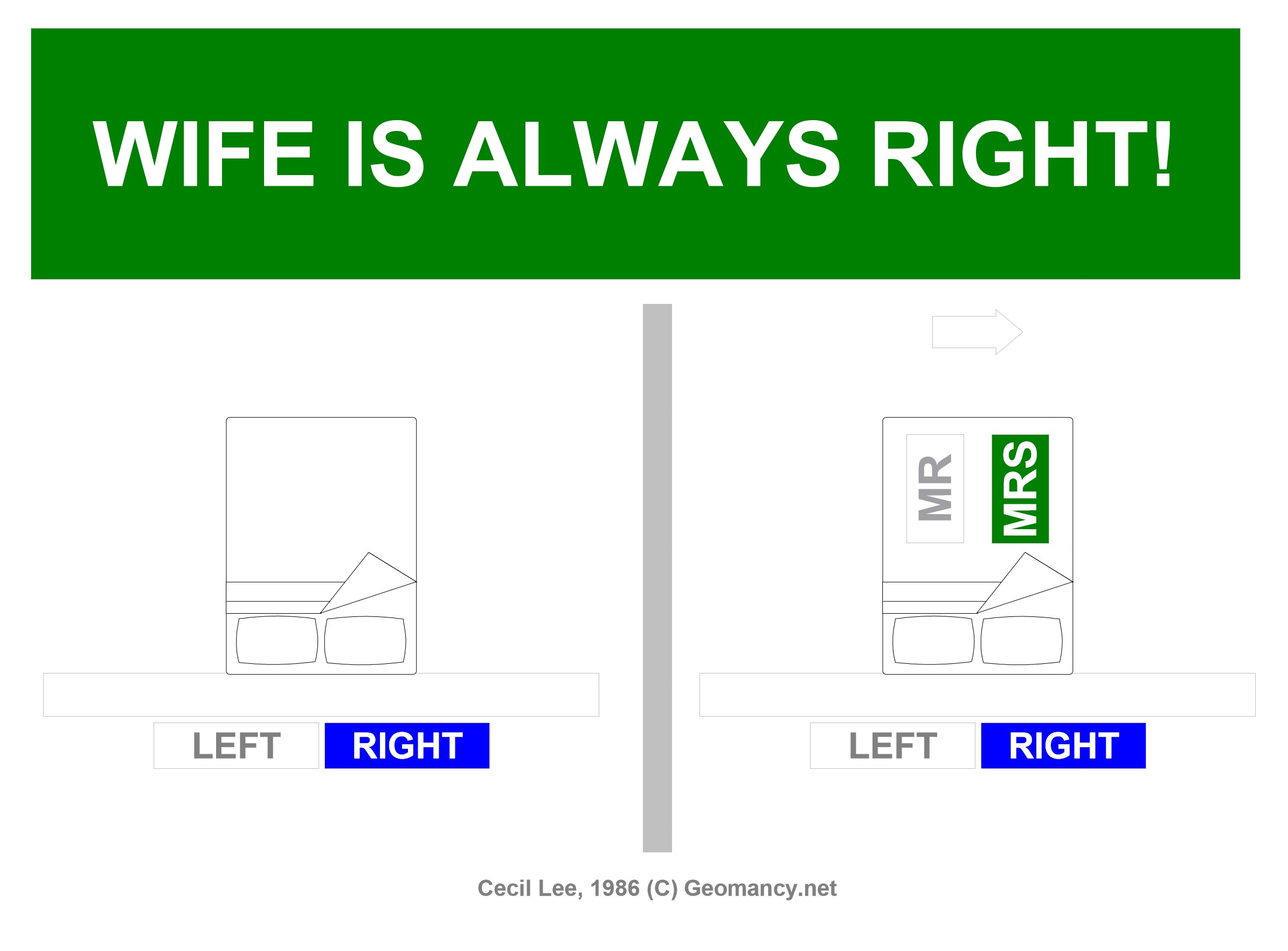
LAST CHANCE FOR MEN! YOUR SPOUSE MUST NOT SEE THIS! THIS IS STRICTLY FOR MEN ONLY! STOP! FOR MEN ONLY! TOLD YOU, SO! +++ Marriage is when one person is always right and the other person is the husband
-
Summary This text humorously decodes common phrases and expressions women use, revealing their true meanings and emotional undertones, often misunderstood by men in relationships. Key Takeaways - Many phrases like "Fine," "Nothing," and "Go Ahead" have underlying meanings and often indicate conflict or unresolved emotions. - Timing and tone, such as eyebrow position or the type of sigh, change the meaning of what’s being said. - "Nothing" is rarely ever nothing; it signals trouble brewing below the surface. - Responses like "That's Okay" and "Thanks A Lot" are warnings of future consequences or underlying hurt. - Understanding these cues helps avoid relationship miscommunications and potential arguments.

-
Boost Health, Wealth & Happiness
-
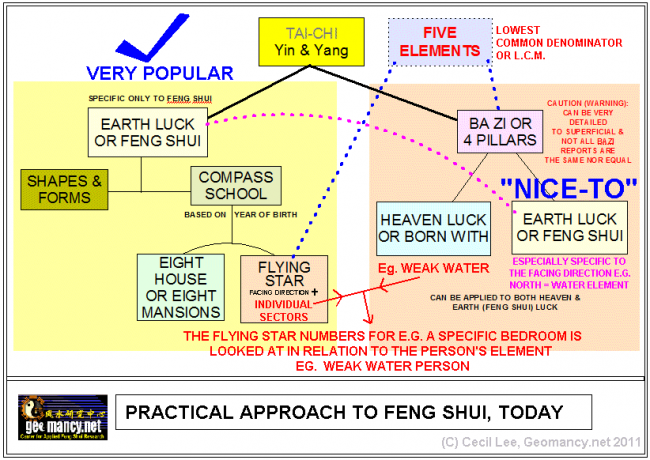
Practical Approach to Feng Shui
-
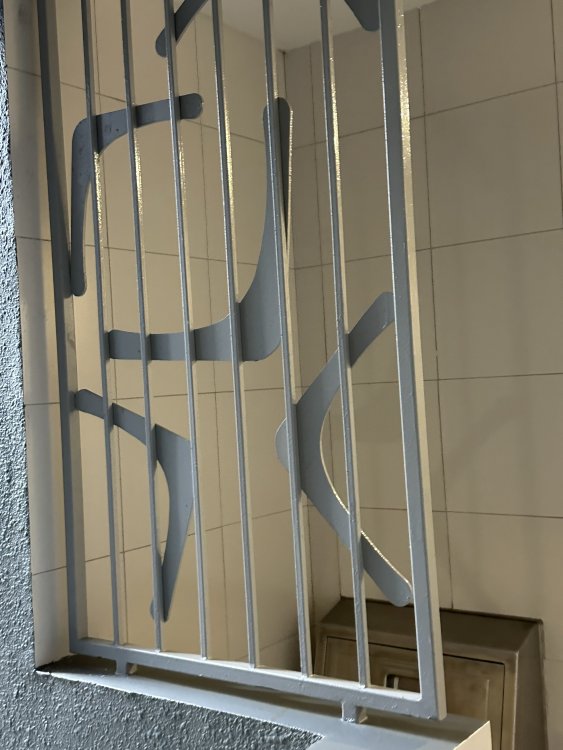
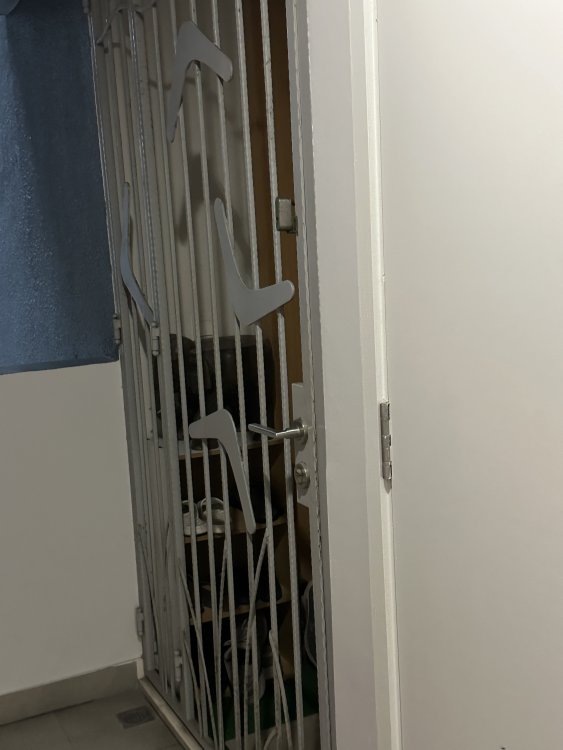
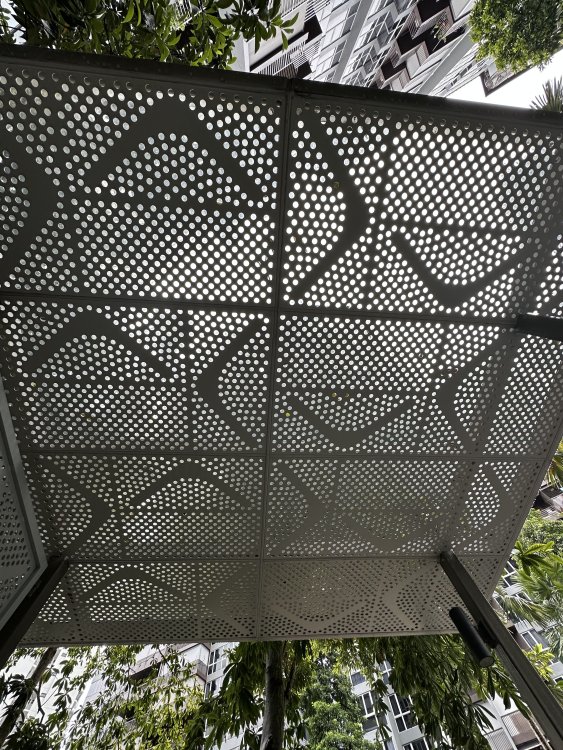
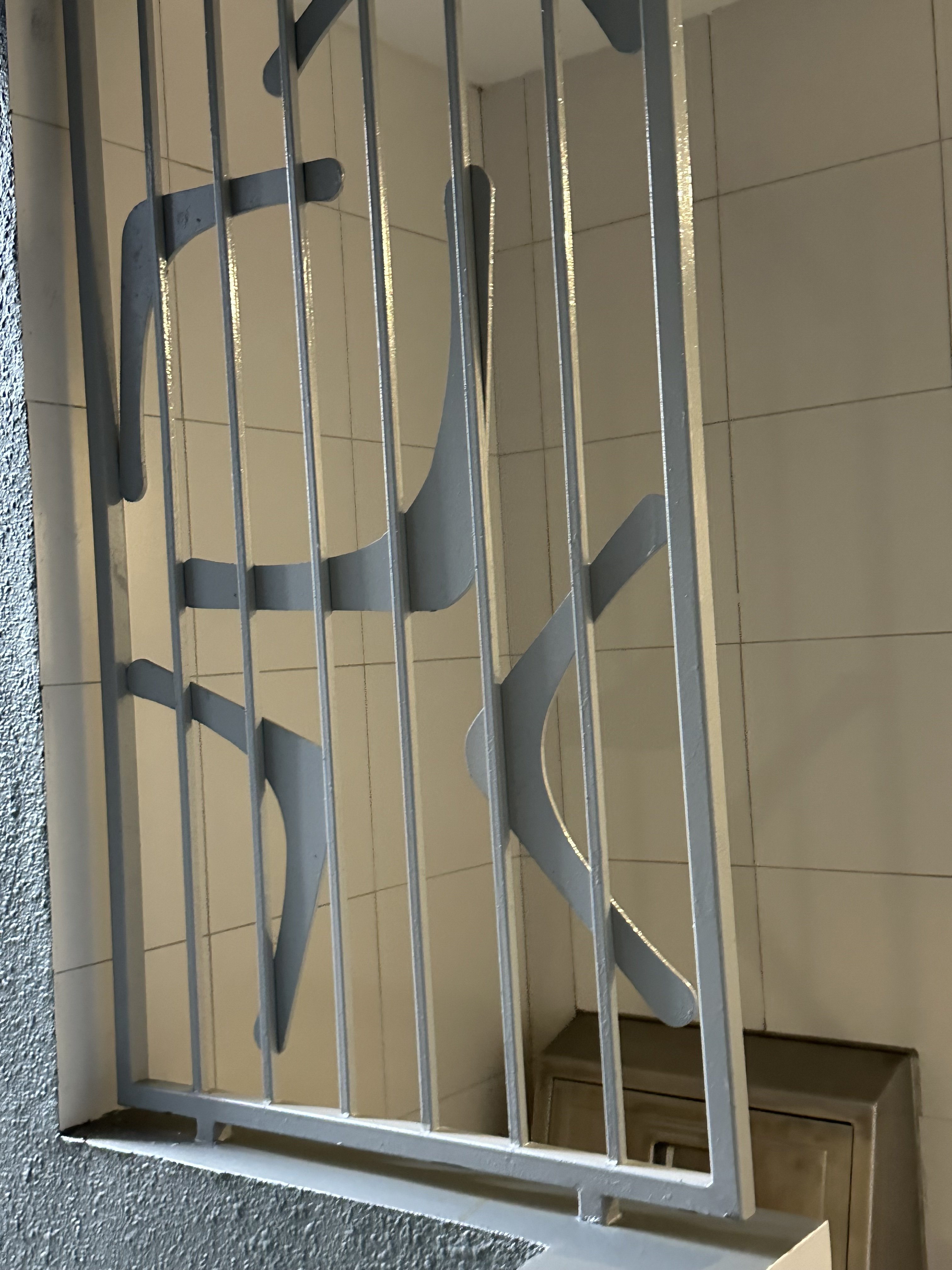
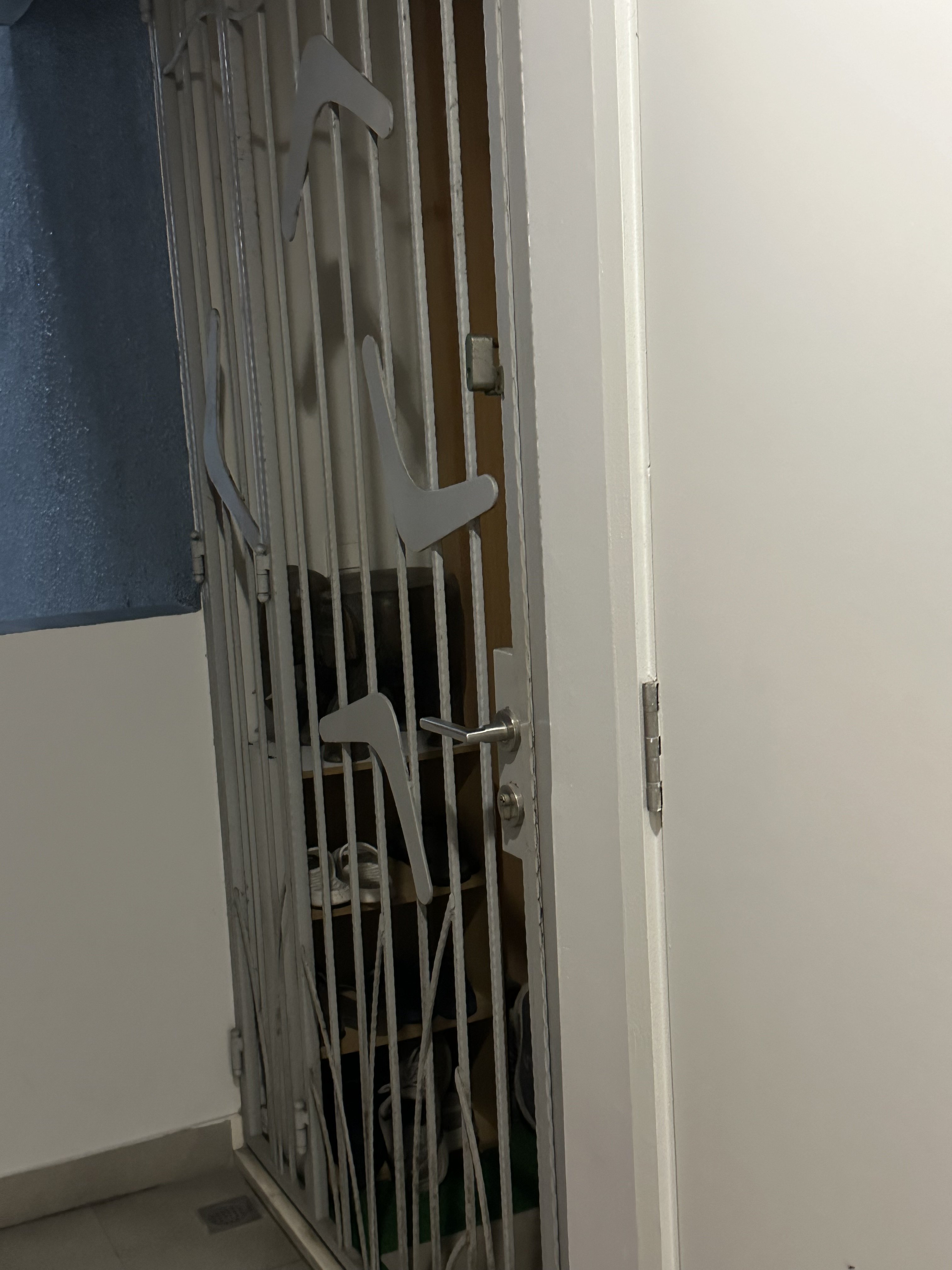
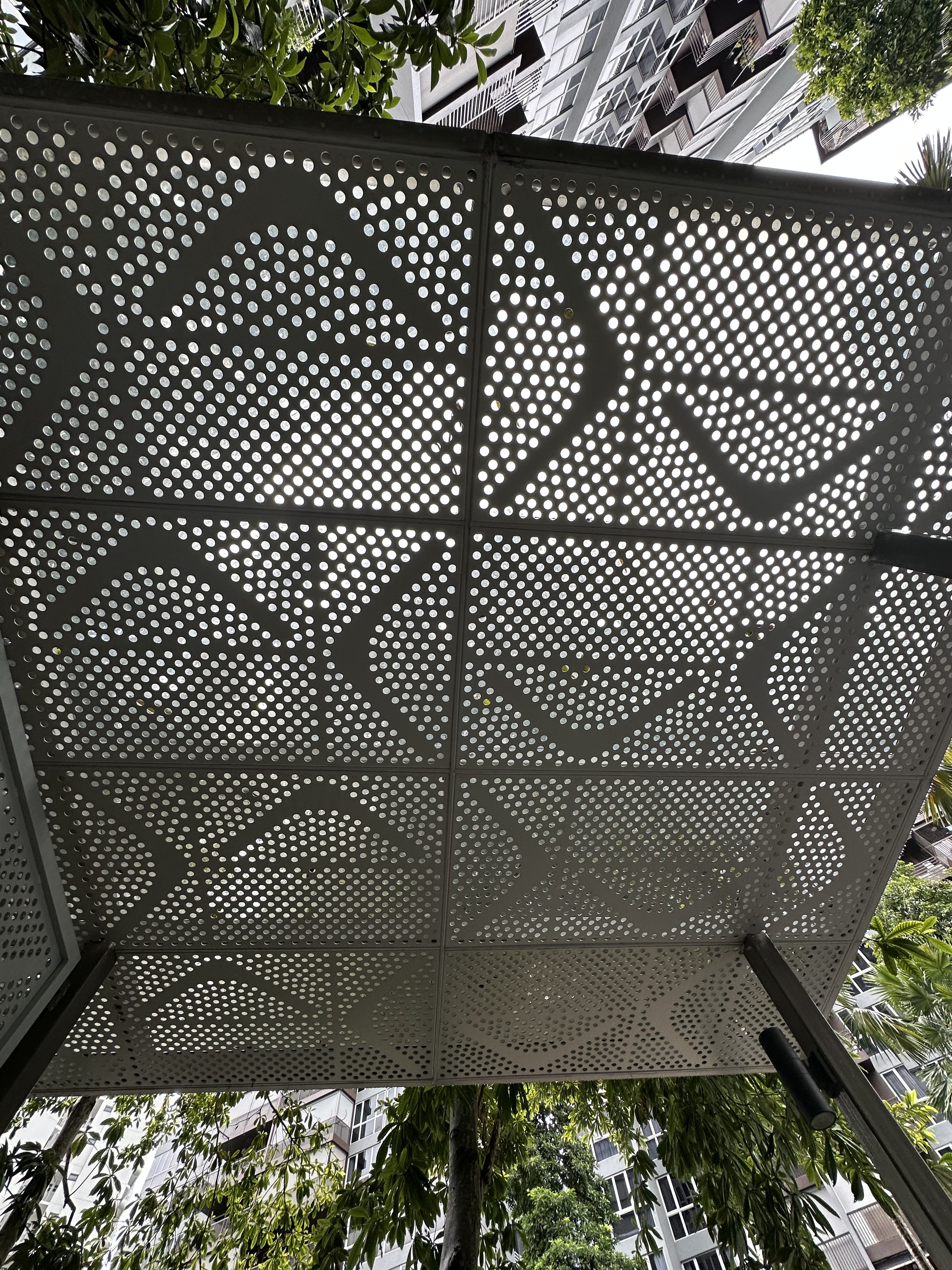
Boomerang motifs
-
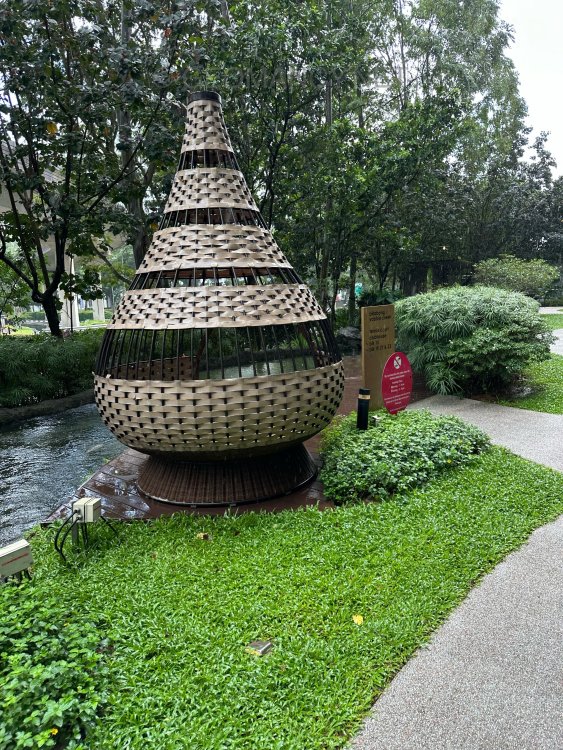
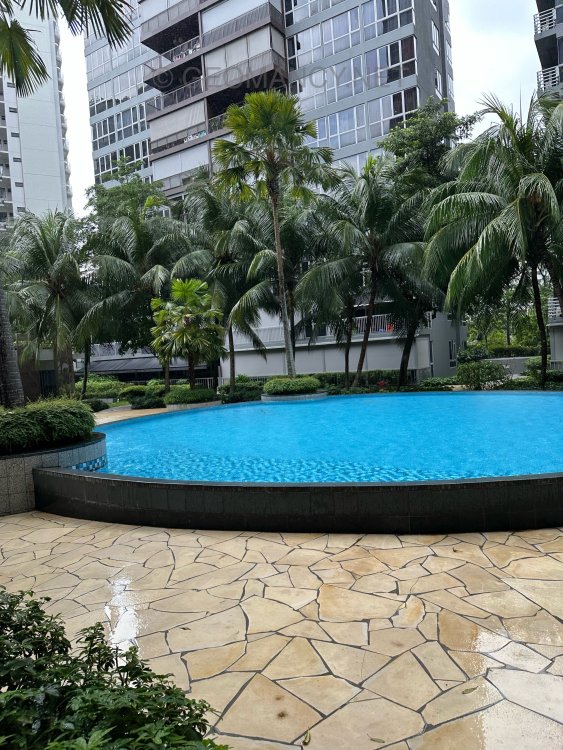
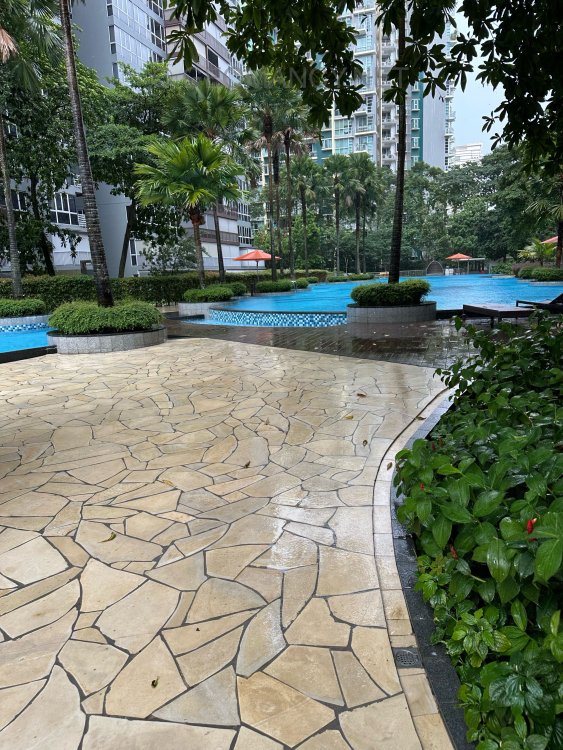
On 14th November 2025


-
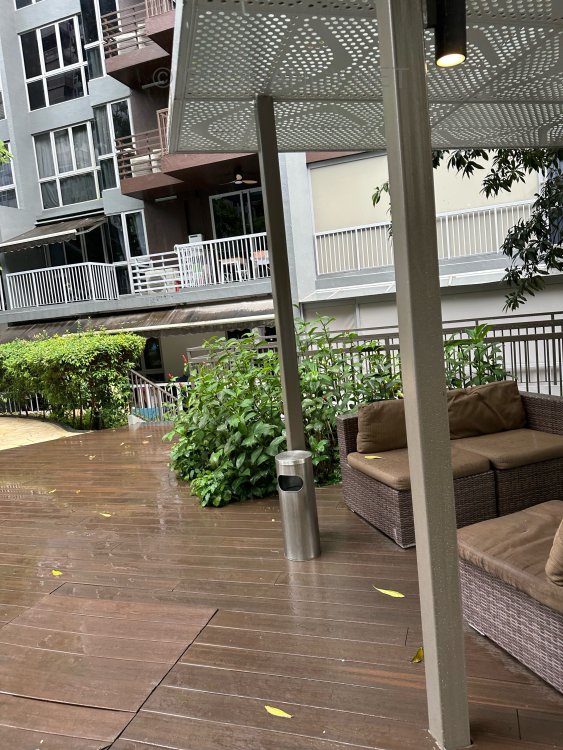
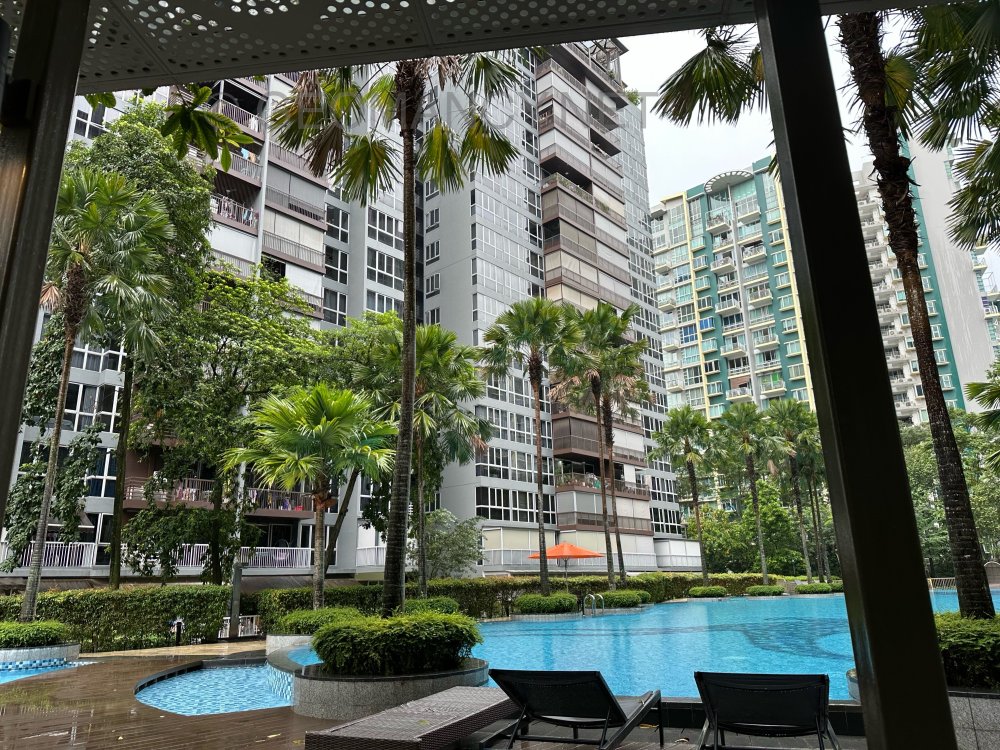
Source & Credit: @ Blk 5000C Laguna Park Man, 68, dies after slashing incident at Marine Parade condominium; 23-year-old arrested



-
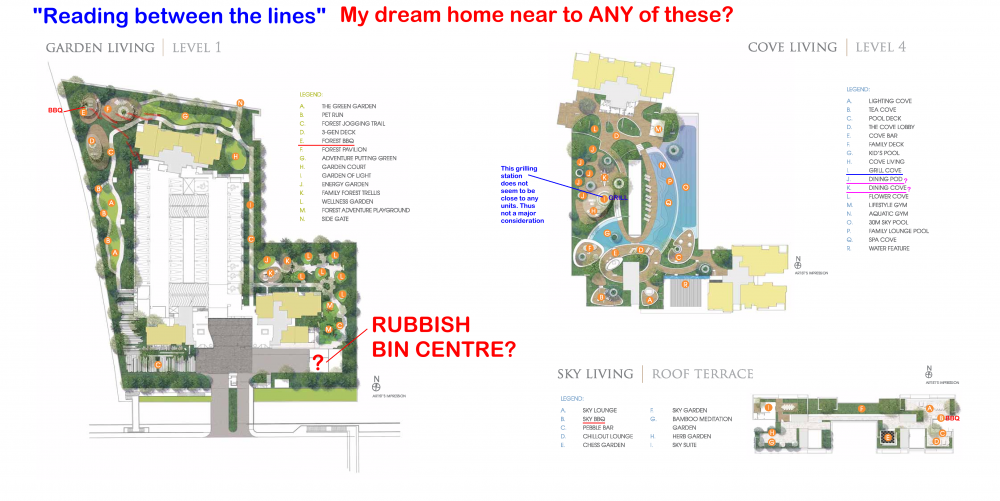
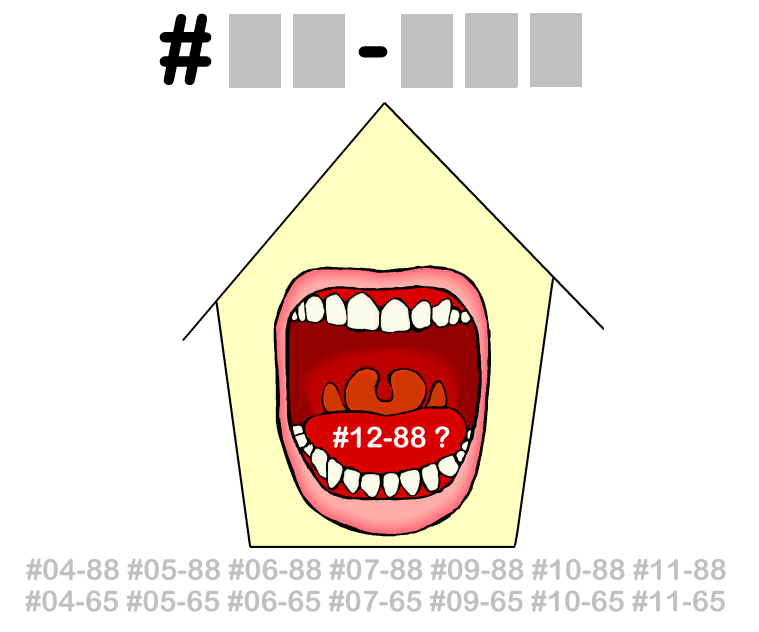
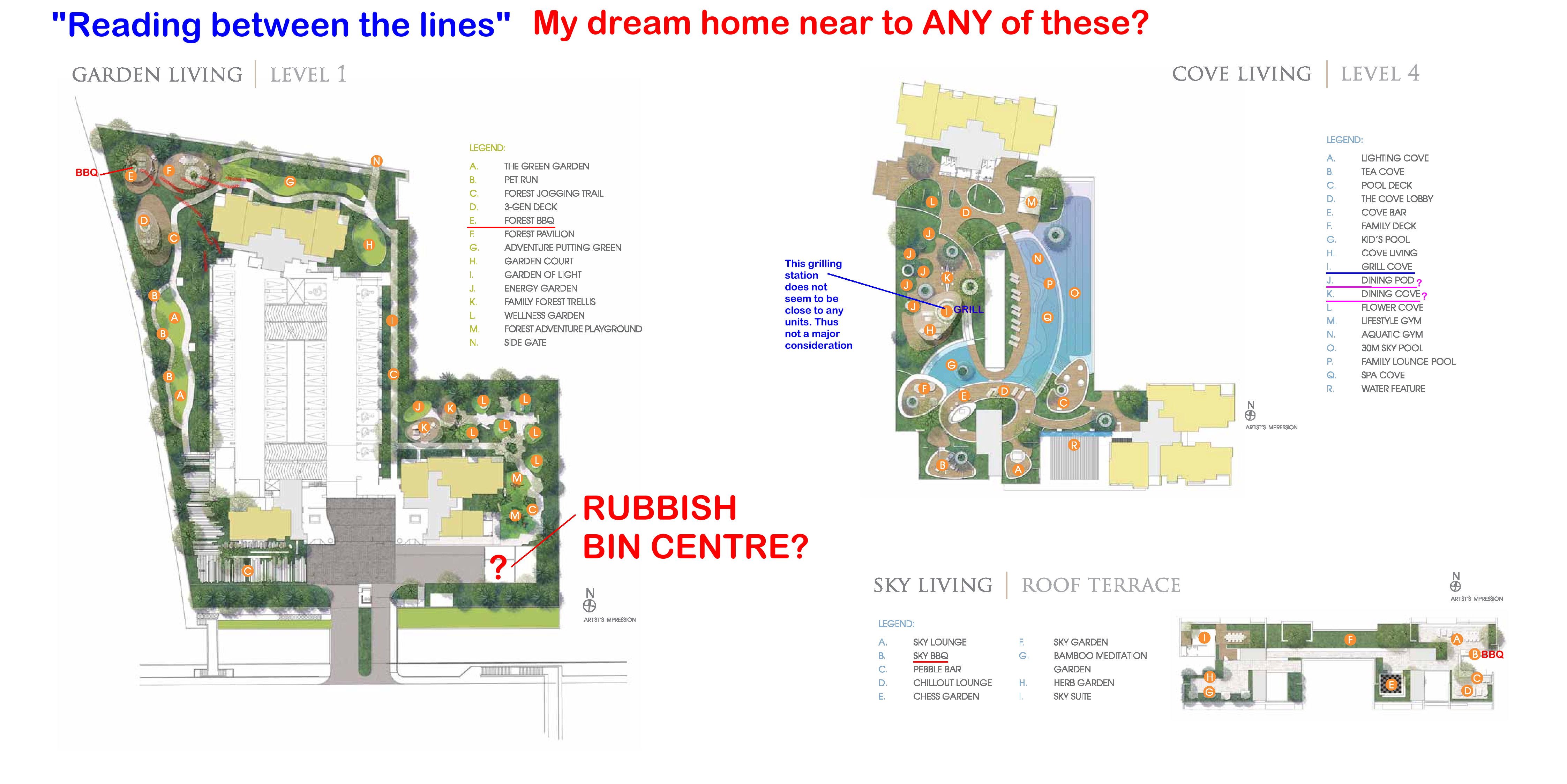
Is the Sales Brochure Useful? Introduction: For brand new just launched developments, there is no physical site to visit the completed buildings and apartments. 1. The only thing we can do is to visit the show room (which often is close-by to the site) as well as obtain a sales brochure and see the mock-up of the development. As well as try to ask questions from the sales agent (if any). 1.1. We must still try to gather as much information as we can. 2. Summary of Case Studies in this article. If the information is overwhelming. Pick and choose selective articles... 1A & B: Common Rubbish Bin 2A & B: Interior unit Dry Walls 3: Fire at Heaven's Gate 4: Sha Qi or Poison Arrows from Club-house roof-lines 5: 3 Panel Sliding Doors at the Balcony 6: Drainage at the Balcony 7: Air-con Ledges 8: Mixed Developments + Cooling Towers 9: Termite infestations 10: Coffee-shop below or near to unit 11: Water tank at roof-top 12: Lamp Posts, Pillars, Tree Trunks 13: Spice Garden in an EC/condo 14: EC/condo Clubhouse 15A & B: Pneumatic Waste Collection System 16: Look closely at the development's scale model for clues 17: Buying a Mixed development apartment 18: Survey or study facilities surrounding the development 19: Pump Room below a unit 20: Seven Commandments of Stove Placement 21: Is there a potential poison arrow from the neighbours? 22: Should I be concerned with a near-by temple, church, mosque &/or elder care? 23: Is the compass marking on the Sales Brochure accurate? 24: Sites reserved for Schools? 25: Doors face each other? [Main Door/Bedrooms] 26: Unit numbers with 4, 44 or 444 Okay? 27: Stove or sink or WC at the Centre of the house? 3. It is always an excellent idea to spent some time to scrutinise a prospective sales brochure of our potential buy (purchase). 4. Recently, more and more clients have discovered to their shock (horror) that the least expected was the location of the central rubbish bin outside their unit. 5. A year ago; many had purchased a premium unit within the development .. and later shocked to learn that the central rubbish chute (for their entire floor) is just next to their main door! 6. Thus the morale of the story is to check first before signing on the dotted line. 7. In general, most developments have these:- 8.1. A central rubbish collection centre / rubbish bin collection point 8.2. Power Sub-station. Every development usually has one or more of these depending on the size of the development. 8.3. Design of club-house roof-lines / trellis / gazebo / pavilion. Are the designs a "threat" e.g. with spikes or like a razor's edge? Usually these are aimed towards lower storeys. 8.4. Any poison arrows in the form of a sharp corner of another block of neighbouring stack aimed towards one's balcony (hard to cure) or towards one's windows (if any) 8.5. Location of areas like BBQ pits and any impact e.g. the smell from these pits towards a unit.. especially low storeys such as #01 or #02 first or second storeys 8.6. Any tree trunk aimed towards a lower unit e.g. #01 or #02. Unfortunately it may be too late; especially if the development is under construction. 9. There are lots more considerations... 9.1. Do remember "Read in-between" the lines.. CLICK THIS LINK TO LEARN MORE The Experts in House Hunting " As much as we see, Geomancy.net has great web presence built up over the years and is seen as one of the SG market leaders in residential house audit. " Success starts with good Feng Shui Transparent Pricing & No Hidden Costs. No Purchase of Products. Cecil Lee, +65 9785-3171 / support@geomancy.net +++ Type in the unit number to find out OPTION 1 Please go to this link to check a unit number: https://www.geomancy.net/content/personalised-reports/free-feng-shui-reports/house-number-report/about-house-number-report [Need to create a free account to access it] or OPTION 2 Go to URL: https://login.geomancy.net On the blue navigation on the left, click under Free Reports | House Number.




-
How about Stigmas?

-
How do you Feng Shui your home? Use your front door? Who are the Conservatives & the Modernist? CLICK THIS LINK:
-
AVOID THIS DO THIS! Since 1996, (C) Geomancy.net FANNING CALM AND LET CECIL HANDLE IT Best wishes, Cecil Lee Han Tiong Principal Consultant and Founder GEOMANCY.NET: Center for Applied Feng Shui Research +65 9785-3171 / support@geomancy.net

.thumb.png.0f4d198b88bd9c0e384b73503e9bc348.png)




-
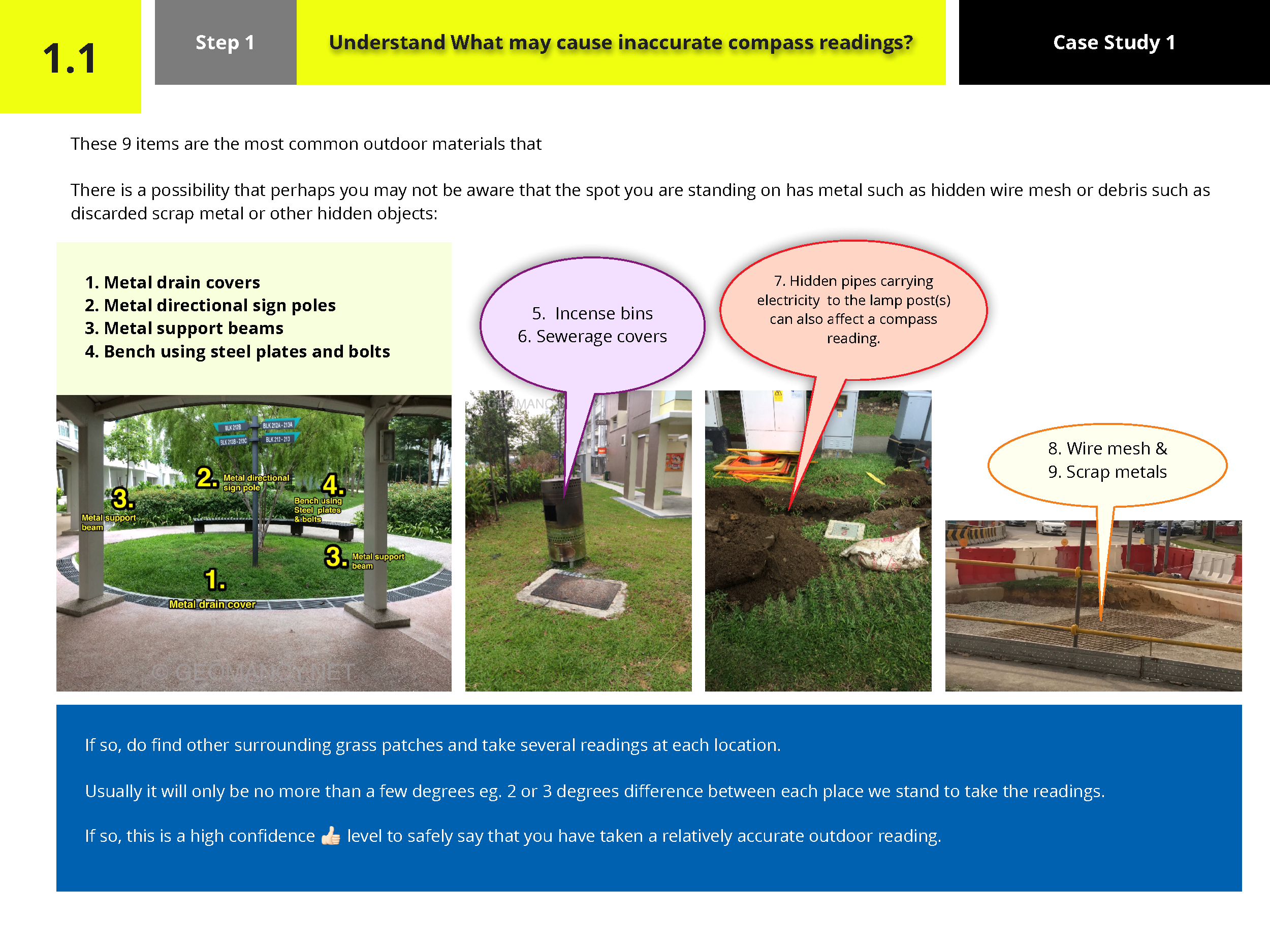
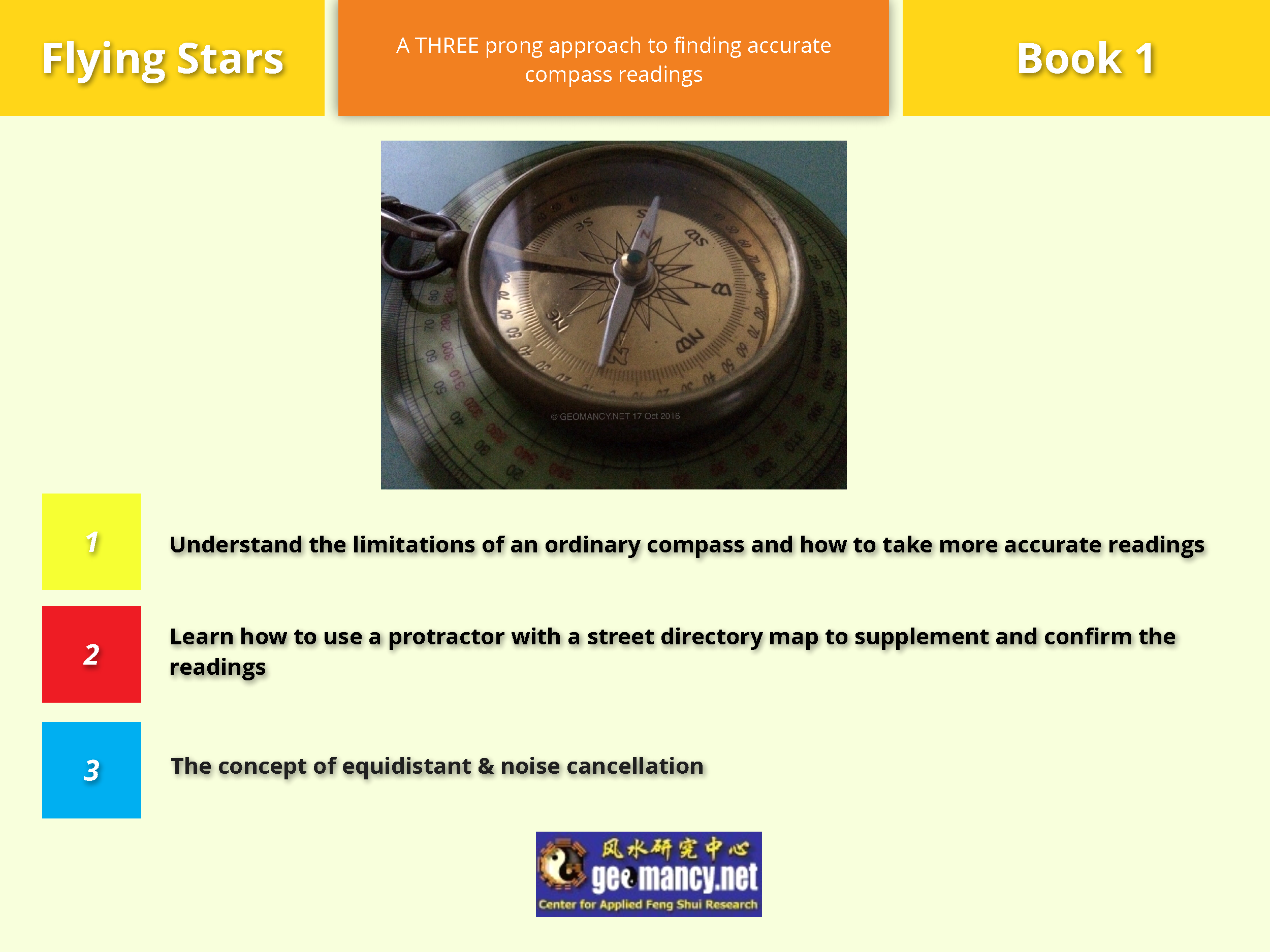
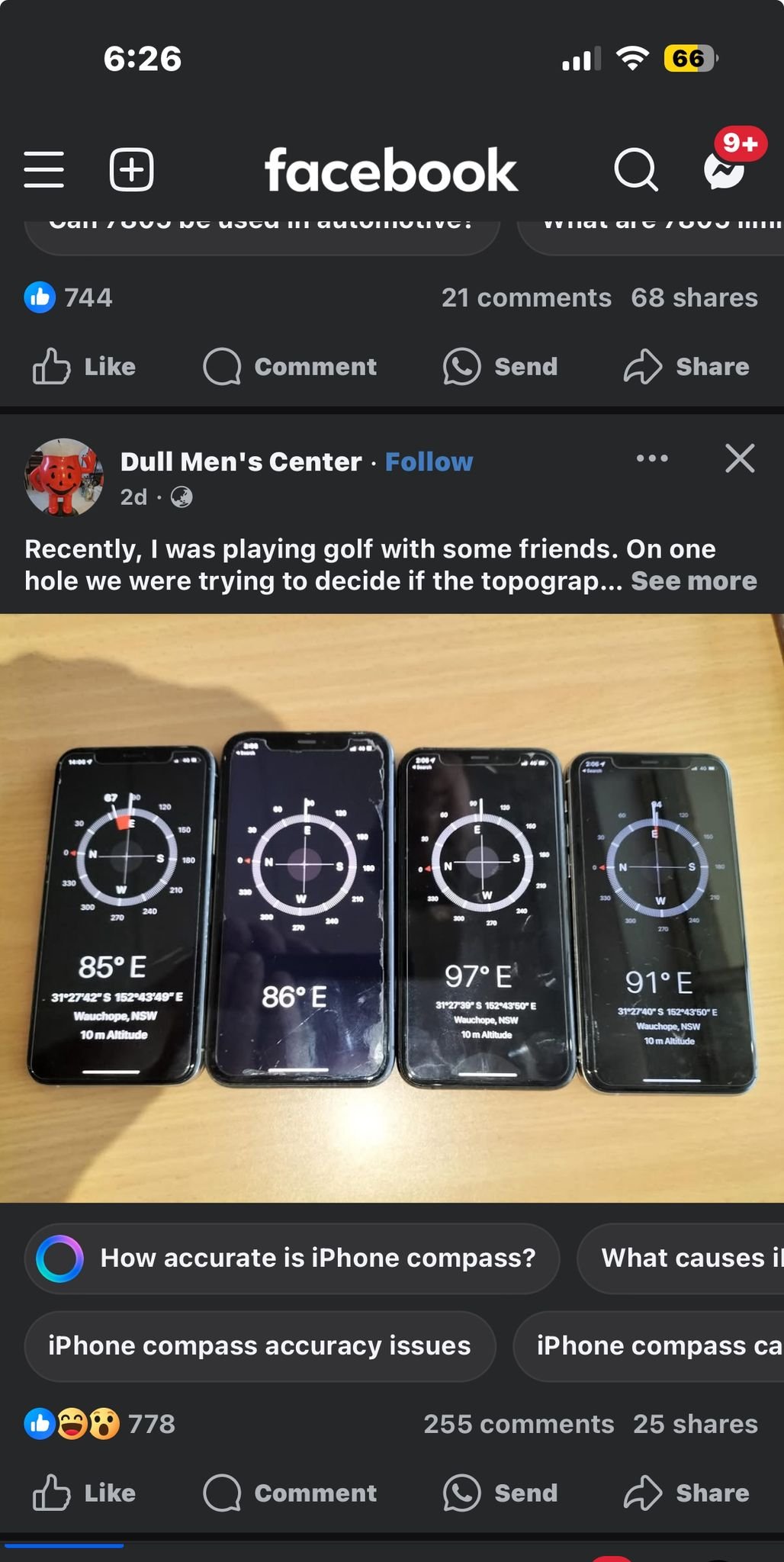
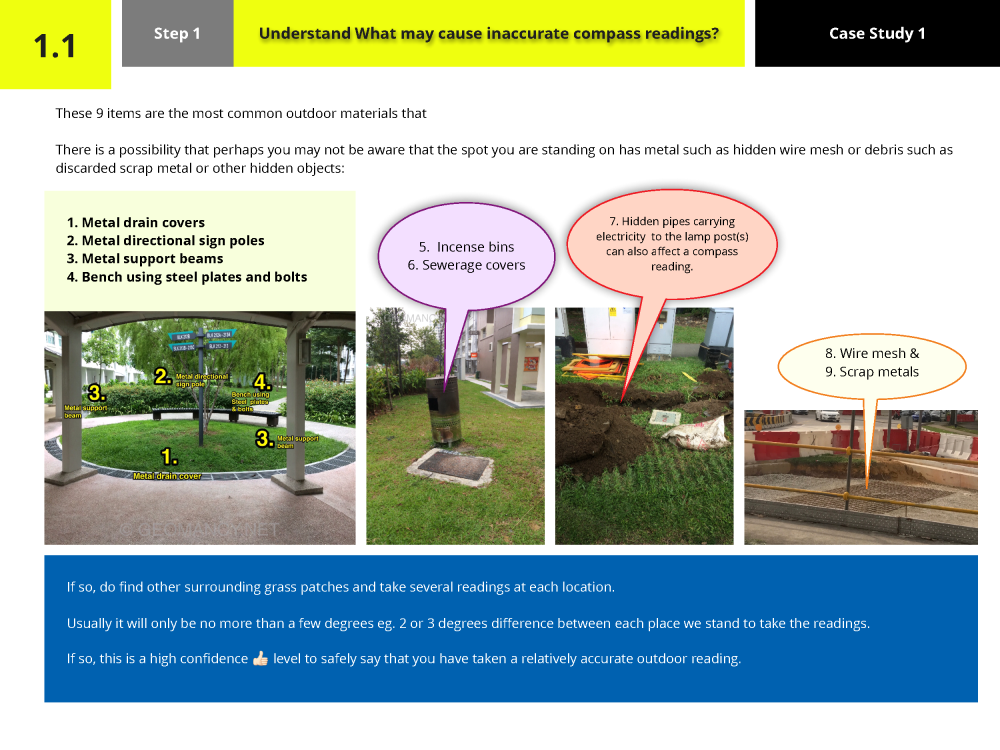
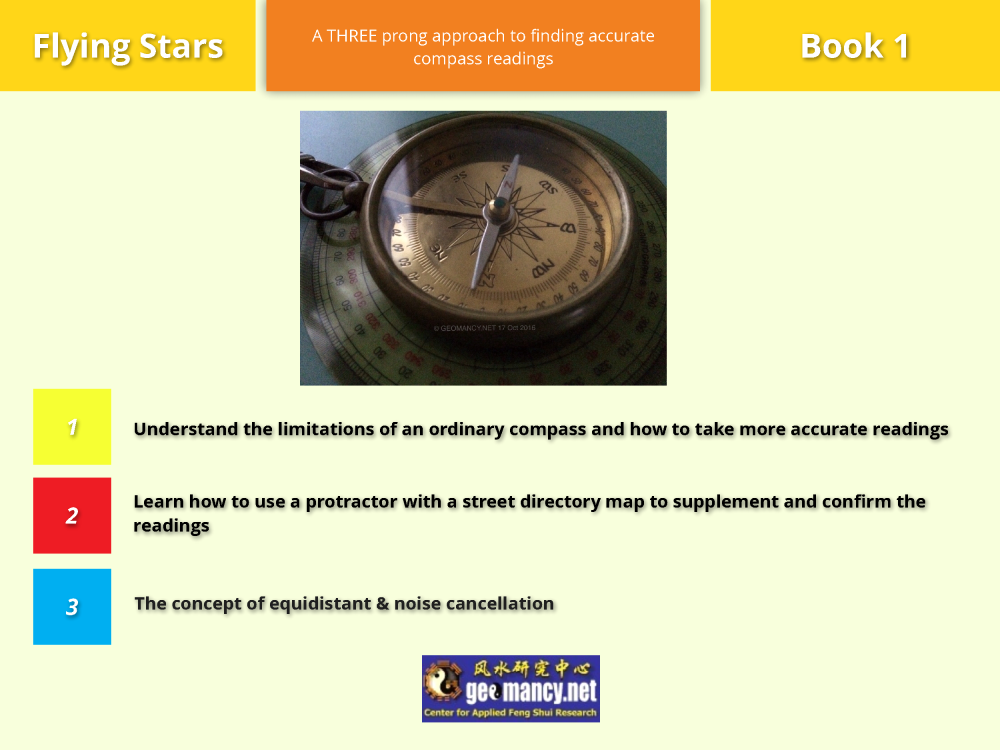
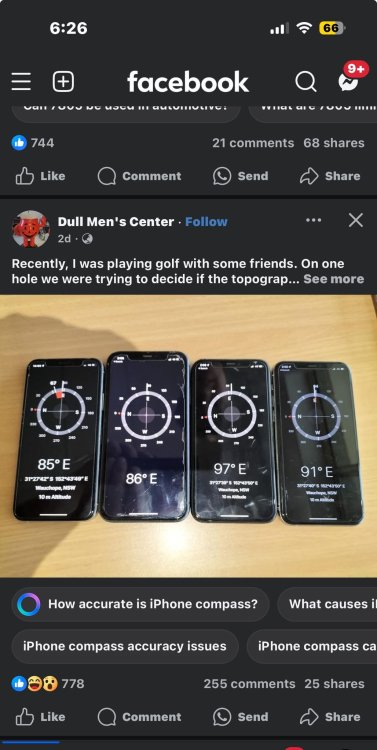
Compass readings change depending on where you take them. Compass readings are different in each place because magnetic north and true north are not the same. Knowing how to get correct readings is important for using Flying Star Feng Shui properly. Compass readings change depending on where you are because magnetic north and true north are not the same everywhere. This variation, called magnetic declination, means that compass readings can differ from place to place. For Flying Star Feng Shui, it’s important to take accurate compass readings at your specific location to ensure the correct application of Feng Shui principles. EXTRACT / SAMPLE +++ Source & Credit: Facebook Various iPhone models produce distinct compass readings. Just because you took some readings and appear to be that reading time and time again.... Go ahead! LOL Understand Why?

-
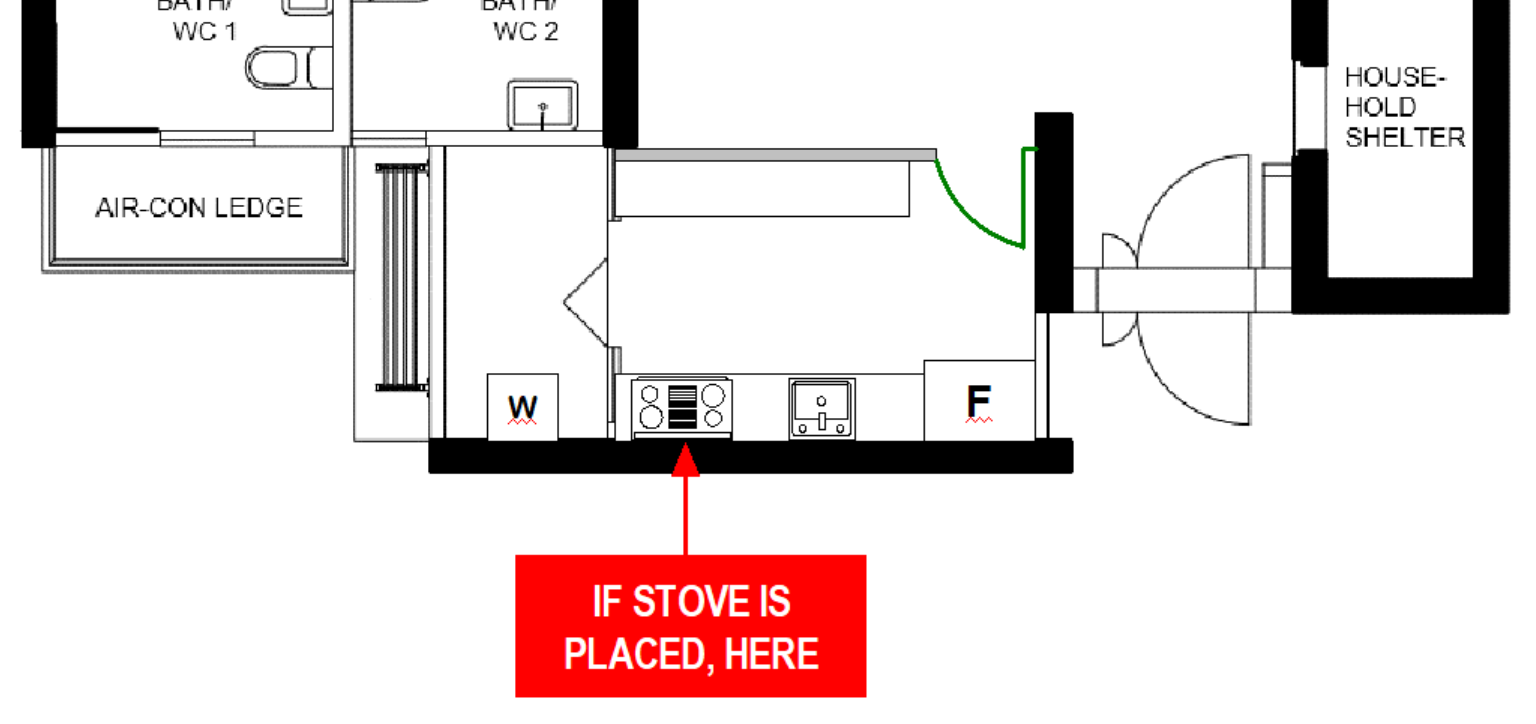
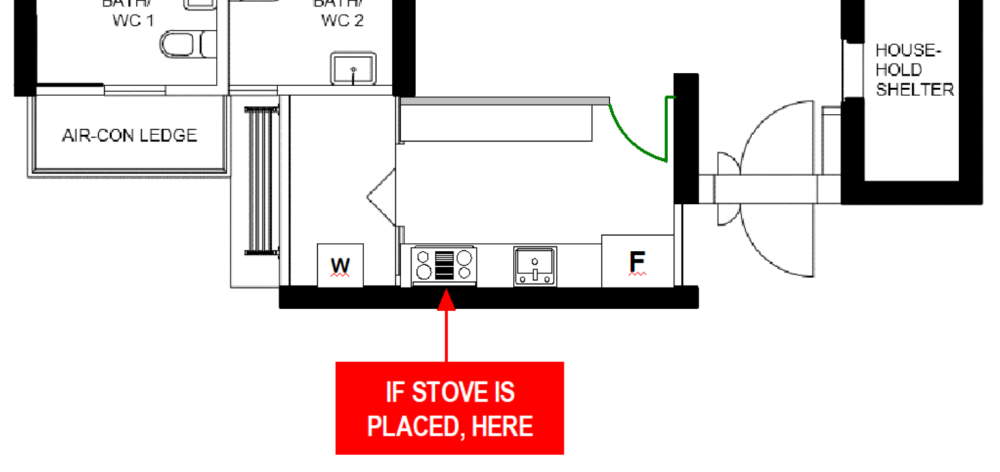
Common sense is Free! No need a degree. +++ Sample diagram showing what could happen if the stove is placed in this spot in a typical HDB 3, 4, or 5 bedroom flat This does not apply if the unit is on the top floor. +++ Because of what was mentioned above I am willing to share my secret recipe with you, but that means I would have to get rid of you. It’s not surprising that food tastes much better when the stove is placed right under a waste pipe That subtle tilt of the head, the closed eyes, and that elegant nose catching the “aroma” of her secret recipe. She’s not just cooking, she’s feeling it.



















.png.db58484fc28312dd183799cbca651ce2.png)