Cecil Lee
Staff
-
Joined
-
Last visited
Everything posted by Cecil Lee
-
What has diabetes to do with Feng Shui? Kidding me or what? You mean that I can get Type 2 diabetes if I stay here? Read on... Click here to have a better understanding of the disease....
-
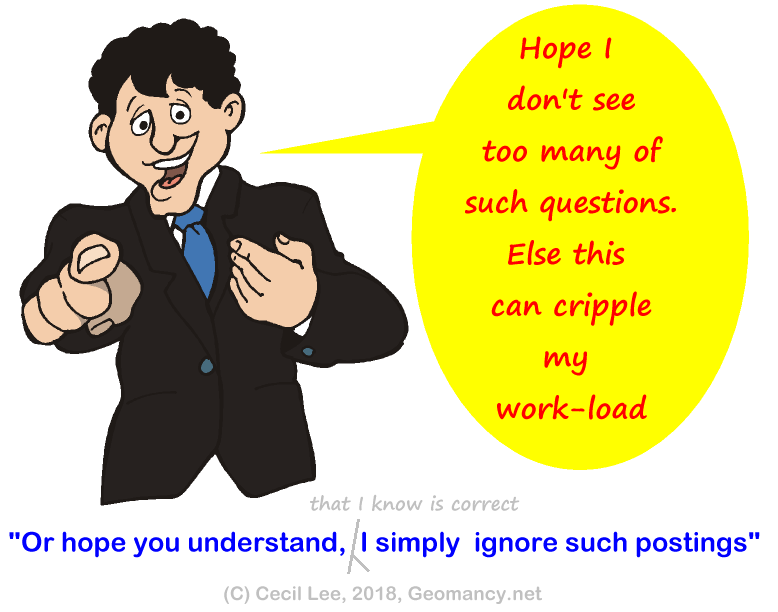
Case Study - Why are you not replying to my doubts on what you say? It is important for guests or users to conduct their own research rather than making hasty generalizations based on fleeting emotions or a desire to post something, anything. No one is infallible. We have published numerous research papers containing valuable information. It is essential to treat this information with the appropriate level of respect. We welcome any evidence that contradicts our findings. Failing to do so only leads to confusion and doubt among readers, as well as potentially damaging one's reputation. Therefore, it is crucial to contribute constructively and avoid relying solely on intuition or baseless claims. Where are the verifiable facts? It is imperative to set the record straight. Thankfully, such occurrences are rare, happening only once every couple of decades...phew-:).
-
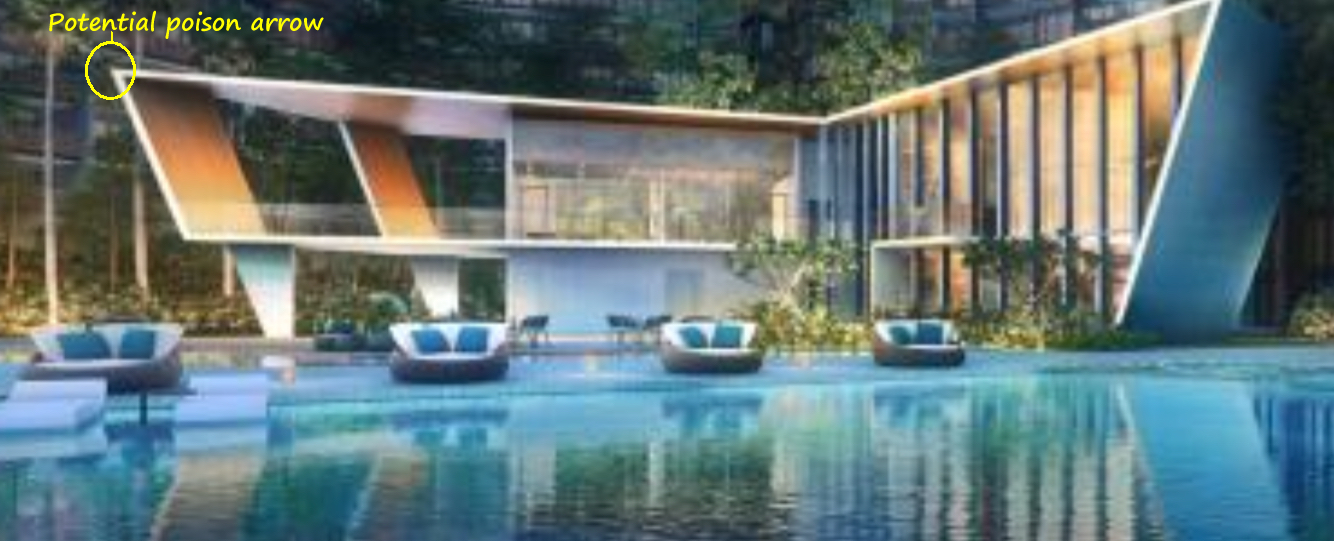
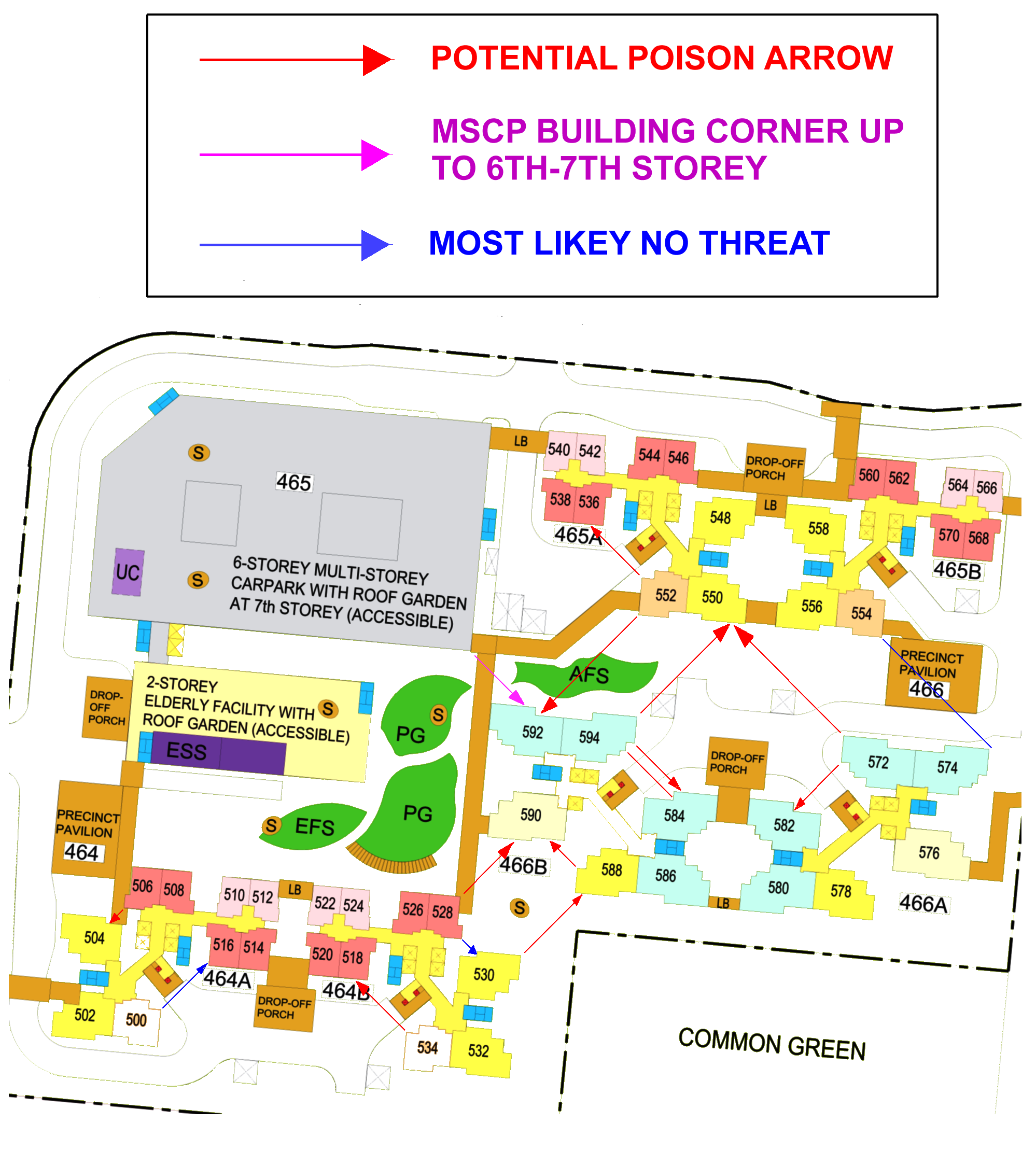
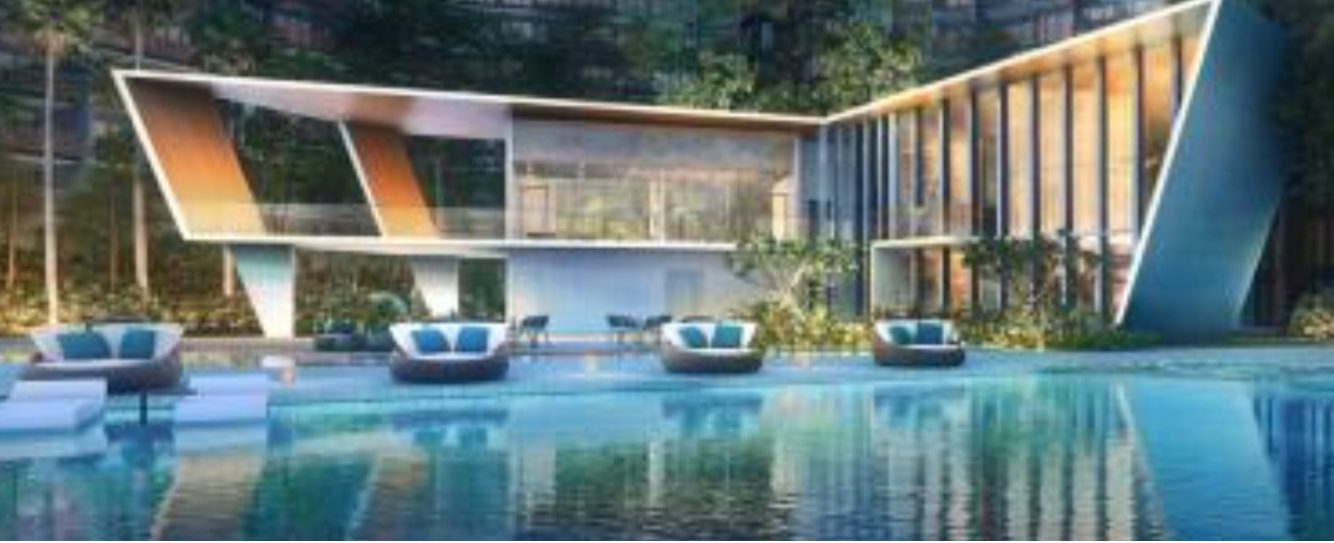
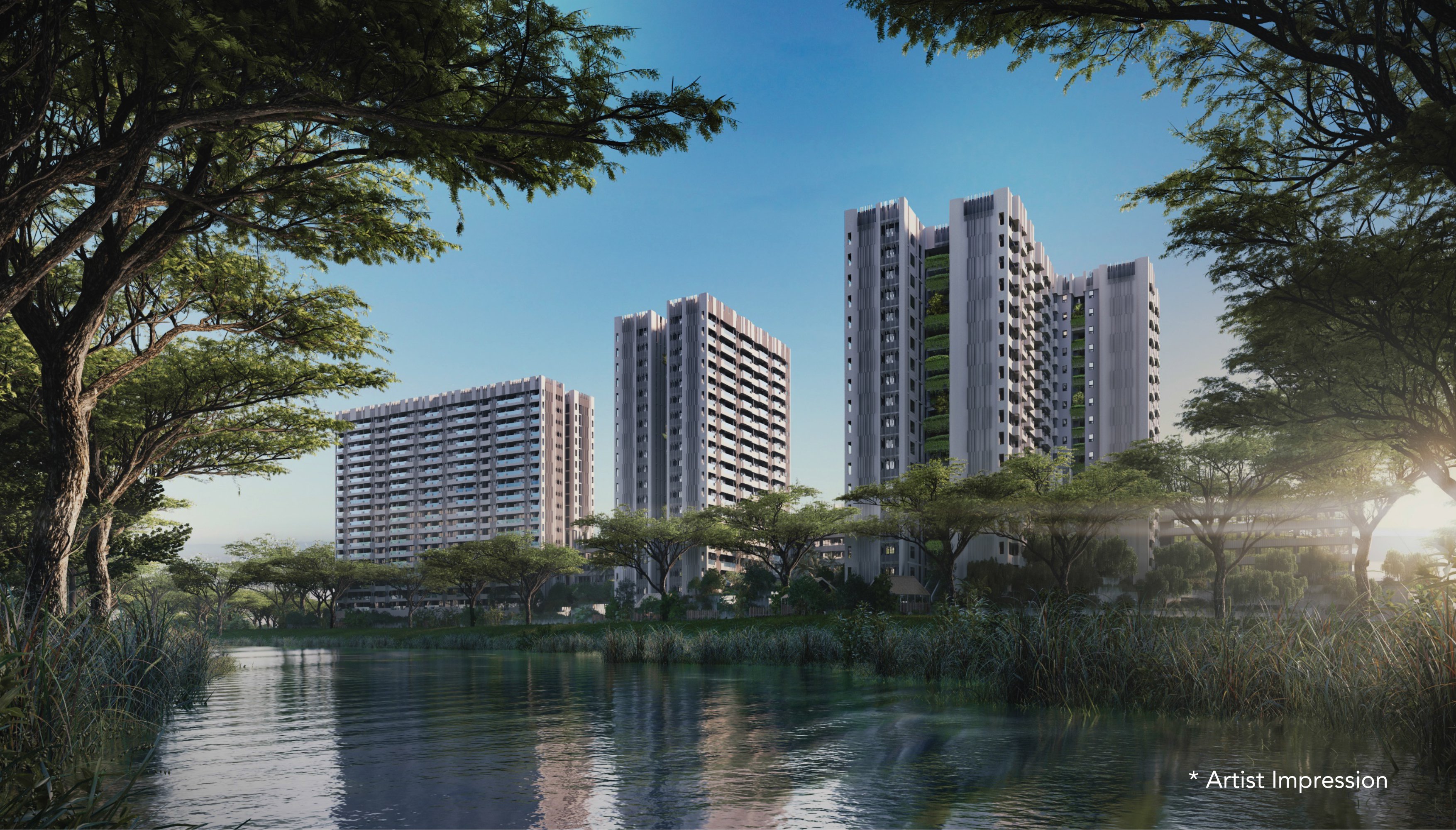
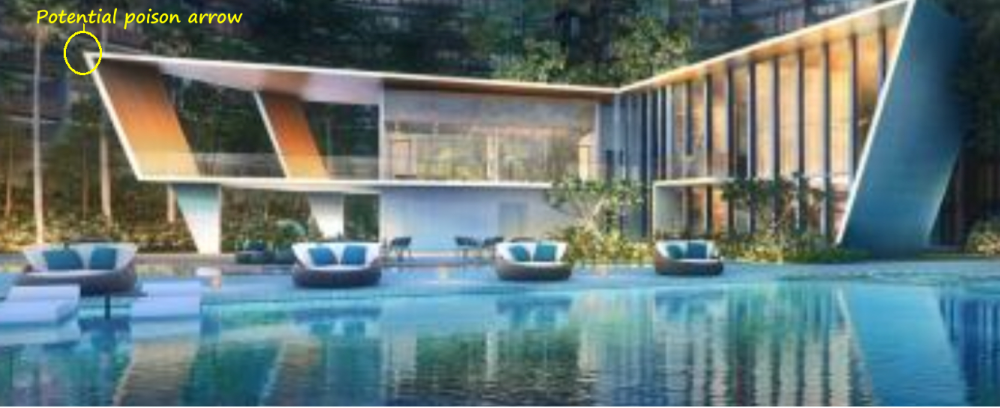
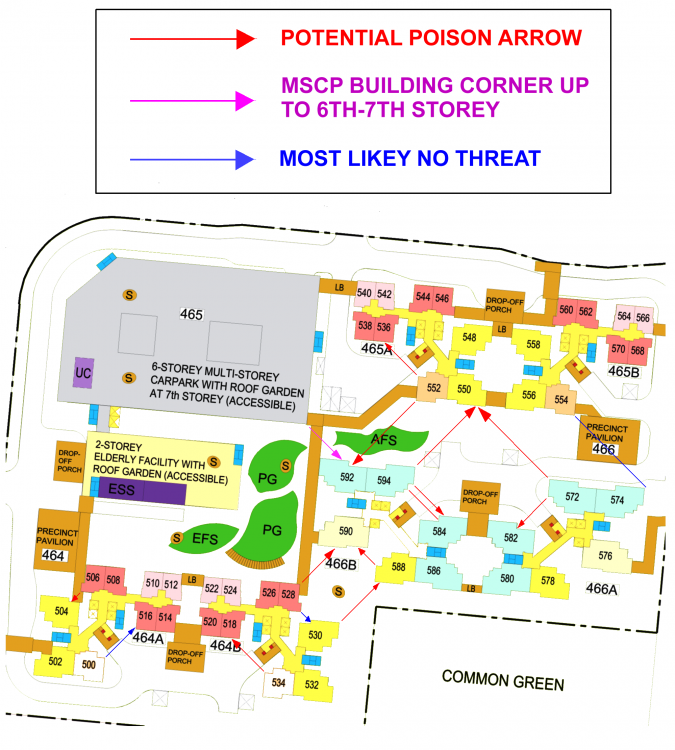
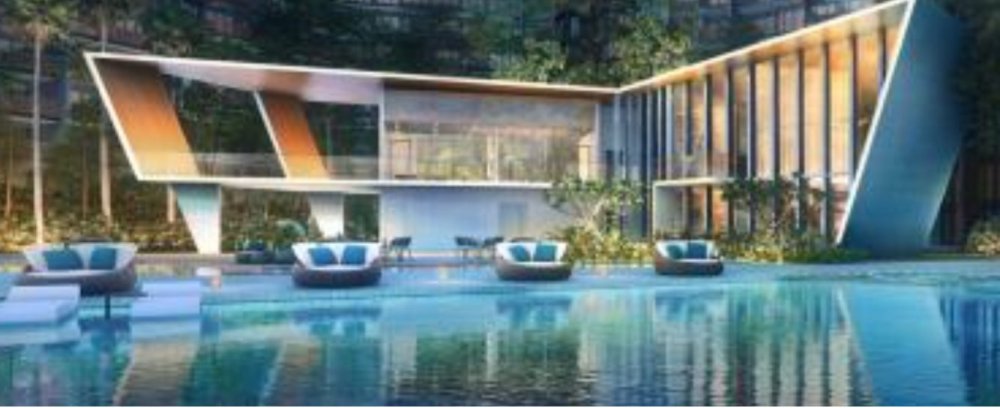
Case Study 14A: Shapes and Forms Feng Shui consider sharp pointed roof-lines slicing into a unit's opening such as a window or balcony unfavouable. Photo (Below) Location: Club-house at Riverfront Residences @ Hougang. (Development launched in 2018) 1. If the pointed edge of the roof-line is aimed towards a unit's window(s) or balcony, this is considered as a Sha Qi or poison arrow. 2. Sometimes, landscaping with certain trees can help. But it also depends on whether the tree has a tree trunk and leaves if any. 3. Oh dear! If the tree especially palm trees which has a single trunk. 3.1. If the tree's trunk is aimed towards a unit's opening, this is unfortunately another type of Sha Qi: if it slices into a unit's opening. 3.2. If one's unit is facing the club-house, best to avoid a unit (depending) on the height of the club-house roof-line! 3.2.1. If in doubt, chose a higher floor. Often 5th storeys or higher in general should clear the roof-line. Fingers-crossed. 3.2.2. Often the showroom's model of the development is quite accurate. Thus, go and take as many photos and or figure out which level, the roof-line is aiming into. 4. If in doubt, skip or avoid a unit at that specific stack. Case Study 14B: Staggered block/stack layout can result in potential sharp corners (poison arrows). Location: HDB Fernvale Vines 1. How do I know if my unit is affected by a poison arrow? 1.1. From the site plan, one can only roughly estimate the probability of a potential poison arrow. 1.2. What is more important is that if the sharp corner is not aimed towards an opening such as a window then it is a non-issue. 2. Above. For Block 466B stack 502 between storeys 1 to 7 = can be affected by the sharp corner of the MSCP aimed towards perhaps a bedroom opening. [Reference: https://www.geomancy.net/forums/topic/17081-hdb-fernvale-vines-bto-launched-in-february-2019-an-in-depth-understanding-on-main-doors-facing-each-other-inauspicious-true-or-false-by-understanding-this-we-can-apply-elsewhere/]
-
Part 9: Shapes and Forms Feng Shui dislikes sharp pointed roof-lines 1. Especially if there is no vegetation between such pointed roof-lines and a unit's opening such as a window or balcony area. 2. If, so, best that the club-house sharp points does not point towards any blocks/stacks. The further the better.
-
In Feng Shui, we usually avoid placing the stove in the center of the kitchen, and this is not common practice in China. Most stoves are placed against a wall. From a safety perspective, especially when using gas stoves, windy conditions can cause the flame to go out or blow toward the person cooking or someone entering the kitchen. To prevent this, it is advisable to close any windows that might affect the stove while cooking.
-
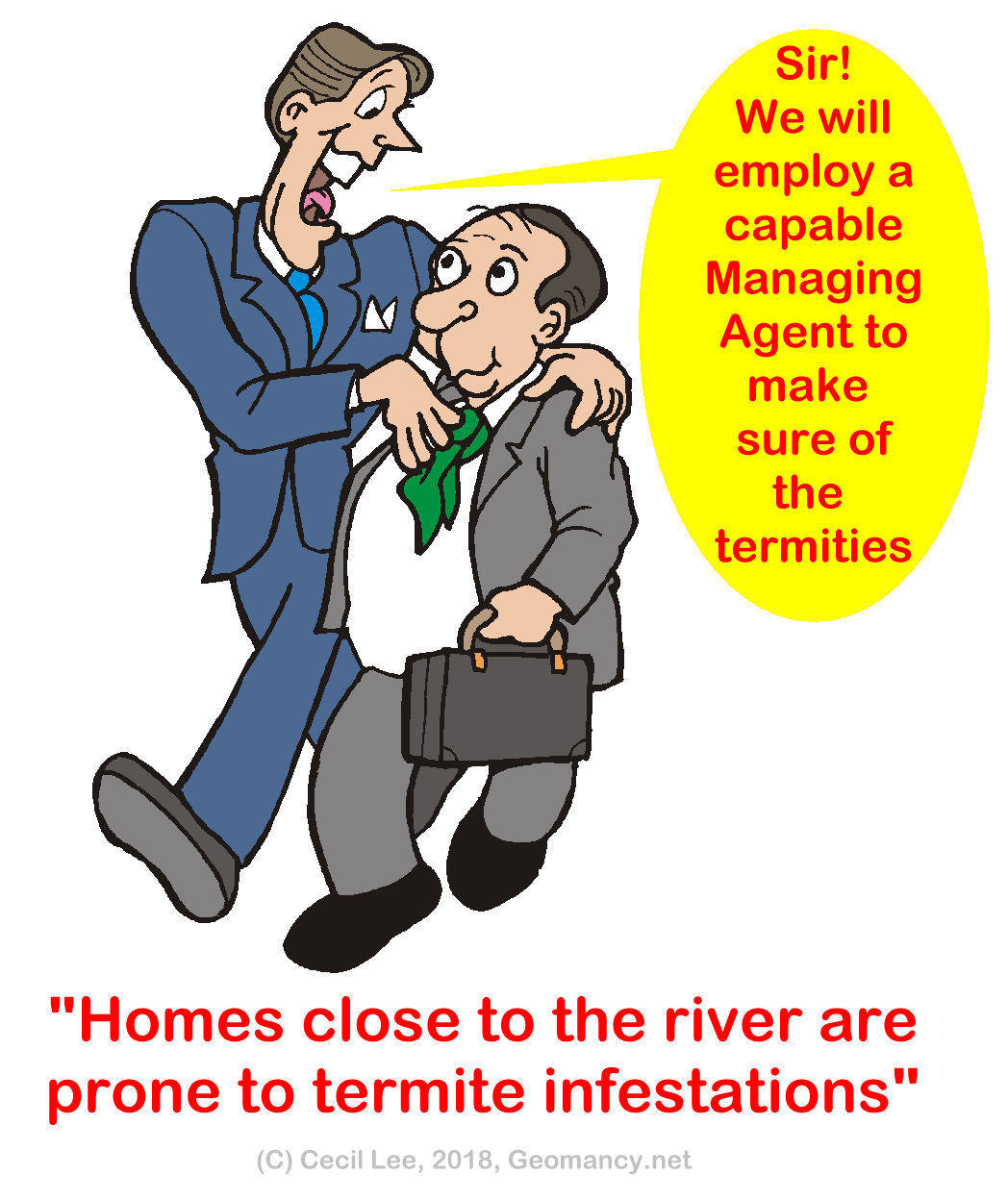
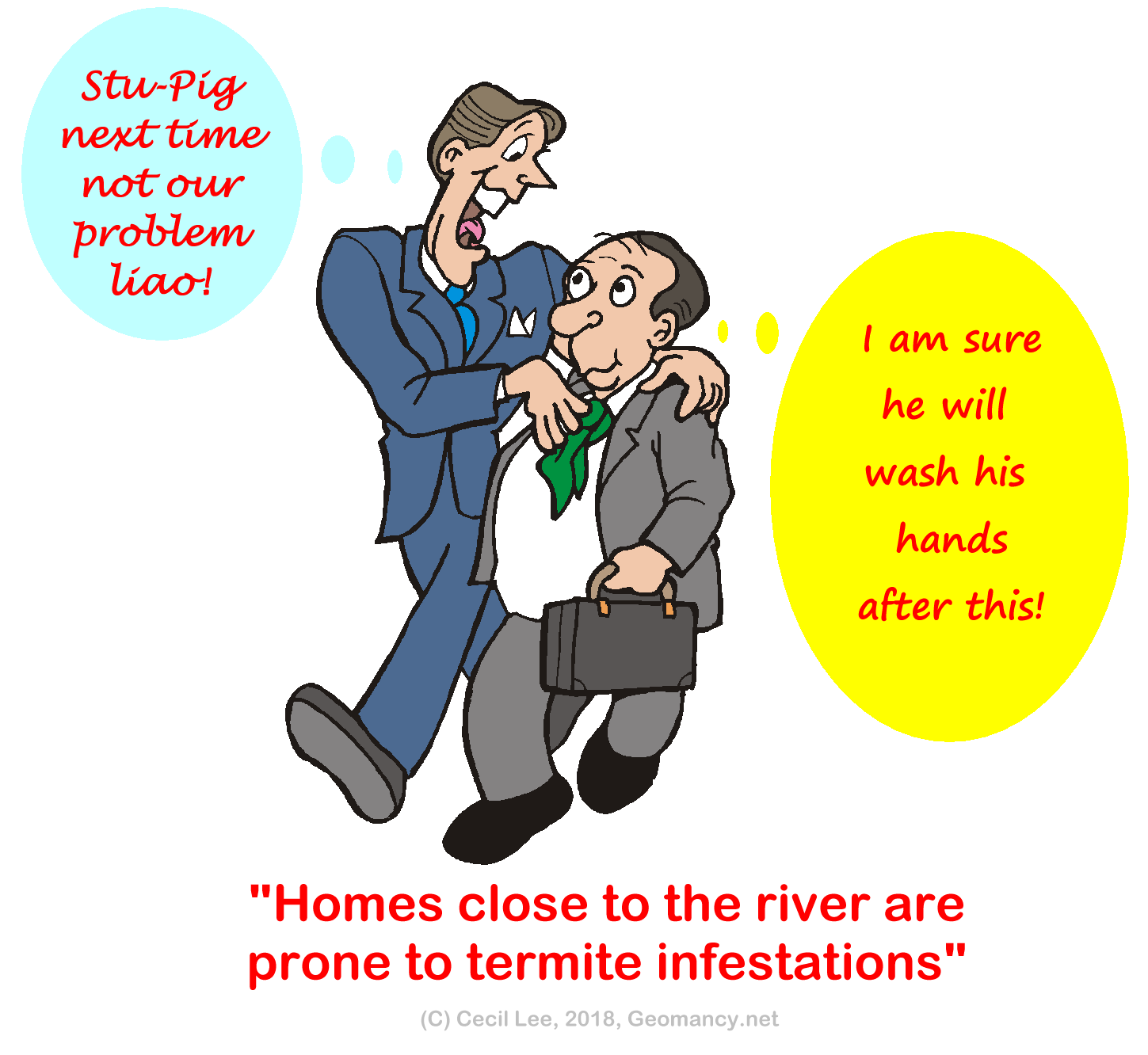
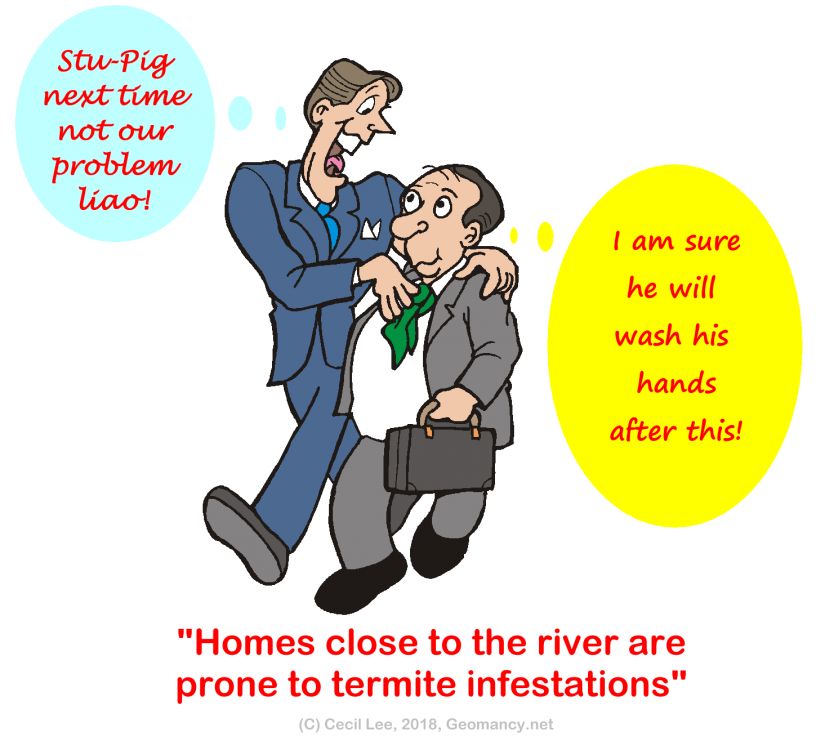
Part 3: In the near future homes close to a river are prone to termite infestations. As the soil next to the river is constantly damp... Developer: "Why huh?" FS Master: "Can affect luck: human and earth luck!" Developer: "We will heed your advice and make sure of recommended pest control measures" Besides this what else to look out for? Hmm....

-
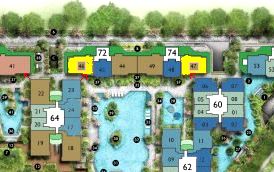
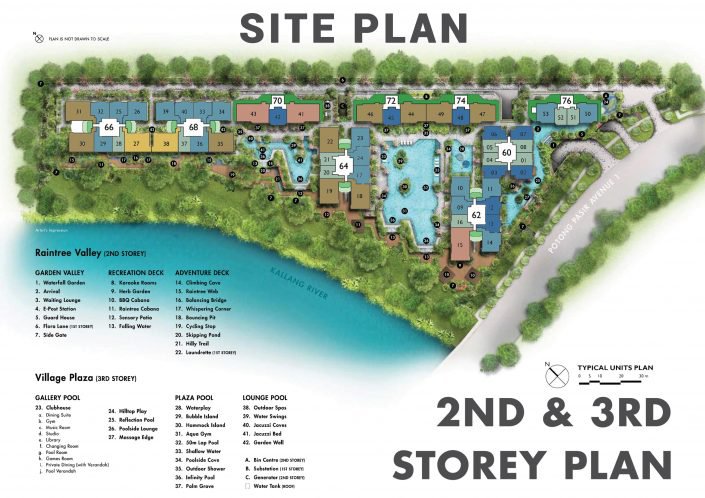
Part 3: Sha Qi or Poison arrows aimed towards Blocks 72 and 74: the two stacks highlighed in Yellow 1. Sample illustrations from another condo development showing similar concerns - Sha Qi or Poison Arrows and Block Layouts: If one has the time can read this link on units similar to The Tre Ver's type of block layout between blocks 64 and 72 and blocks 60 with 74:- 2. Click this link below to find out more about the above situation:
-
Sorry to learn about your situation. Frankly, hope you understand, there is very little knowledge nor a triage for about various factors: the person or related persons or even earth luck of the home etc...https://www.geomancy.net/wiki/Feng_Shui_Triage
-
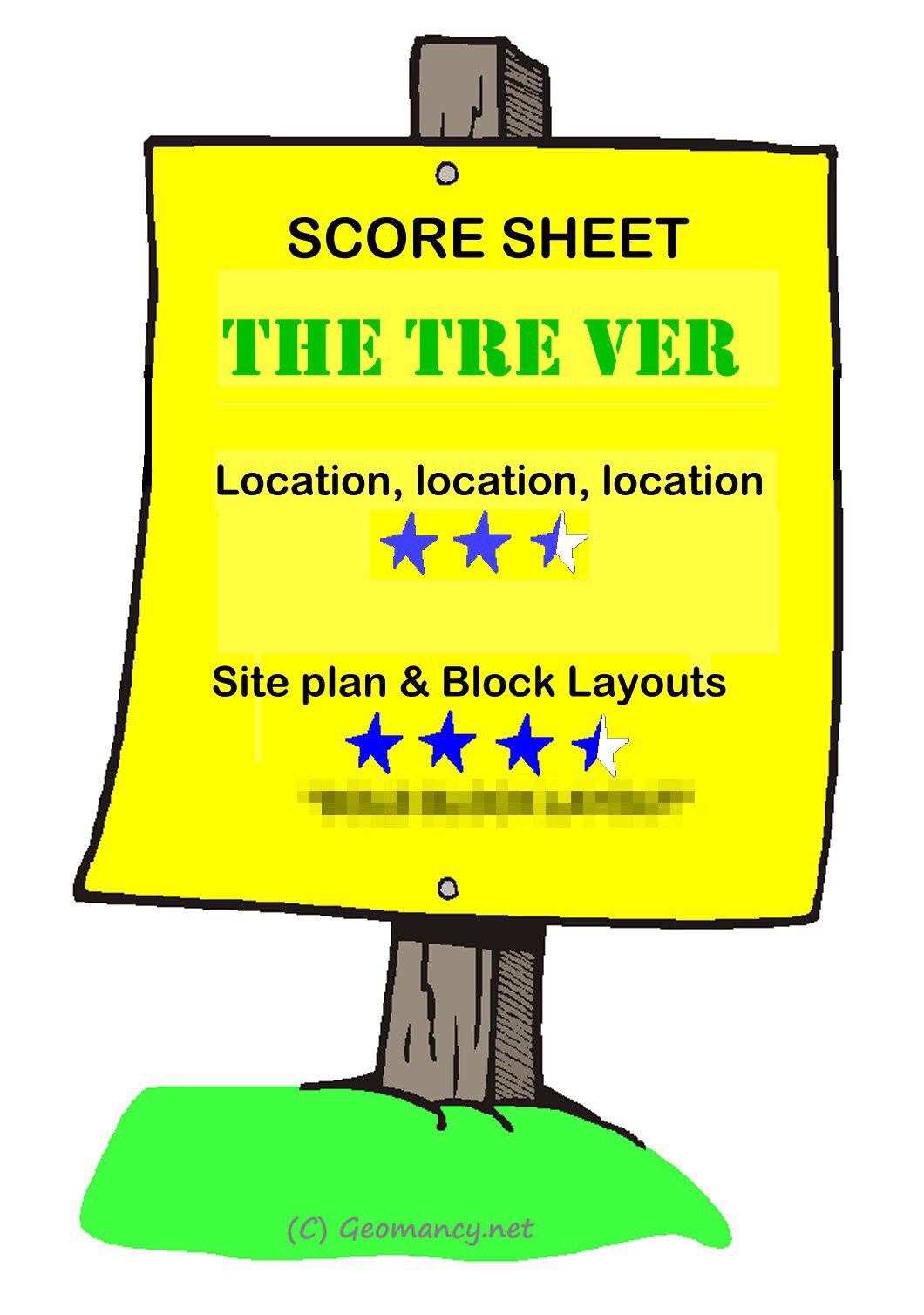
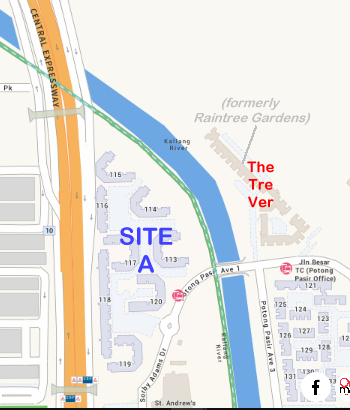
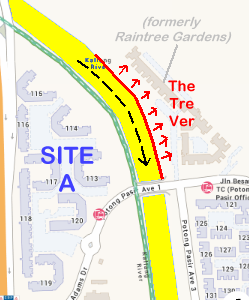
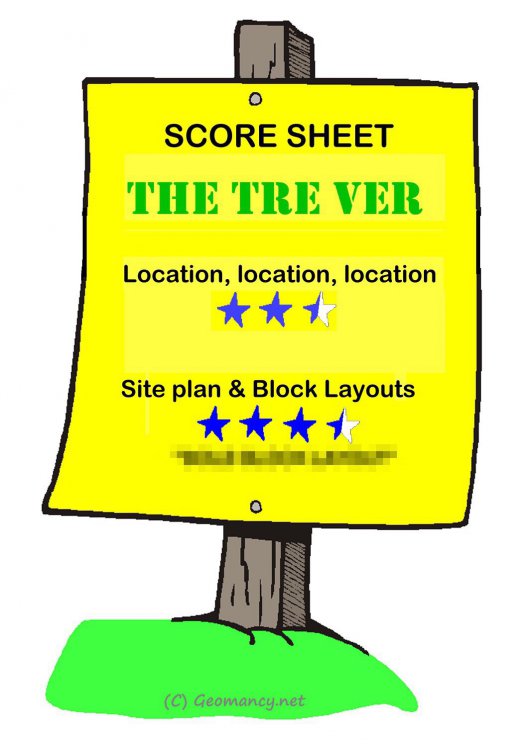
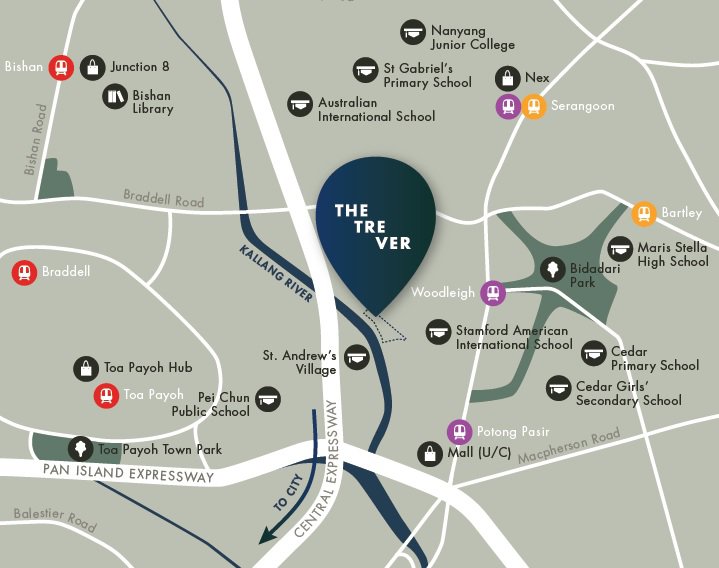
Part 2: Which site is more auspicious under the Water Feng Shui (Water Classics) - Make a guess? = a. Site A (refer to the map above - consisting of the cluster of HDB Blocks 113 to 120 Potong Pasir) or b. The Tre Ver site? WINNER: "It's HEADS!" 1. Generally under the water classics, water CURVING AWAY from the site is the more auspicious site. 2. Thus HDB estate consisting of blocks 113 to 120 is considered the more auspicious site of the two: 3. The flow of water in the Kallang River is also major consideration that affects the site with the water course CURVING TOWARDS it. 4. Other factors include how the Block/stacks are laid out in relation to the river + the distance from the river course. 4.1 In this area, the architects have done a reasonable job to keep the majority of blocks/stacks furthest away from the river course. 4.2. In fact, the developer adopted a layout pretty much similar to that of the former enbloc Raintree Gardens. It's layout can still be seen in the above layout plan. Except that the latest Tre Ver layout looks more like the letter "F" or the profile of an adjustable spanner. 5. Overall score sheet for The Tre Ver: 5.1 Could have scored better under Block Layouts if not for some issues of Blocks 60 & 64 in relation to Blocks 72 and 74.
-
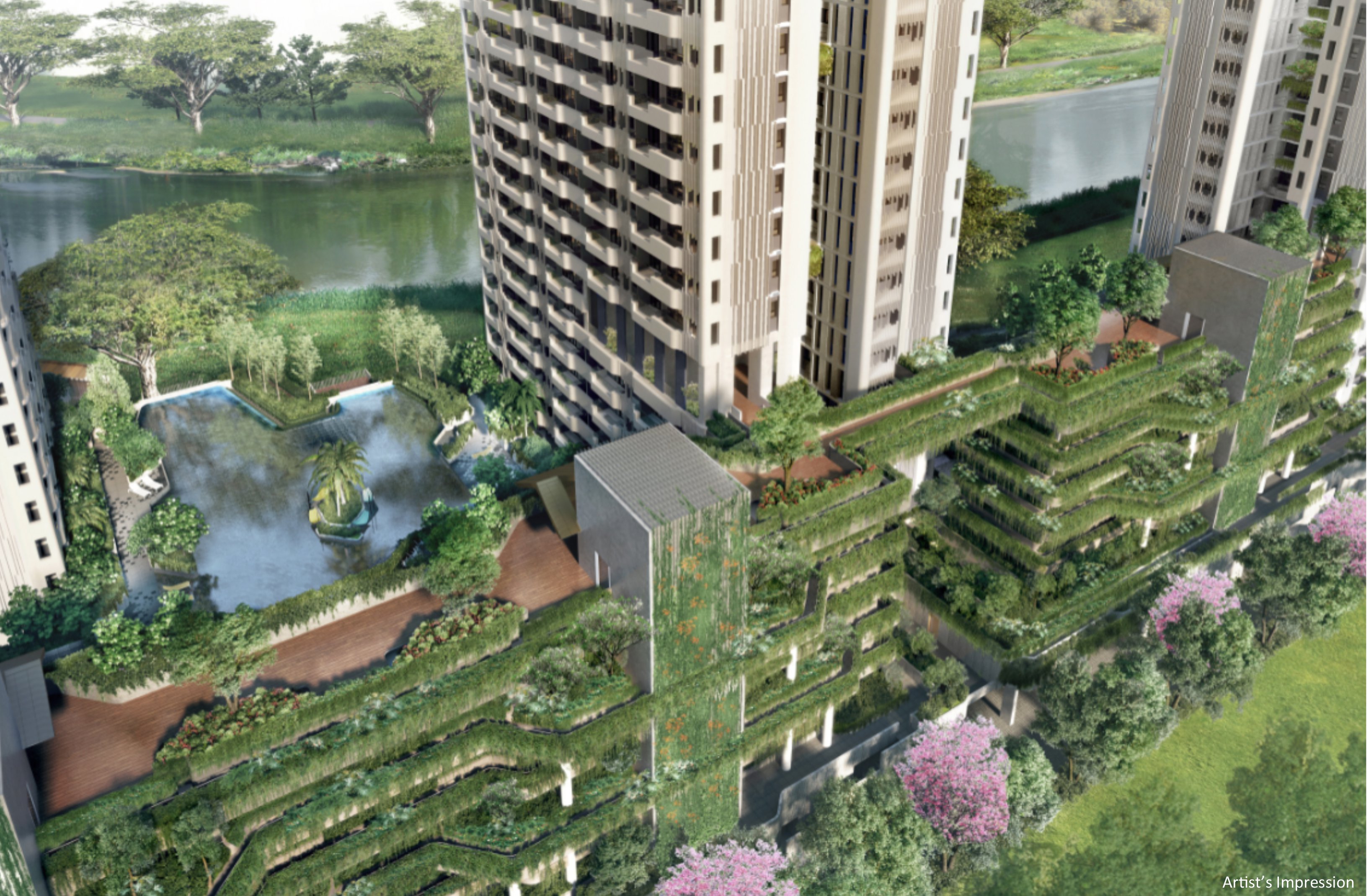
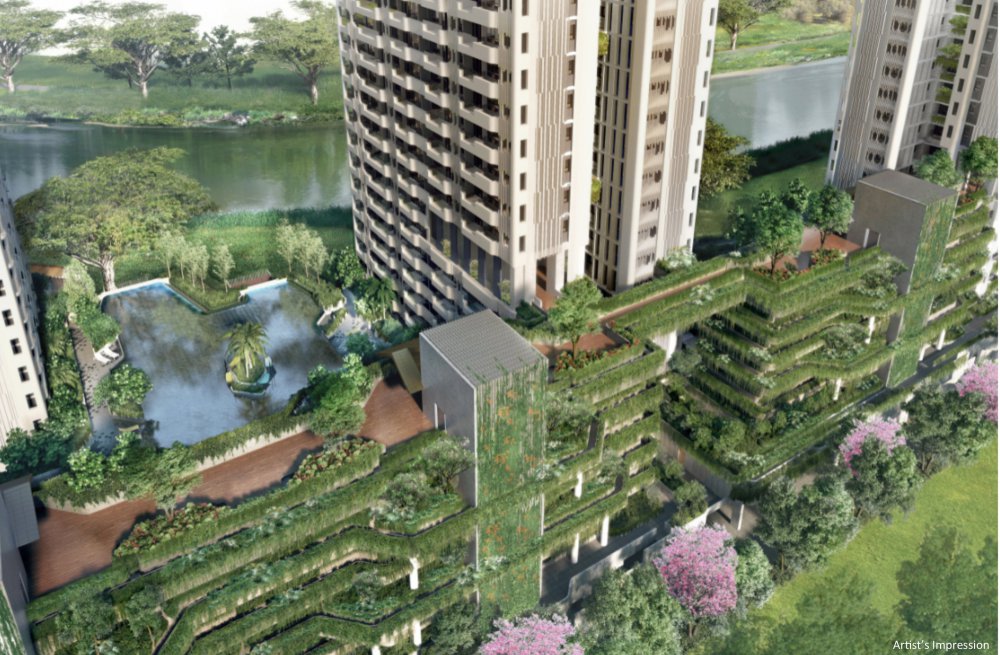
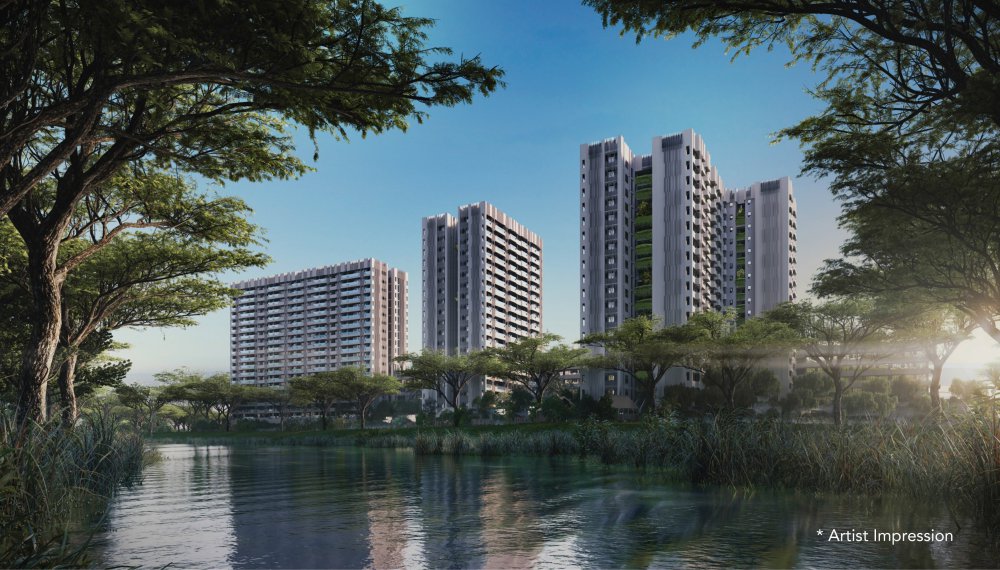
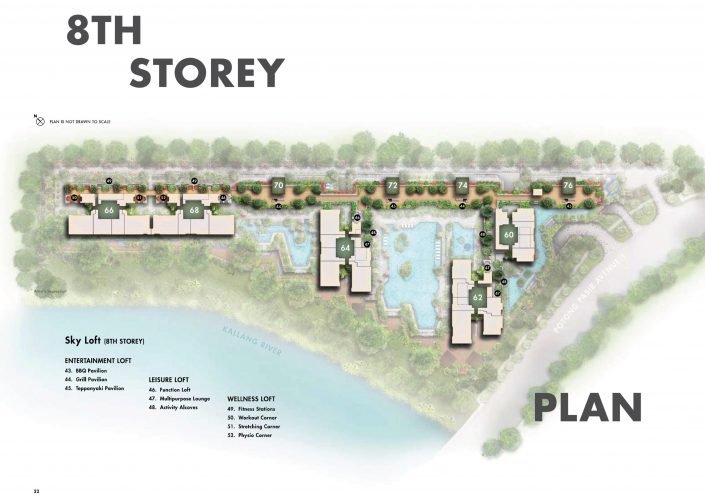
Part 1: Sales Brochure materials The Tre Ver a 99-years leashold. Expected date of completion is within Period 8 Feng Shui of year 2022. The developer seems to use "TRE VER" as a short form for TREes RiVER. There are 3 Tower Blocks of 20 Storey and 2 Blocks of 19 Storey There are another category named Garden Blocks consisting of 4 Blocks of 7 Storey, including 2 storey carpark and 1 basement carpark The site: Part 1A: Reference Resource Bank - The Tre Ver eBrochure:The-Tre-Ver-Brochure-Condo-Singapore.pdf
-
Looks like no longer around... scrapped?
-
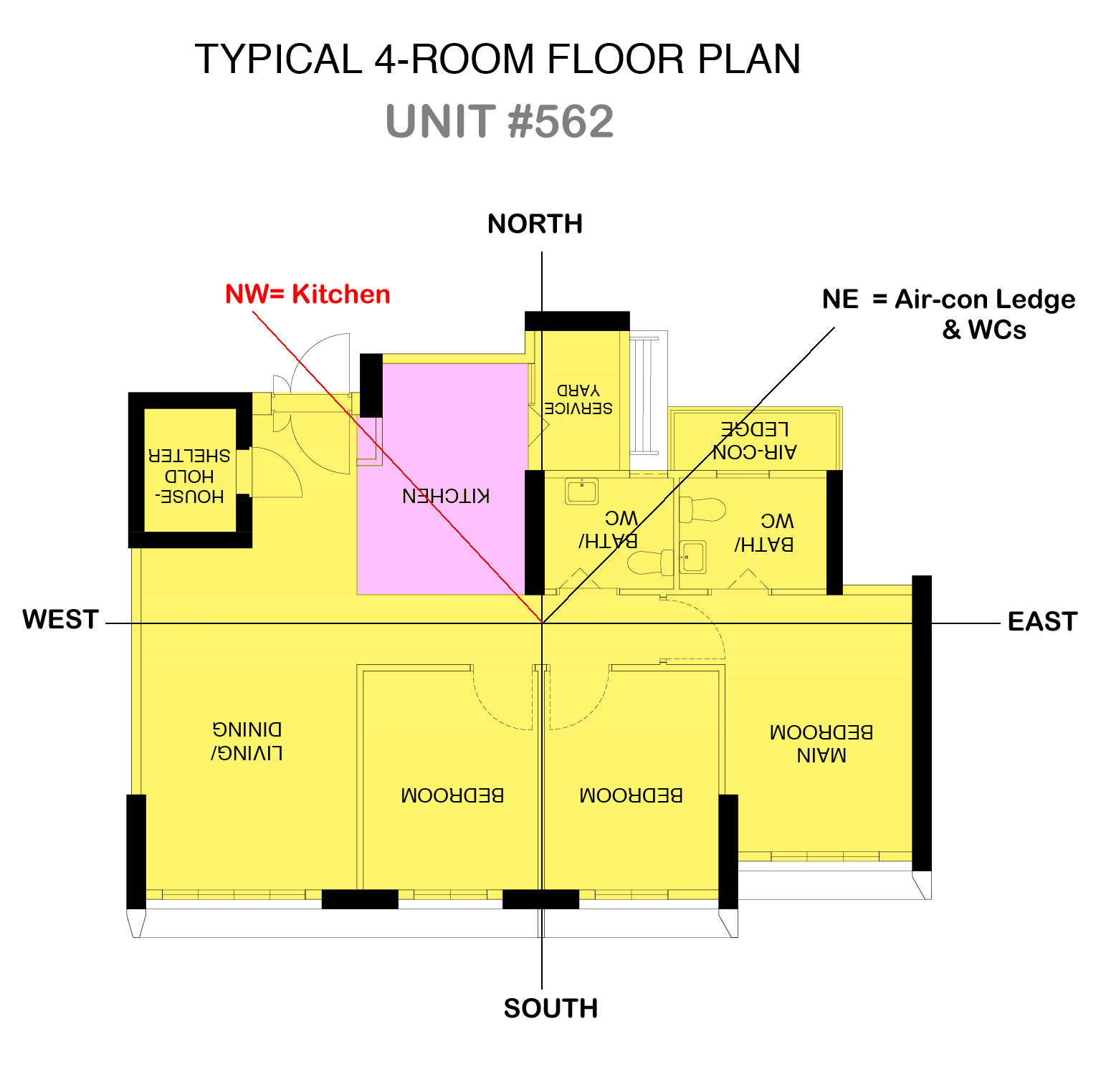
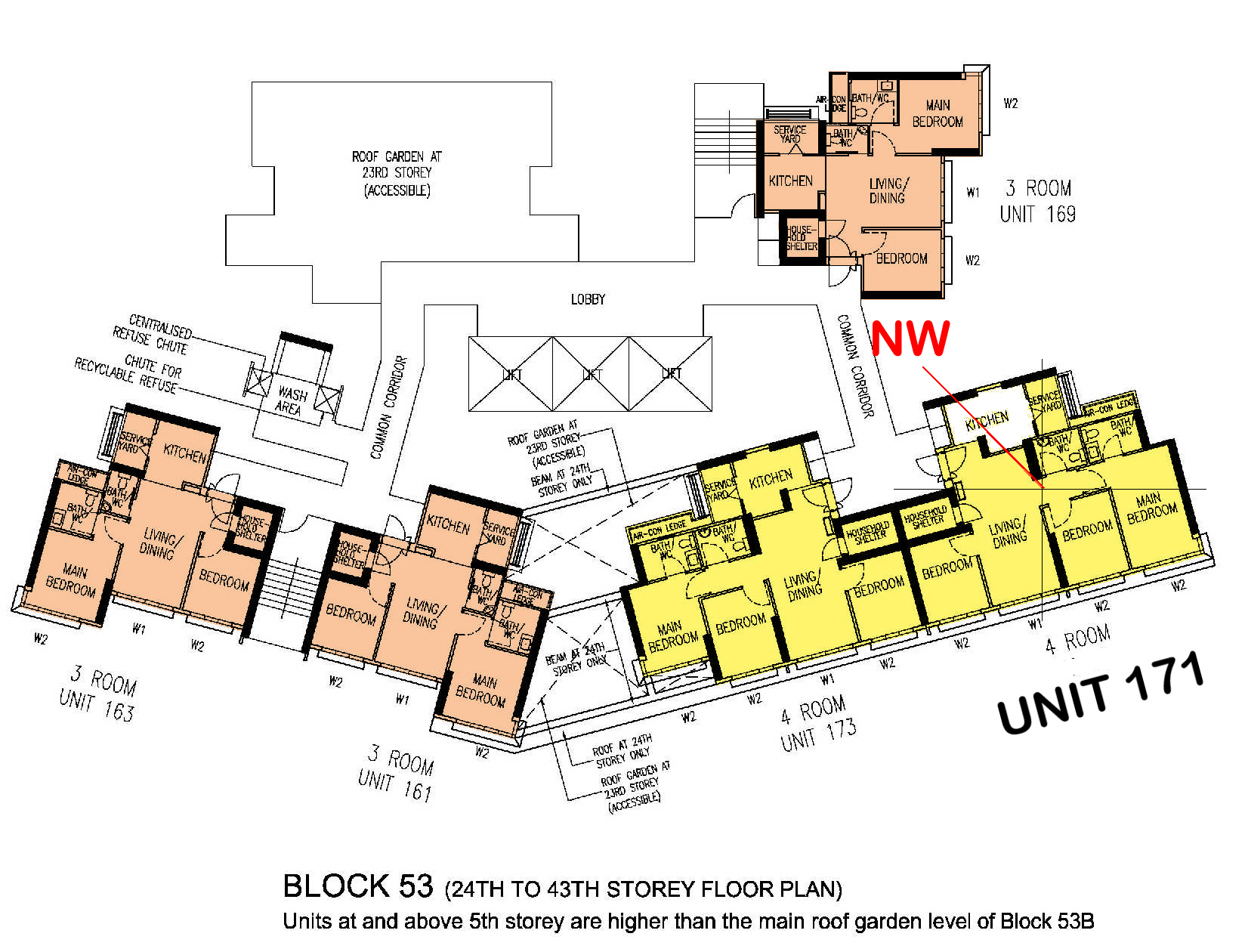
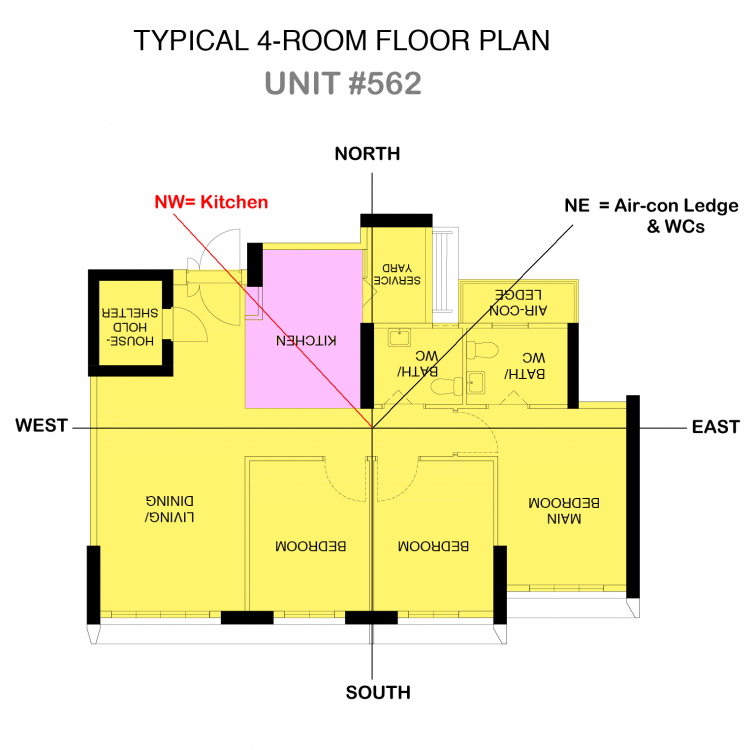
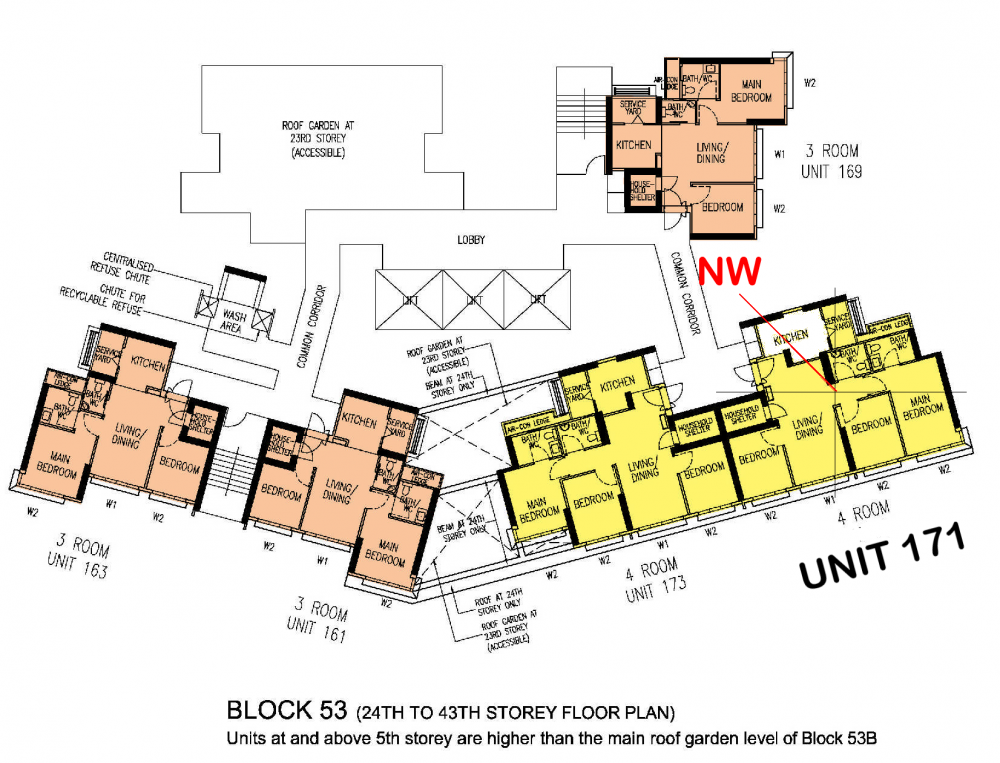
I have been conducting evaluations for many years. With just a quick glance, I can mentally confirm whether the kitchen is located at the NW without the need for mapping. However, mapping is provided to help clear any doubts. It's worth noting that the NE is situated at the Air-con ledge and Bath/WCs. See below:-
-
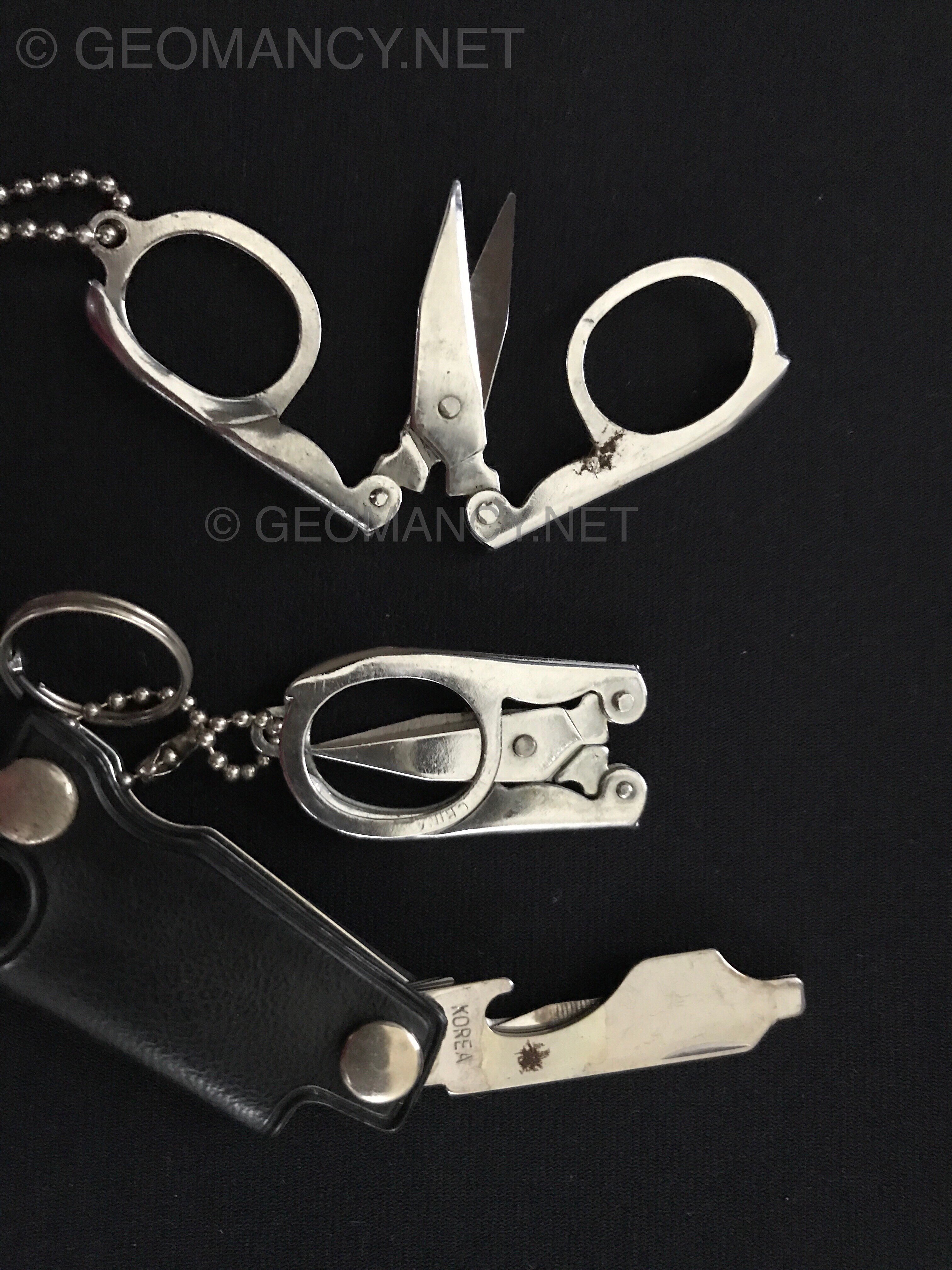
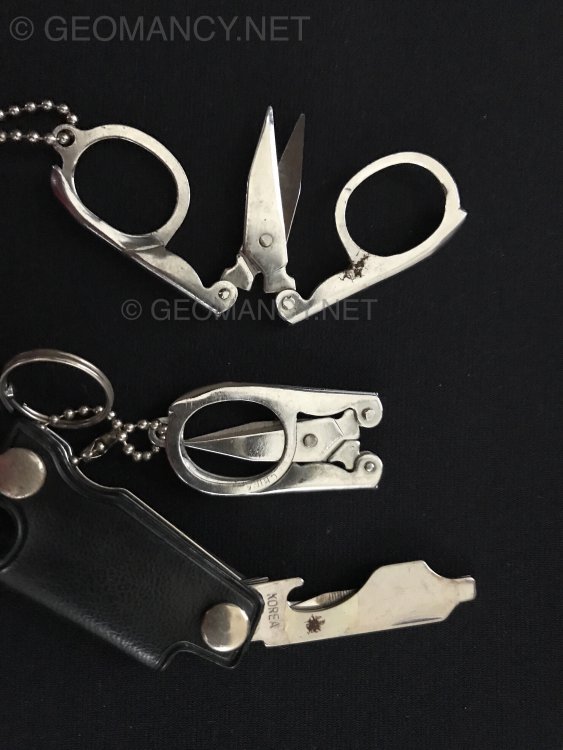
If one has bad dreams, a Traditional remedy is to purchase items such as these, sew them in a red pouch; Open an opening in the pillow, sew it back. Such that one sleeps on TOP of these items: scissors and pen knife.
-
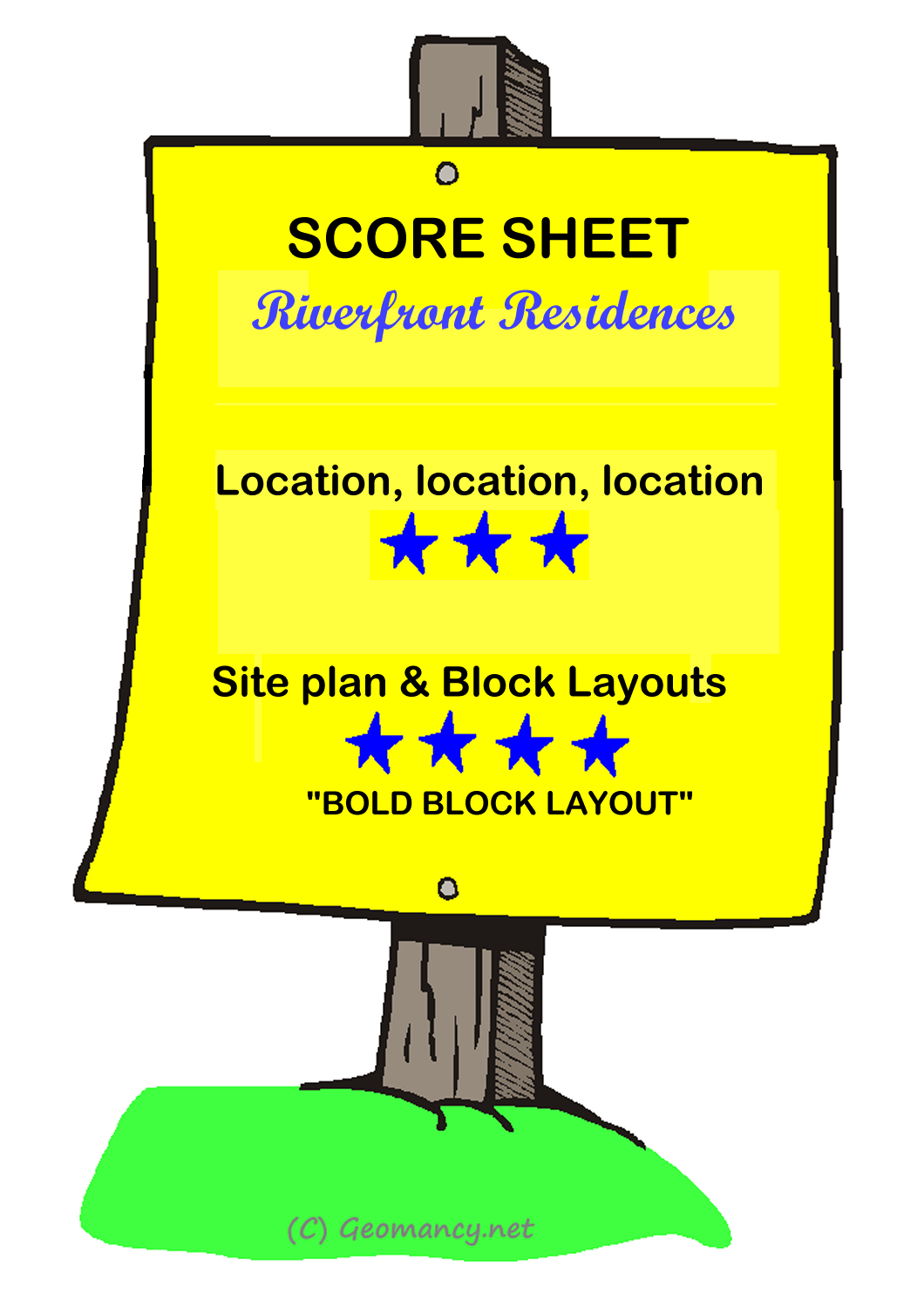
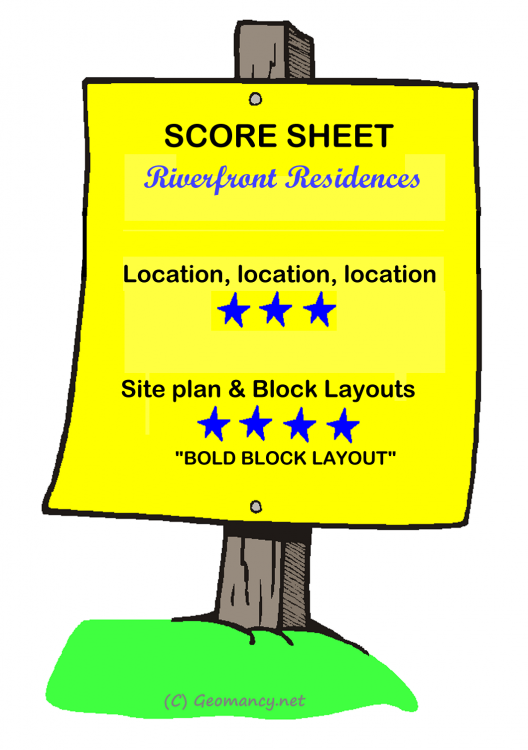
Part 8: Score Sheet for Riverfront Residences: The bold block layout receives a high score. I have a suspicion that the architect may be an admirer of McDonald's, as there are certain areas that bear a slight resemblance to the iconic yellow "M" arch logo associated with McDonald's.
-
“Please note that all conversations are purely fictitious” Developer: “Phew... finally a reprieve .. Erh I mean a distraction.” Here's something informative..
-
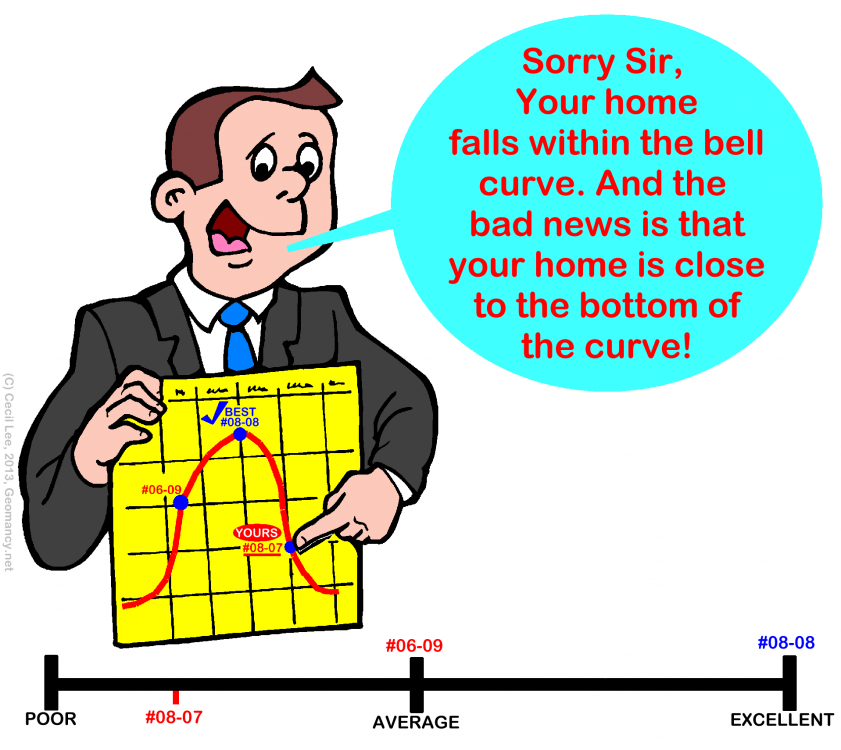
“Please note that all conversations are purely fictitious” Developer: “Sir! Can you at least post something positive about this development, please!” Reply: “Oops! Sorry! Wrong one.. again!”
-
Who is well versed in both Vastu and Feng Shui?

-
Another person enjoying Quantum Leap in Feng Shui.

-
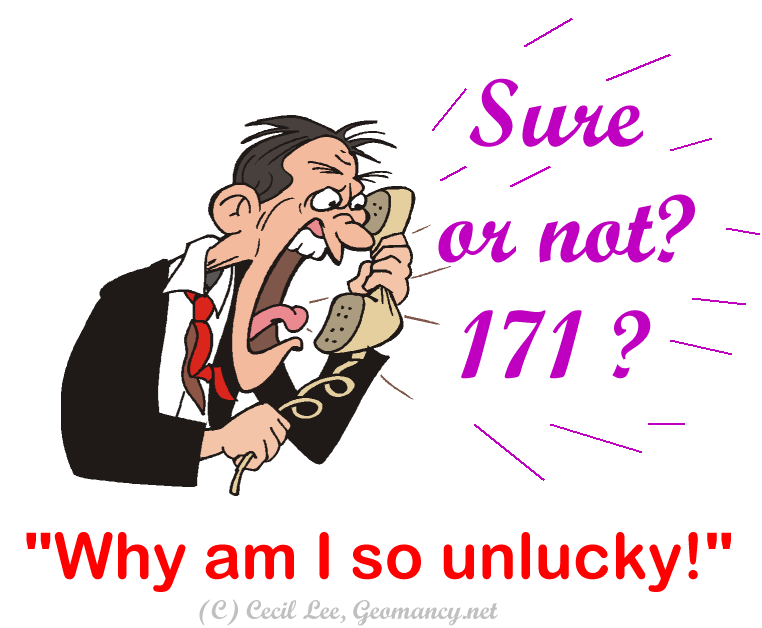
Part 4: Calling residents of Unit 171.... your kitchen is at NW = inauspicious Fire at Heaven's Gate... Not good for the Male-Head breadwinner and overall luck for the home Oh Gosh! My number 171 was just called! What can it be????
-
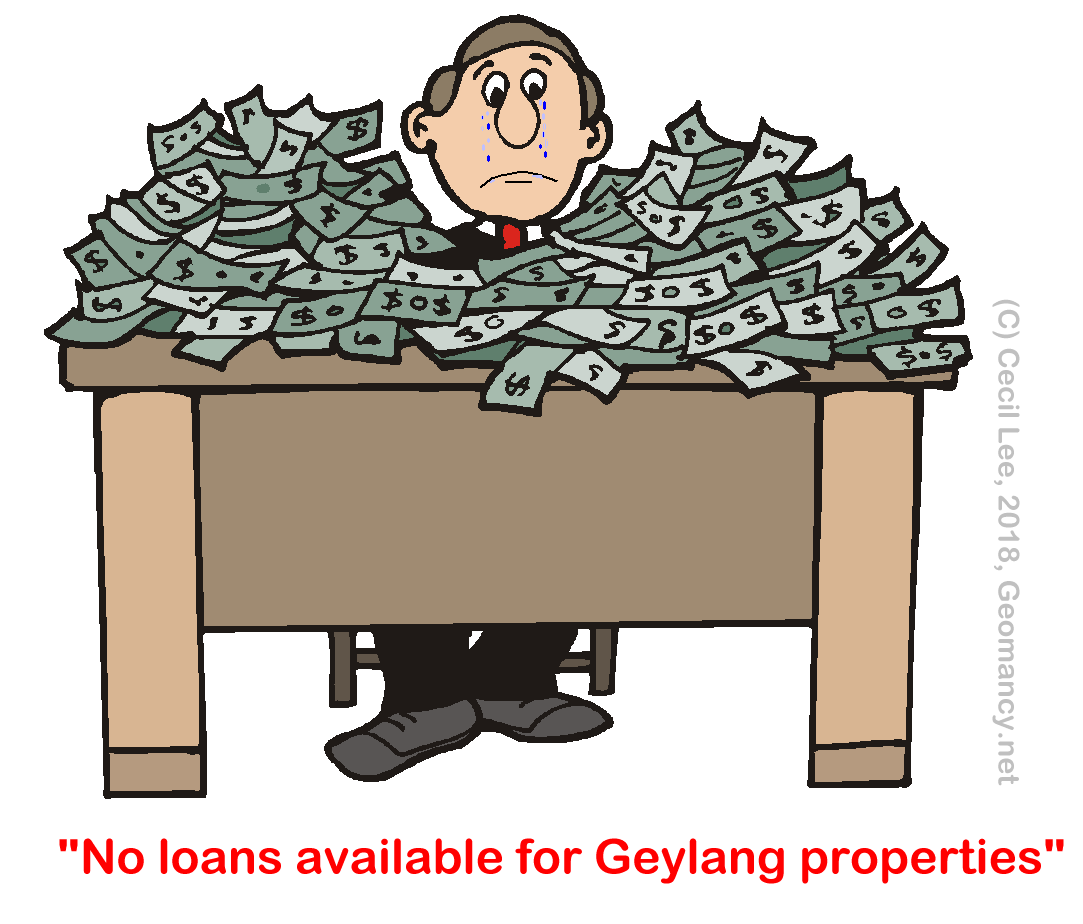
Usually, local banks don't provide loans for properties in Geylang. Not sure? Please check with the various banks... as I am not responsible for this... This cartoon is based on my personal knowledge. Maybe the banks could have changed their guidelines recently or in the near future... PLEASE DON'T TAKE THIS WHOLESALE!

-
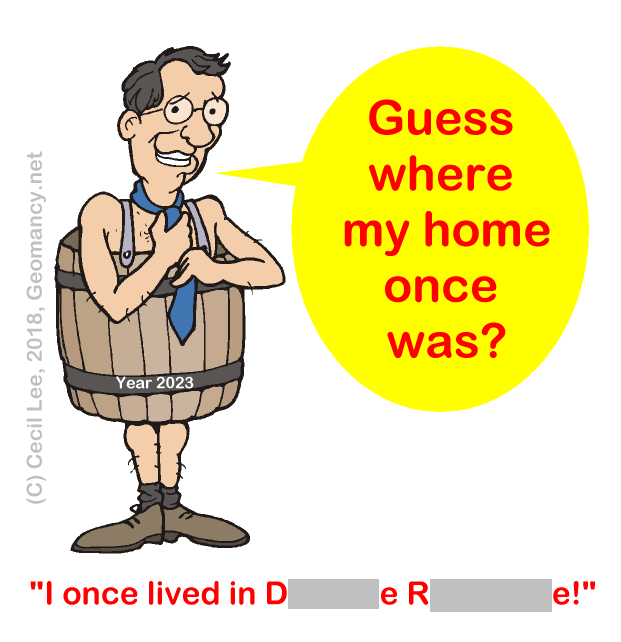
“Please note that all conversations are purely fictitious” So sorry, I had accidentally posted this in the wrong thread. It should be under Caricatures not here! I can assure you that this has nothing whatsoever to do with Daintree Residence! Furthermore this refers to a PAST event. And Daintree Residence has not even been built. So how can I have stayed, there!
-
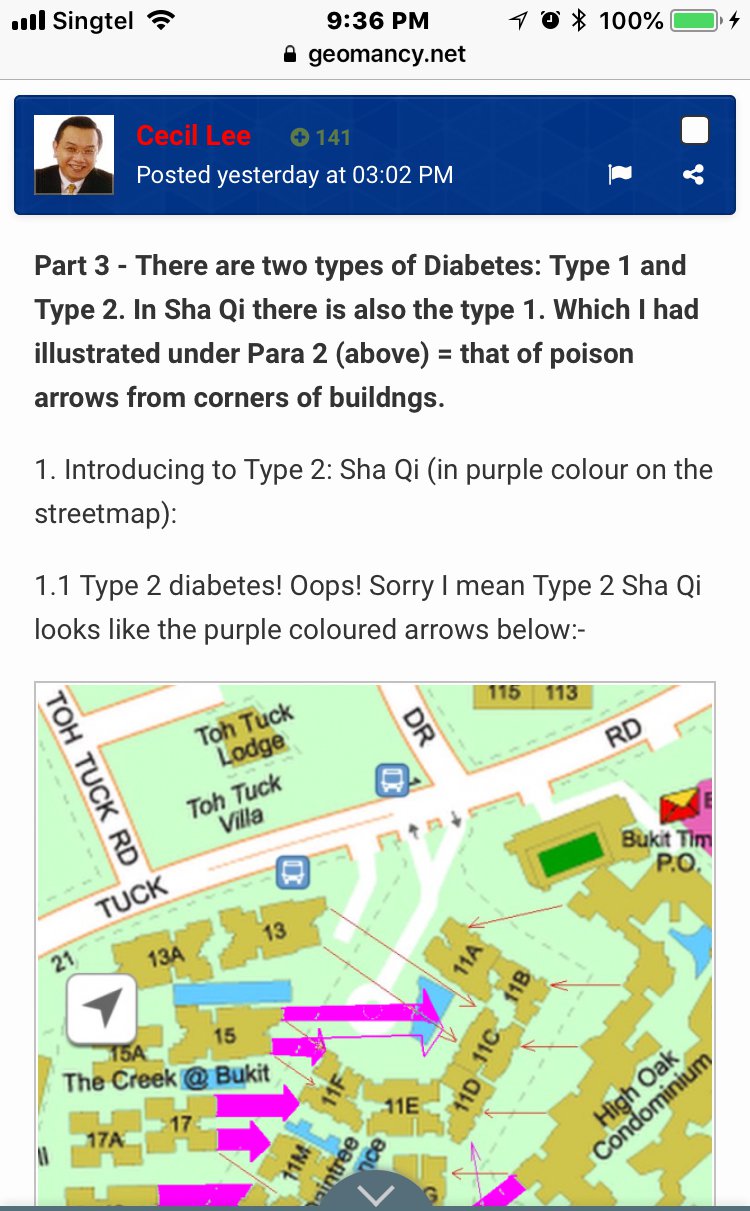
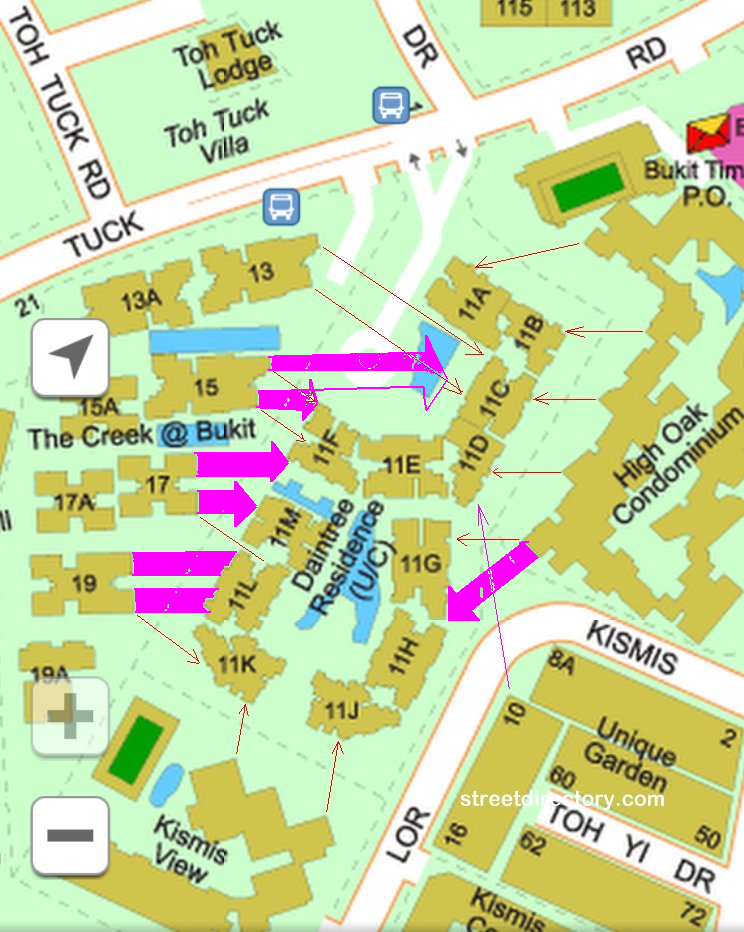
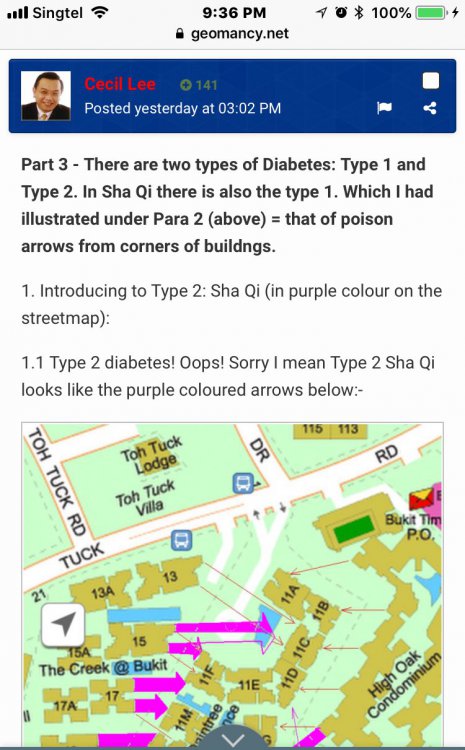
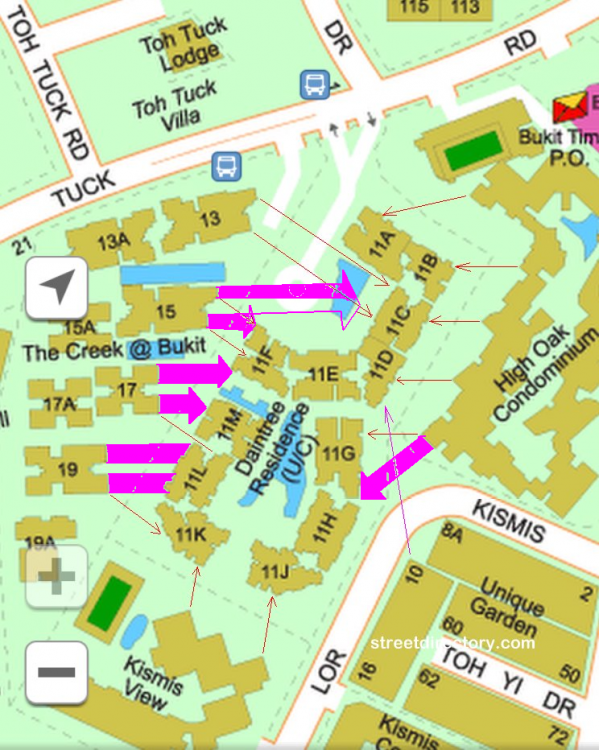
Part 3 - There are two types of Diabetes: Type 1 and Type 2. In Sha Qi there is also the Type 1. Which I had illustrated under Para 2 (above) = that of poison arrows from corners of buildngs. 1. Introducing to Type 2: Sha Qi (in purple colour on the streetmap): 1.1 Type 2 diabetes! Oops! Sorry I mean Type 2 Sha Qi looks like the purple coloured arrows below:- 1.2 There is a distinct "hammer-head" from The Creek's Block 17 and also from Block 15 as shown above. You now realise that there is a term Type 2 - Sha Qi... 1.3 High Oak condo also has a purple hammer aimed towards Daintree Residence block 11G. There may be a few more coming from High Oak.. but best to confirm on-site.. which is like many years more... ACTUNG! There may be more!! 1.4 In addition, not sure if you can relate to this or not? 1.5 The Creek Block 15 looks like a fish with mouth opened ... feeding off from Daintree Residence. 1.6 The Creek Block's 17, 19 and even 13 seems to look like hungry fishes swimming towards it's prey or vicitim... guess which development is it?
-
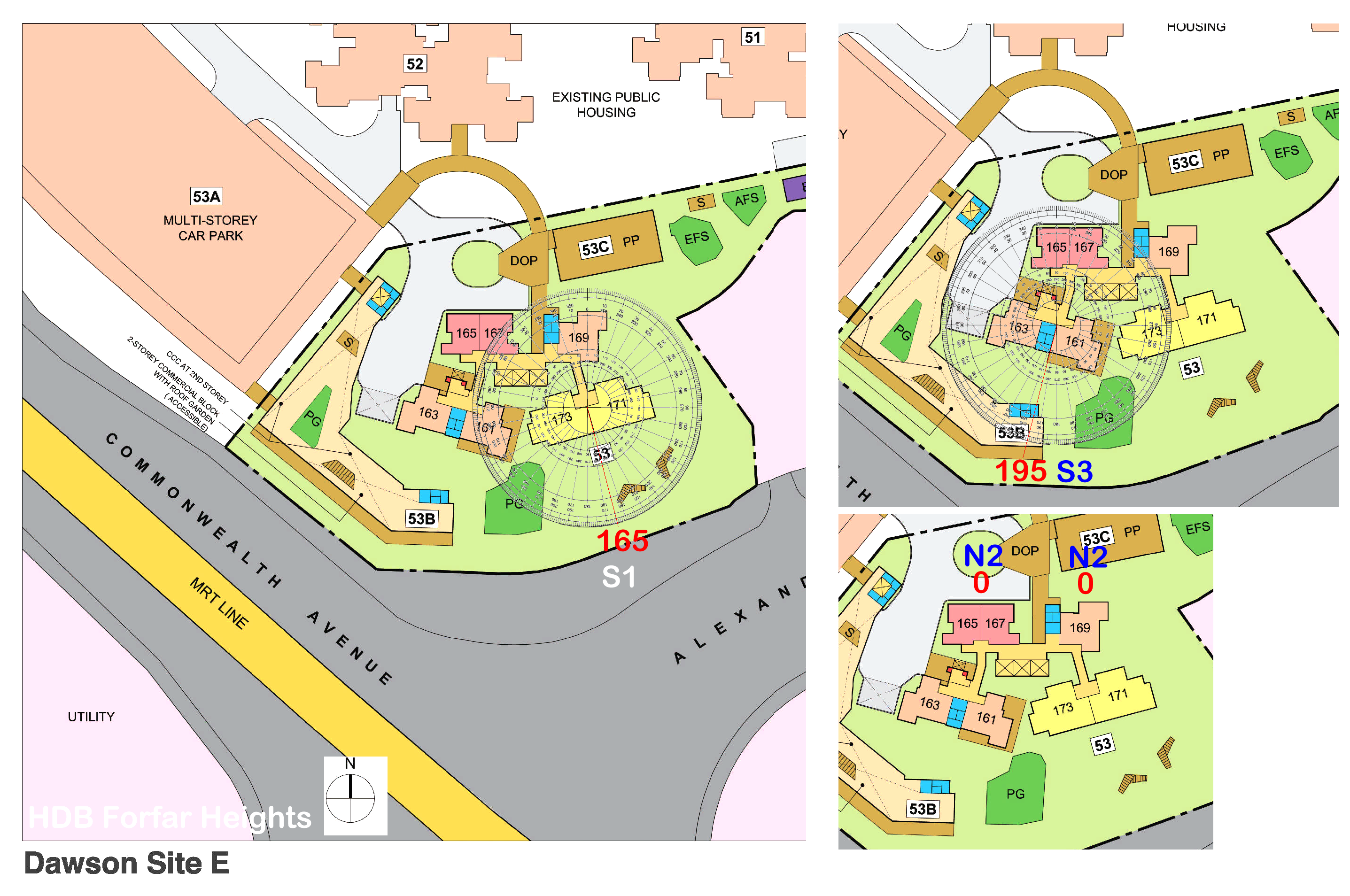
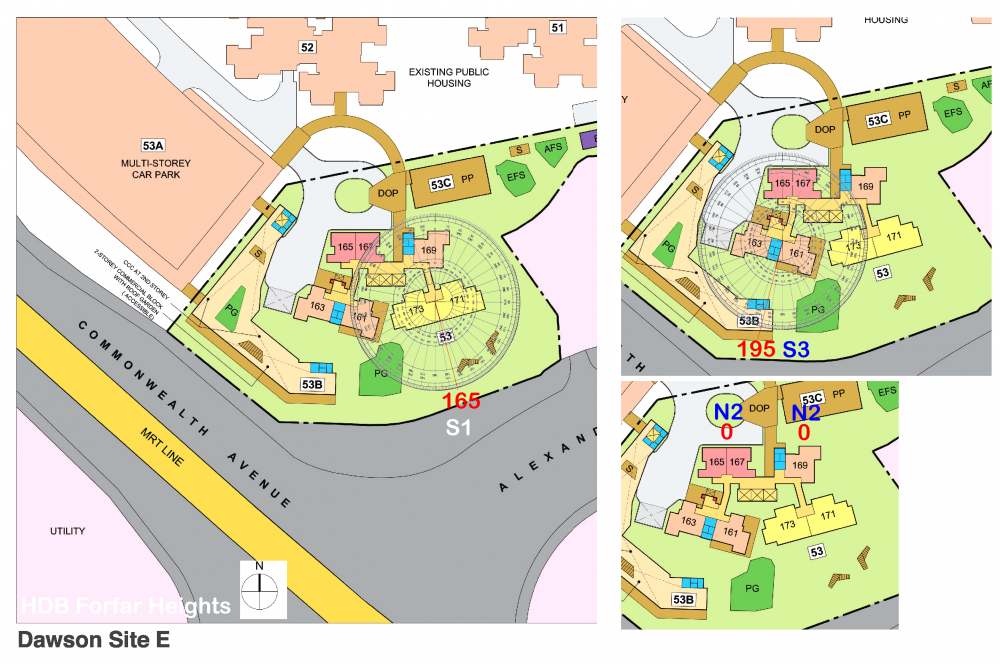
Part 3: Flying Star Feng Shui of HDB Forfar Heights Majority of all Dawson sites: A, B, C, D & E have stacks/units that face North or South directions. This small development has only three types of facing directions: N2 = 165, 167 & 169 S1 = 171 & 173 S3 = 161 & 163 If one has the time can read the Flying Star comments pertaining to Period 8 and 9. And also look into similar N2 and S3 facing directions. Search for Dawson site A, Dawson site B, Dawson site C and Dawson site D.
-
I can feel it that my luck changed from the better starting from 2022 onwards!

-
Fortunes change a few years before 2024!