Cecil Lee
Staff
-
Joined
-
Last visited
Everything posted by Cecil Lee
-
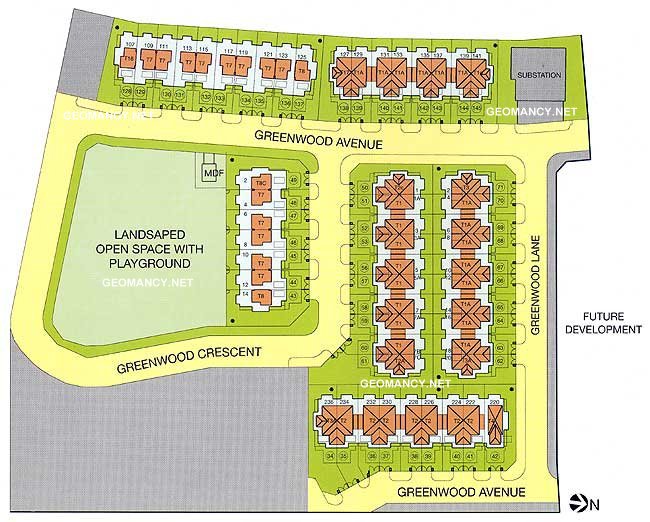
The Greenwood development by Far East Site plan
-
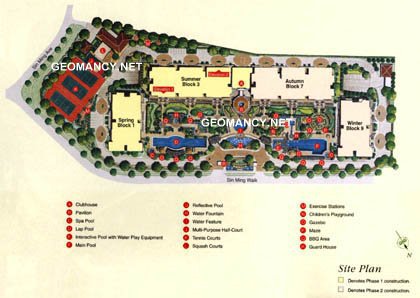
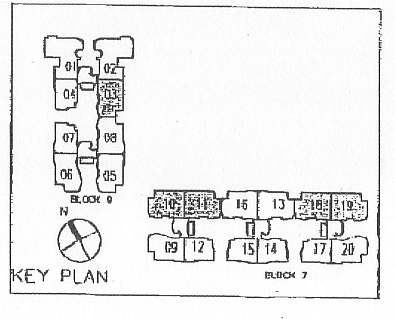
The Gardens at Bishan Condo Site plan
-
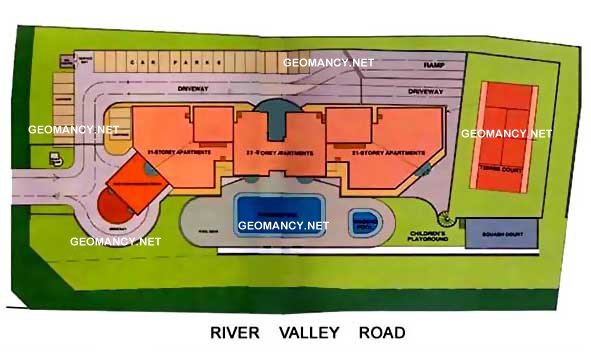
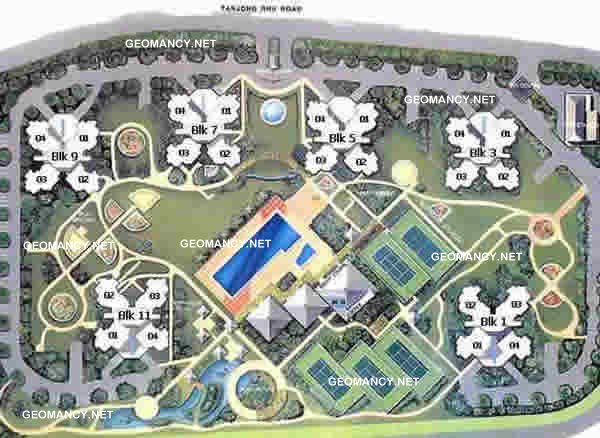
The Waterside Condo at Tanjong Rhu Road Site plan
-
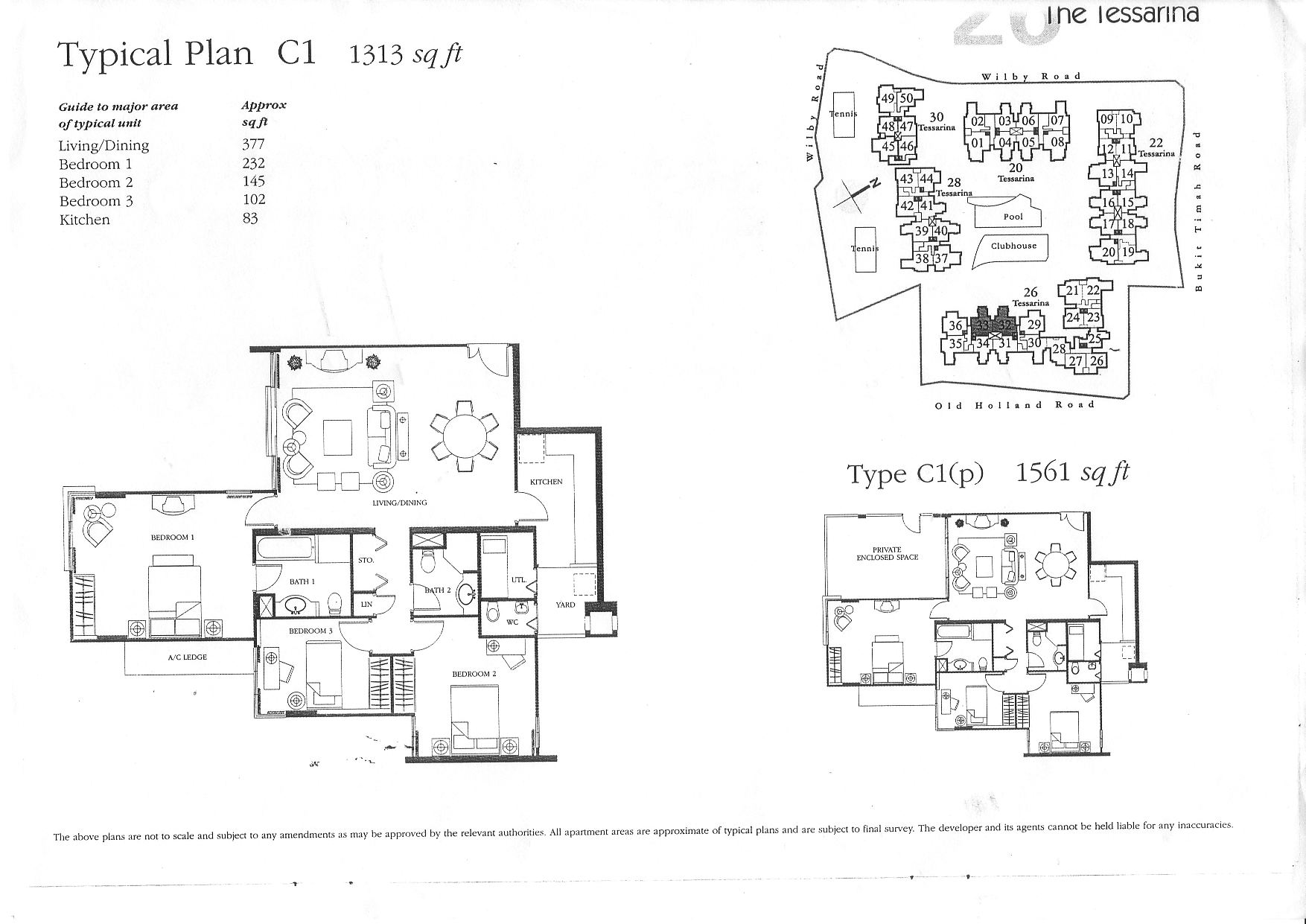
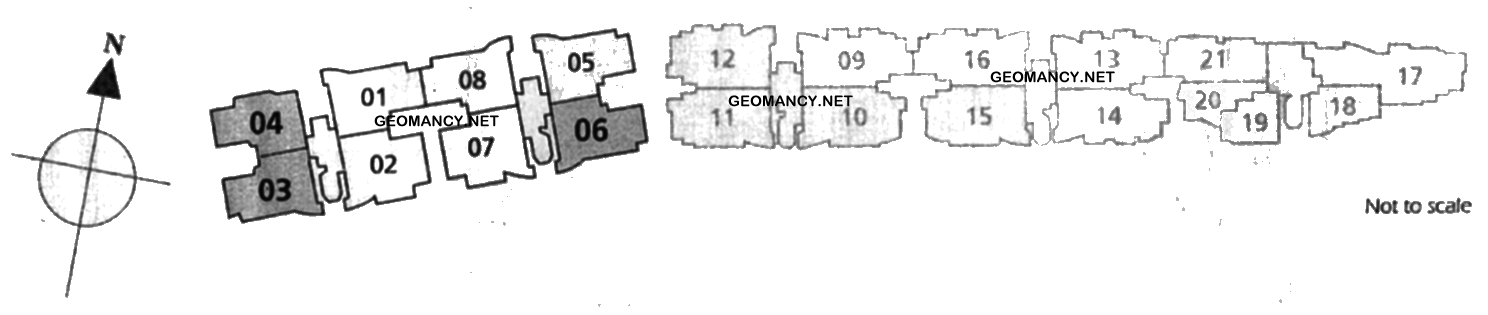
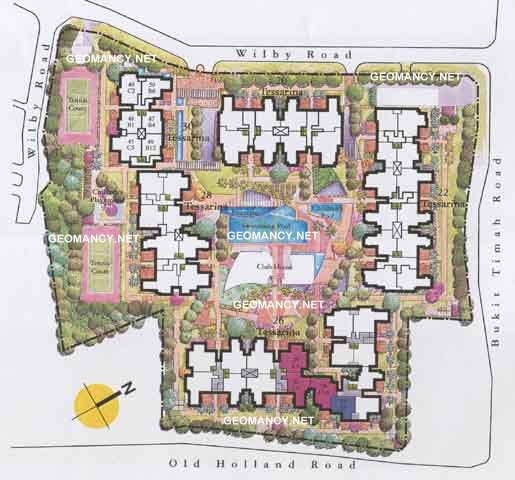
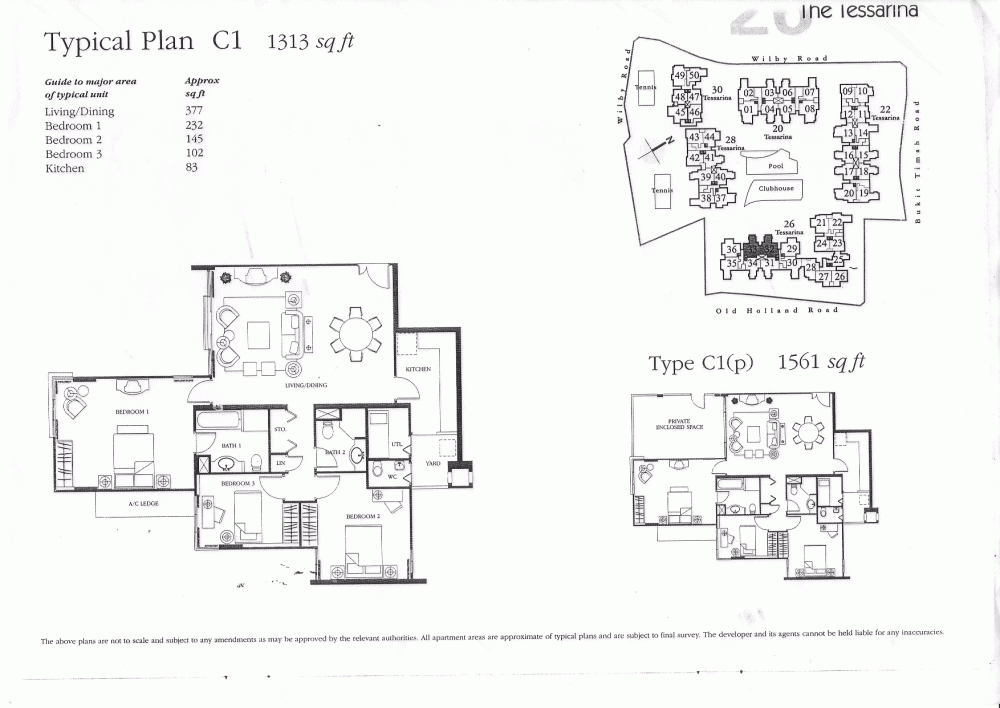
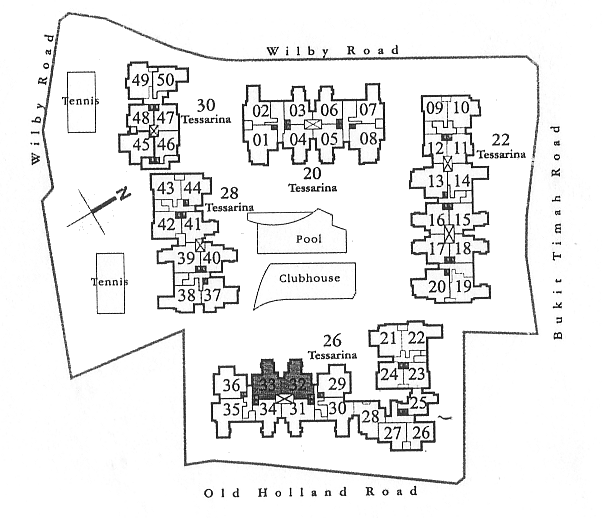
The Tessarina at WIlby Road off Bukit Timah Road Site plan This layout plan provides useful layout of various stacks in this development:
-
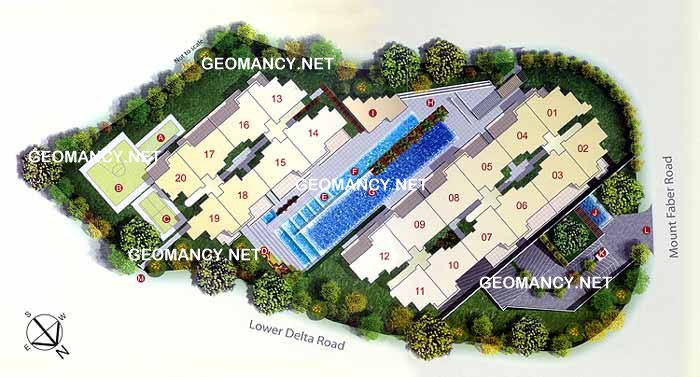
The Pearl @ Mount Faber Condo Site plan
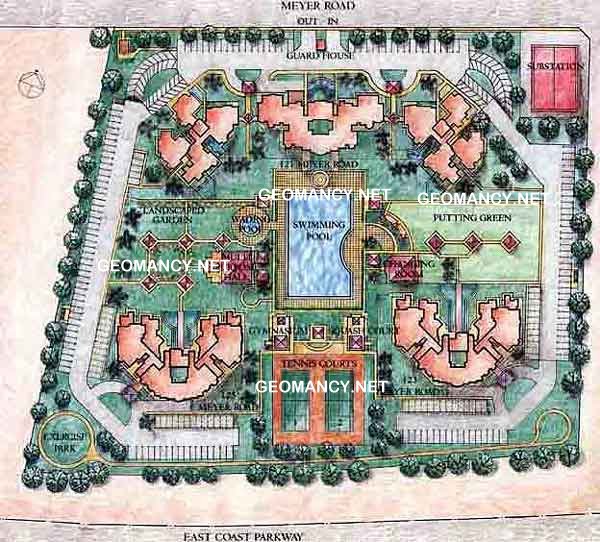
 The Makena Condo at Meyer Road Site plan
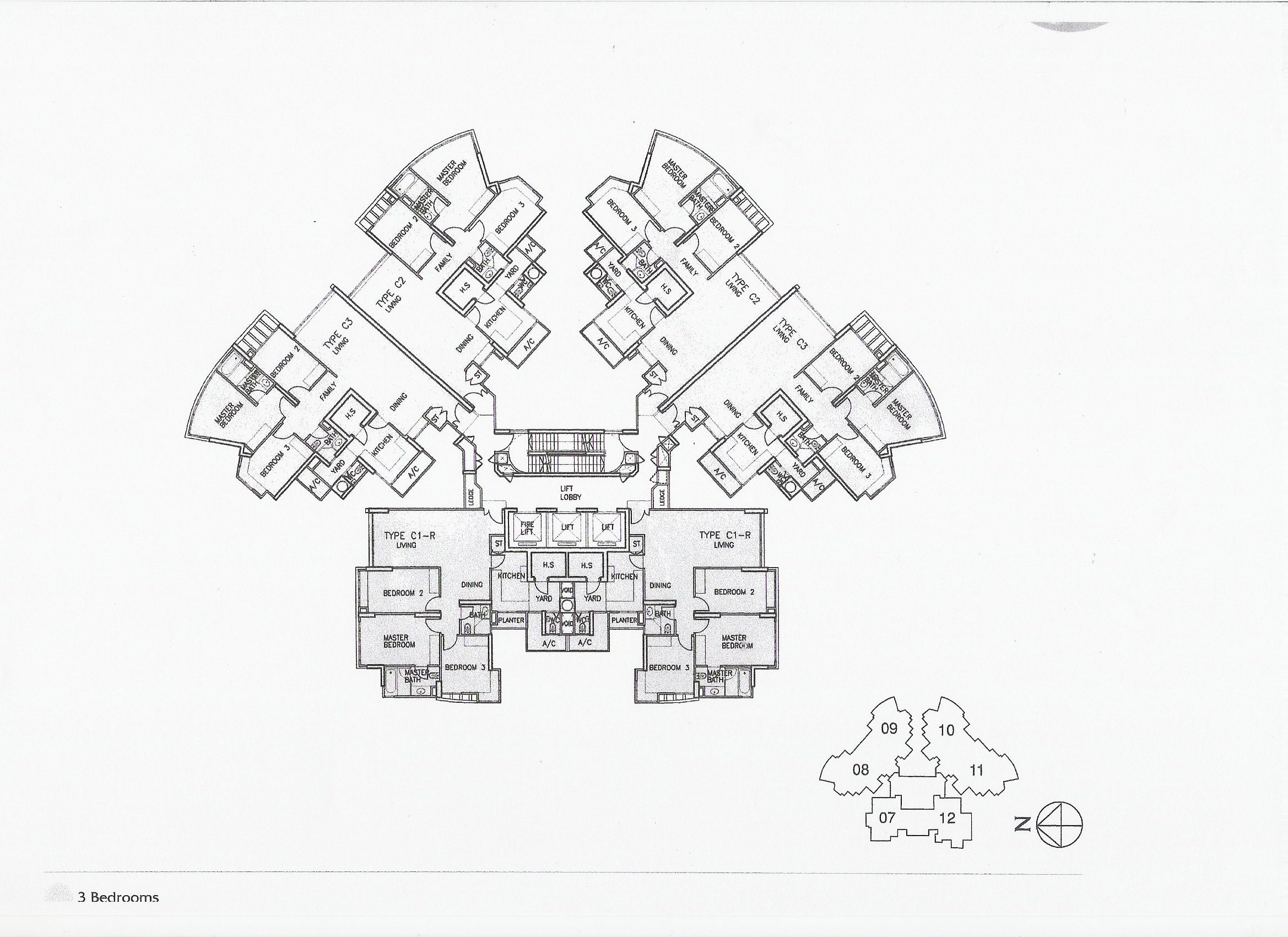
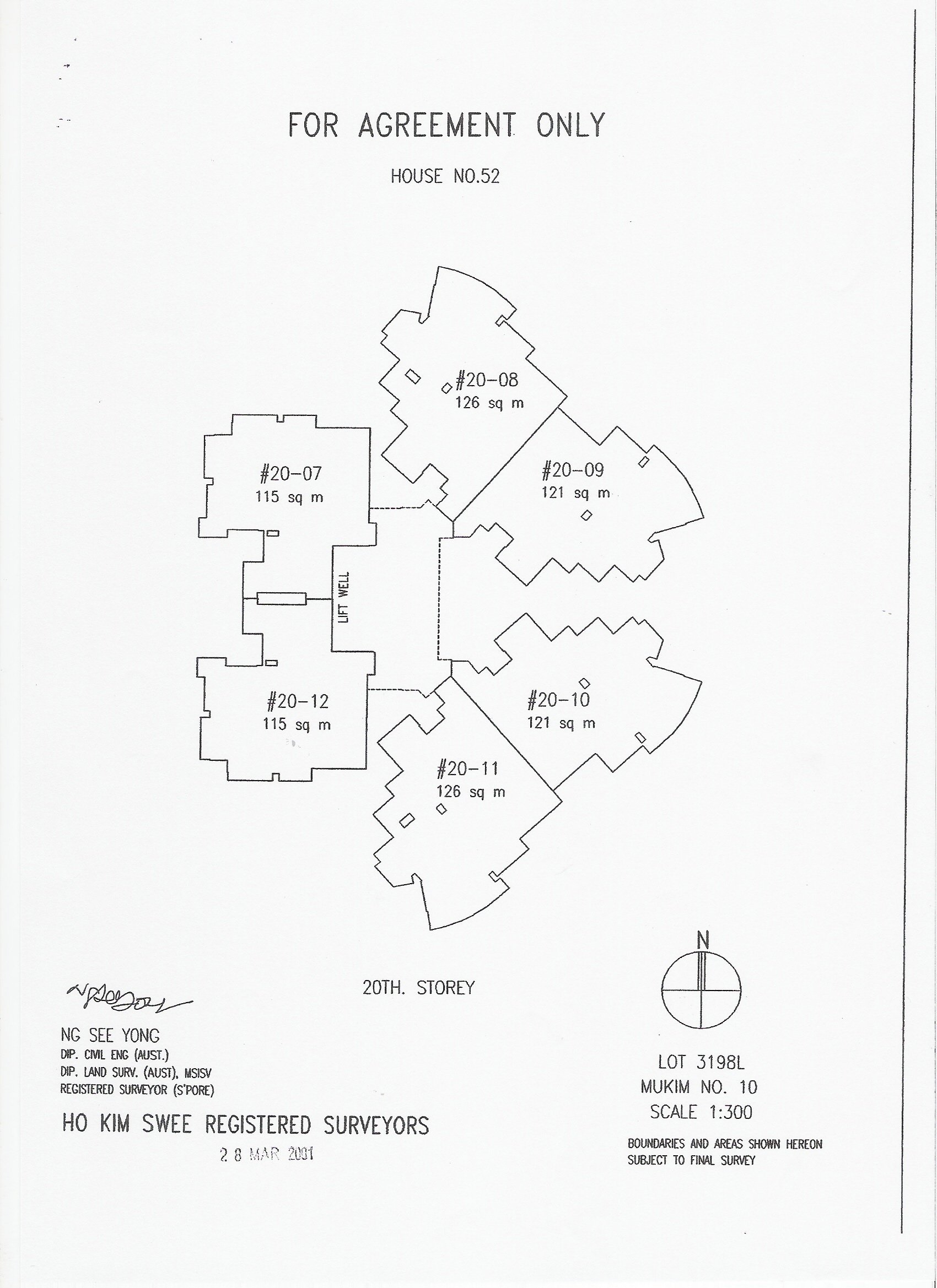
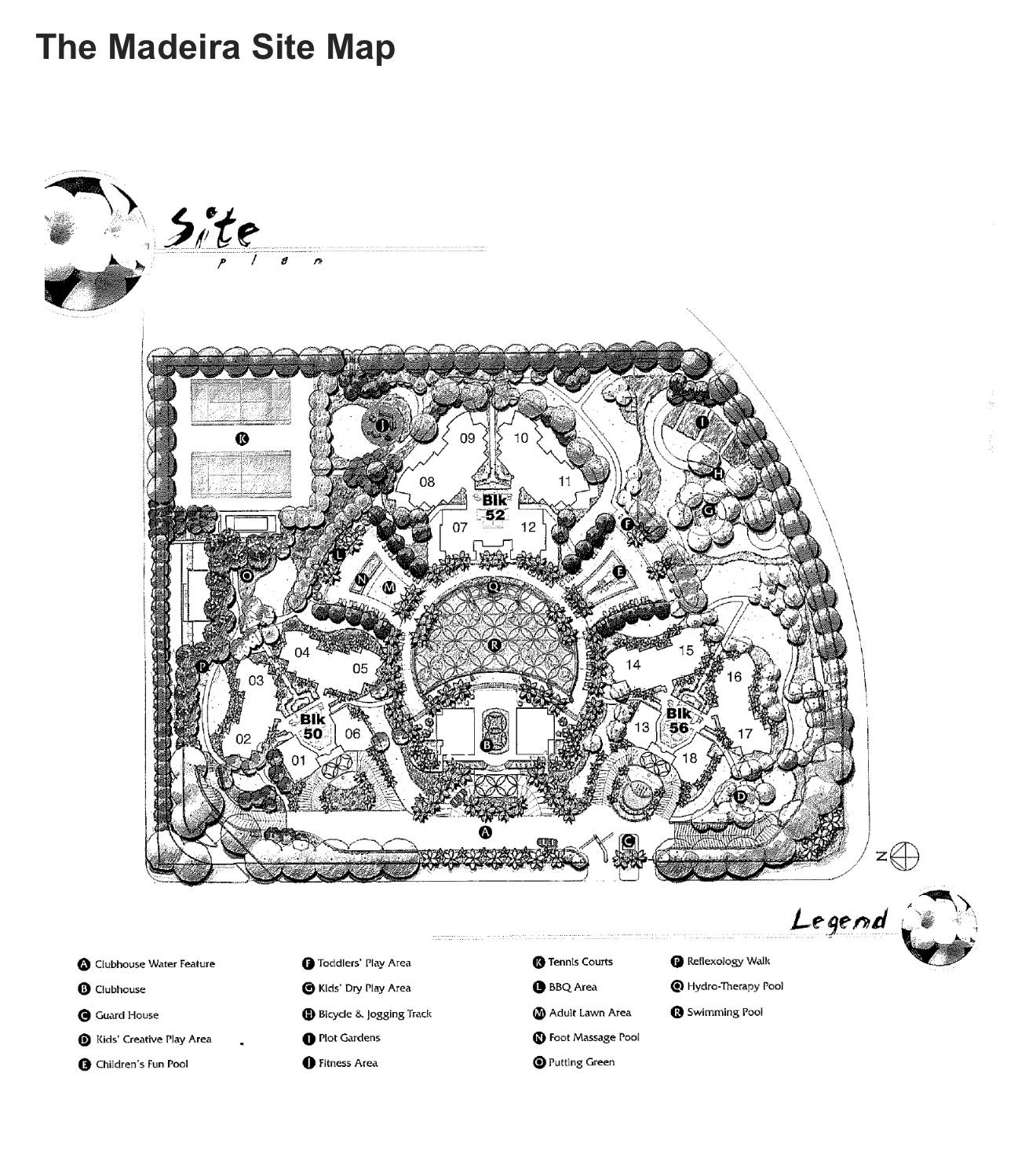
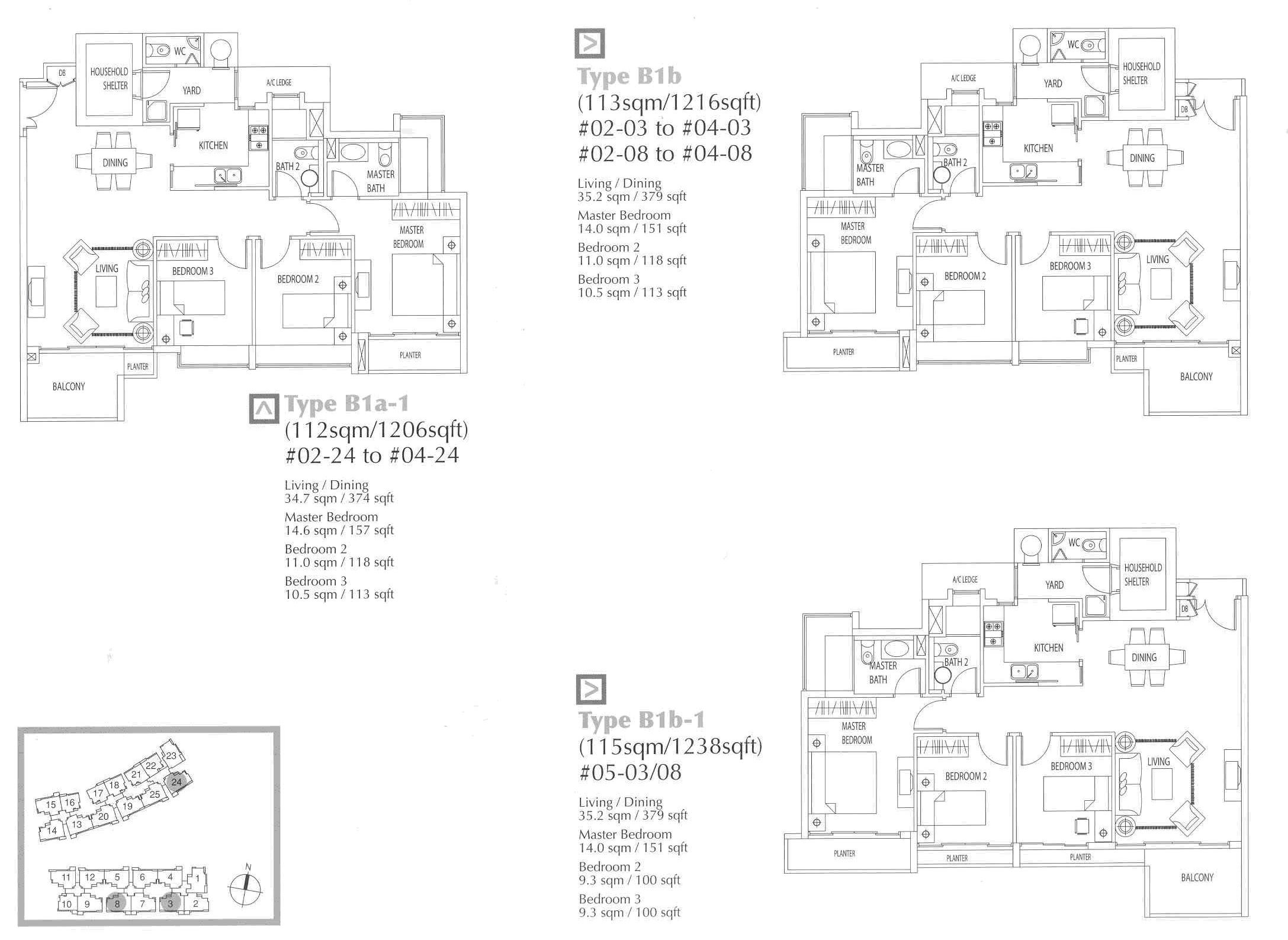
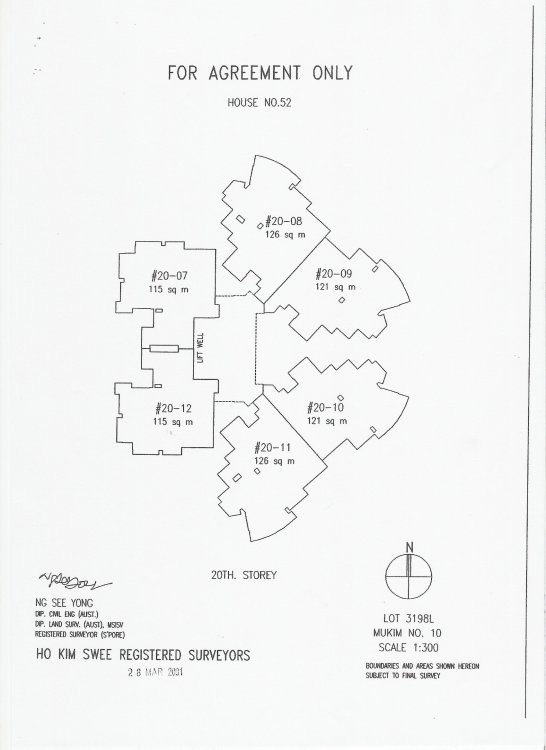
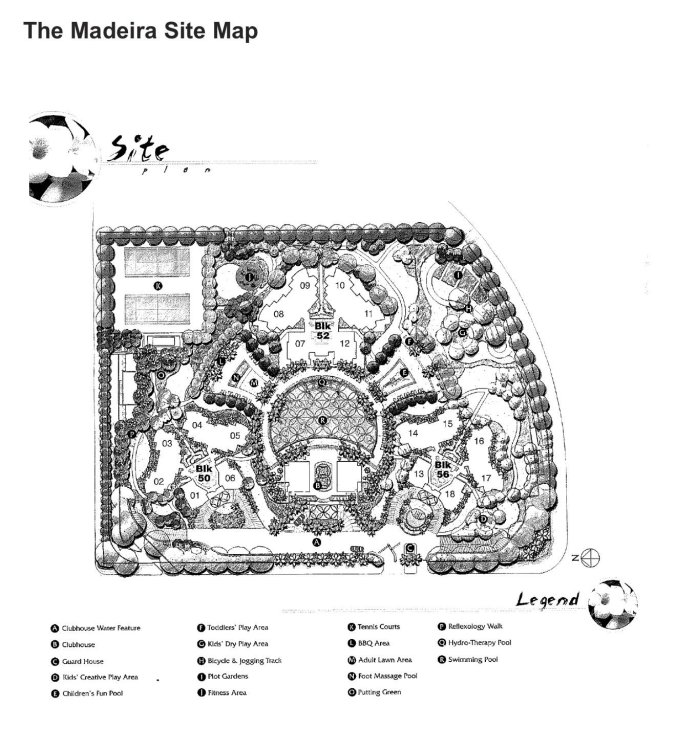
 The Maderia Condo at Bukit Batok Site plan and Floor plan T.O.P. in 2003 under Period 7 Flying Star Feng Shui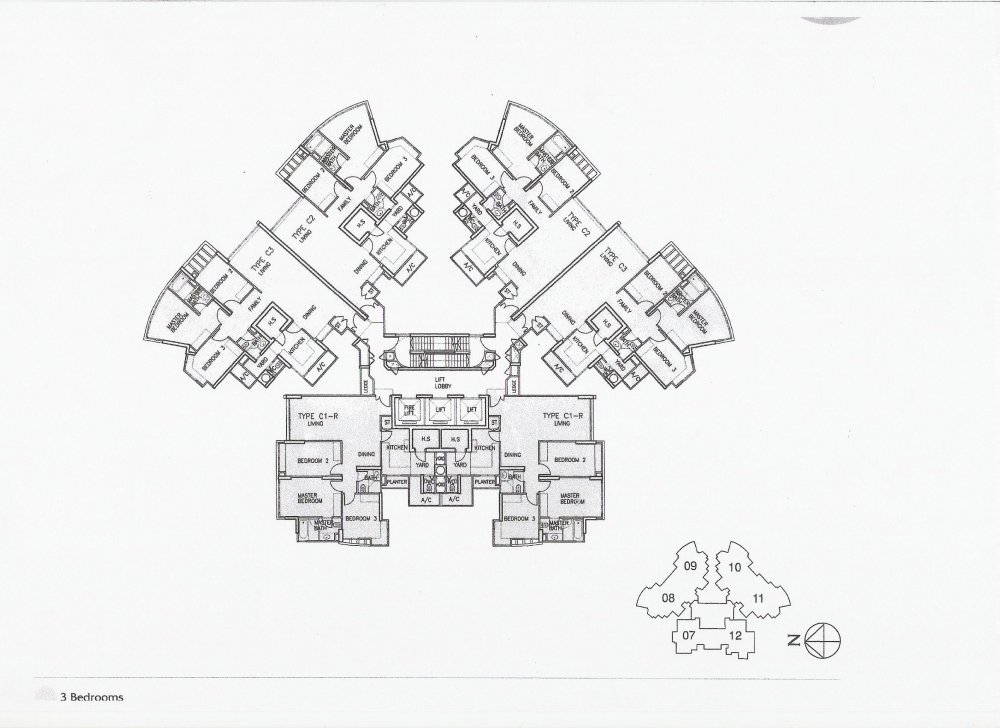
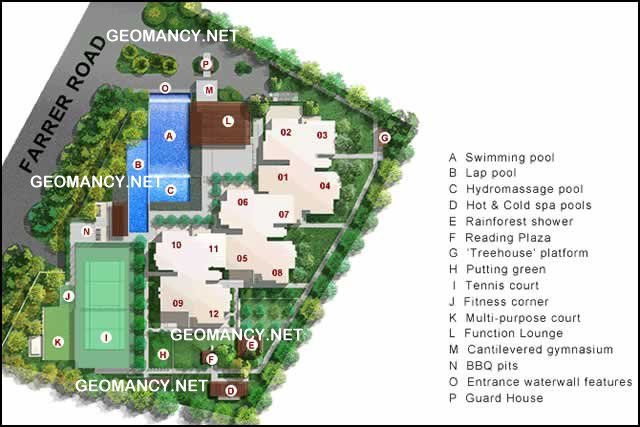
 The Levelz at Farrer Road Site plan
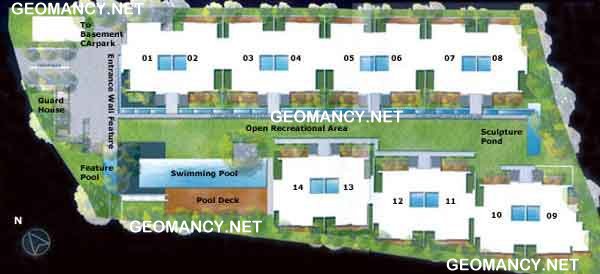
 The Ladyhill Condo Site plan
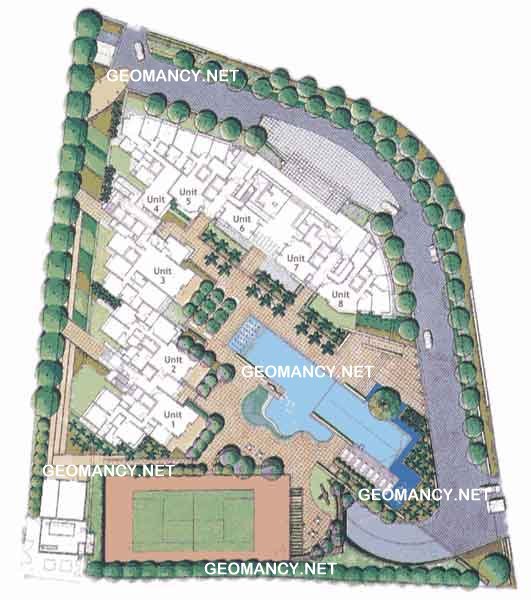
 Equatorial is a freehold residential condominium along Stevens Road in prime central Singapore developed on the former site of The Equatorial hotel It is a low rise project with a private and resort like atmosphere offering mainly spacious three and four bedroom apartments that appeal to families and owner occupiers Facilities typically include a swimming pool gym tennis court barbecue areas and landscaped grounds giving residents a quiet sanctuary close to the Orchard Road belt The location offers convenient access to Stevens MRT nearby schools clubs and amenities while still being tucked away from the busiest traffic Overall Equatorial combines the character of an older spacious development with the prestige of a prime address on the historic former hotel site The Equatorial Condo Site plan
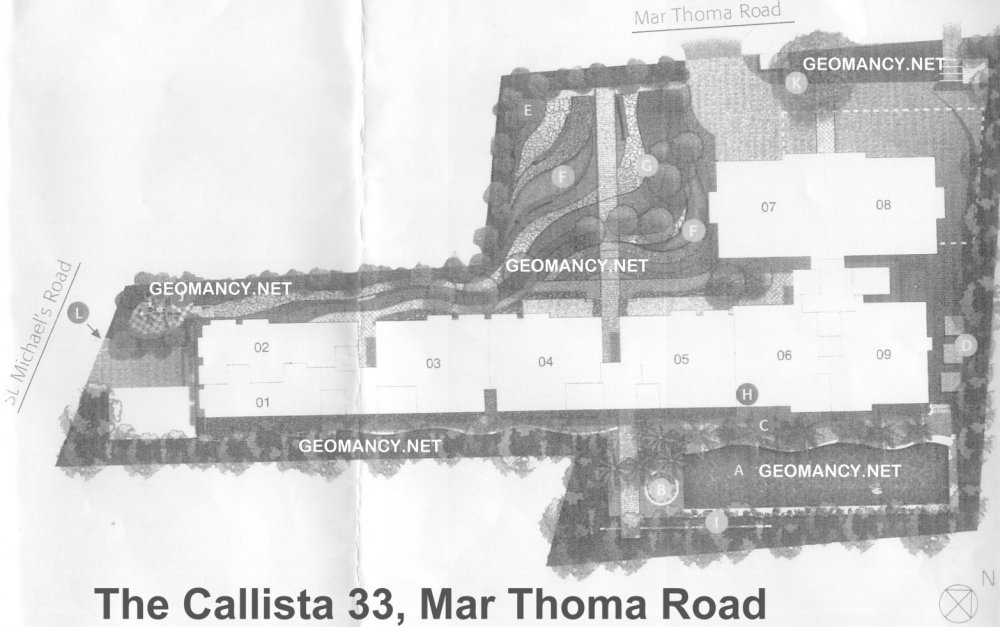
 The Carlista 33 Mar Thoma Road Condo Site plan
 The Carnhill Condo Floor plan
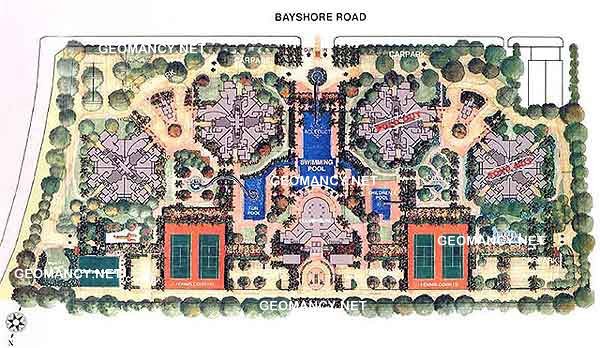
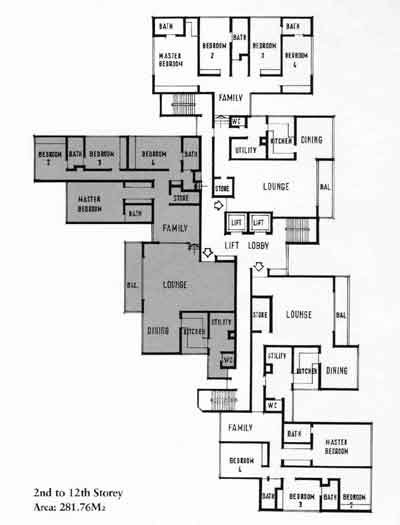 The Bayshore Site plan
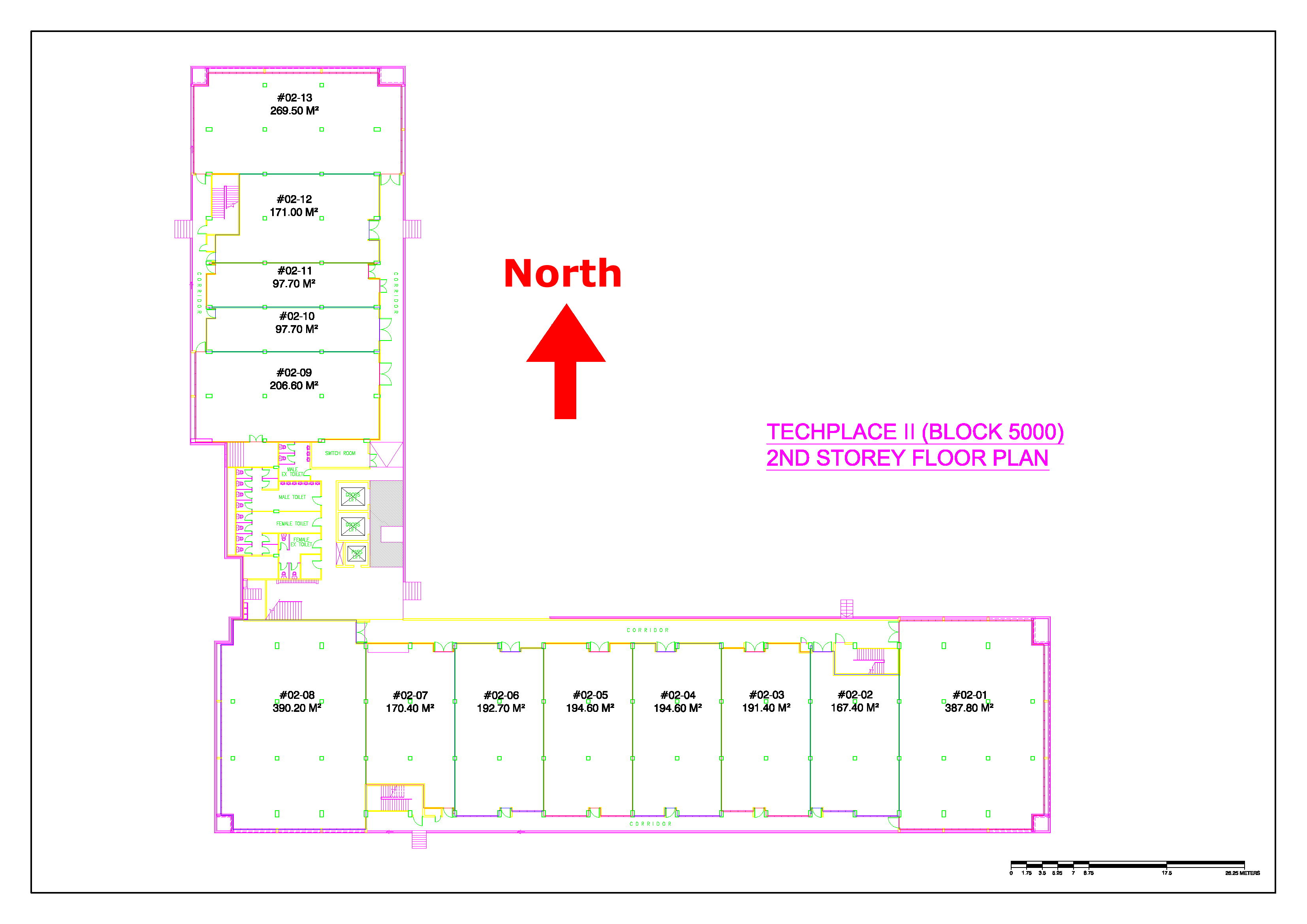
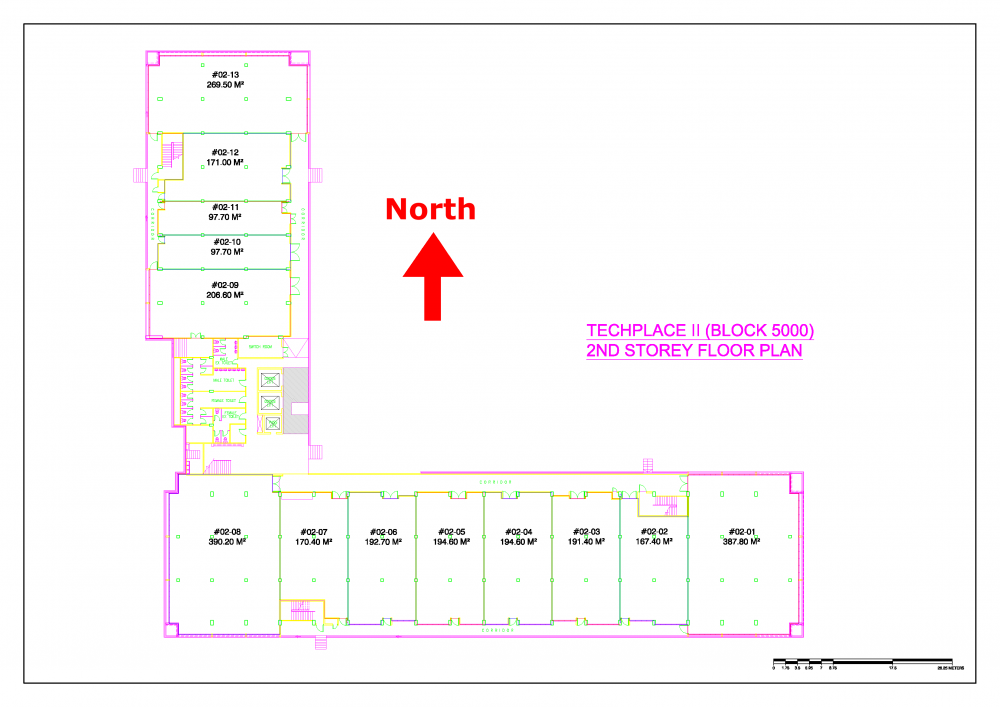
 Techplace II Commercial Site plan
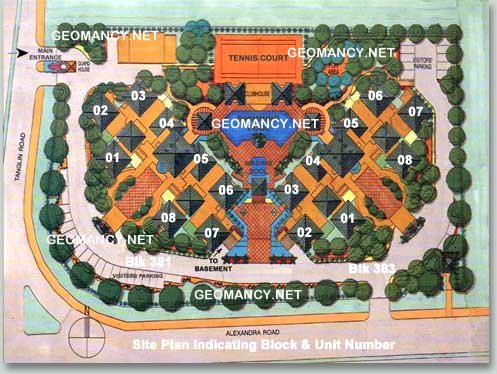
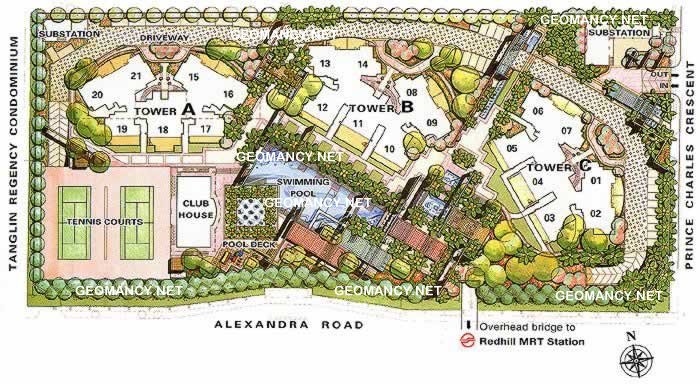
 Tanglin Regency Condo Site plan Blks 381 and 383. Mgmt office at 385
 Tanglin View Condo by Far East at Prince Charles Crescent Site plan
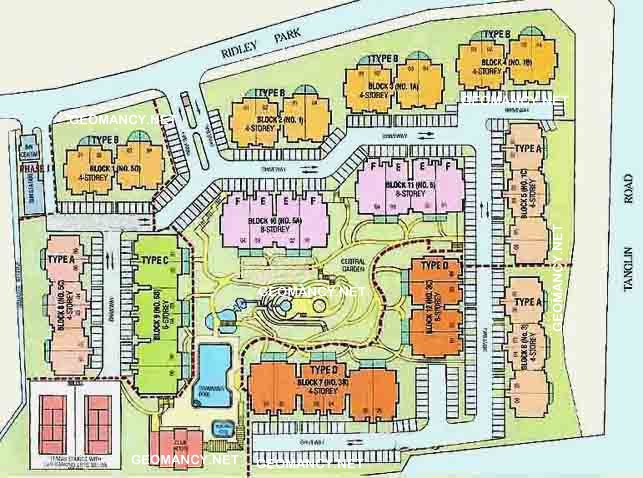
 Tanglin Park Condo Site plan
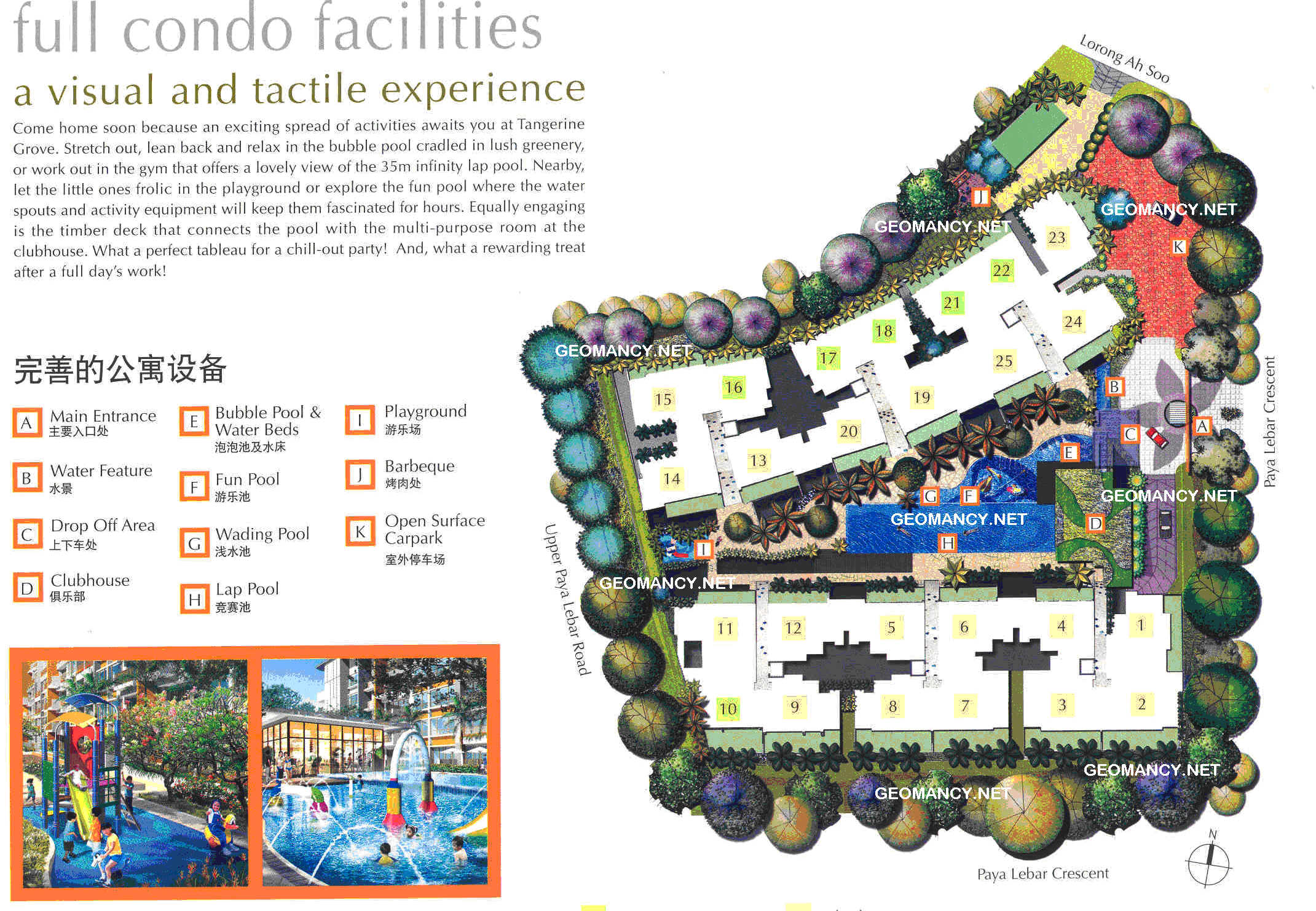
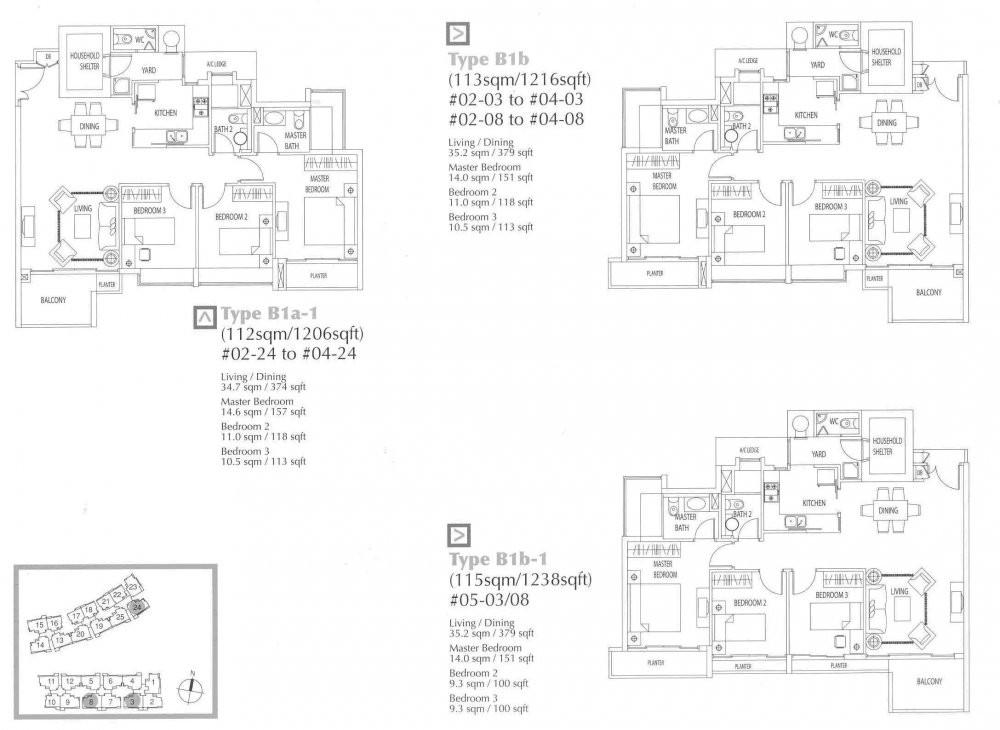
 Tangerine Grove Condo Site Plan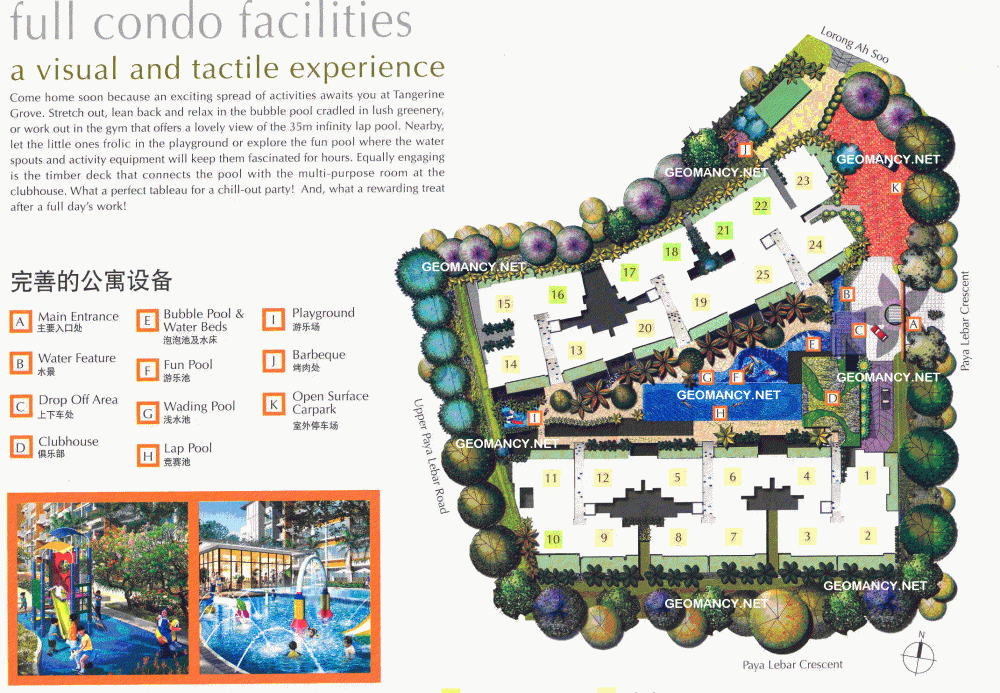
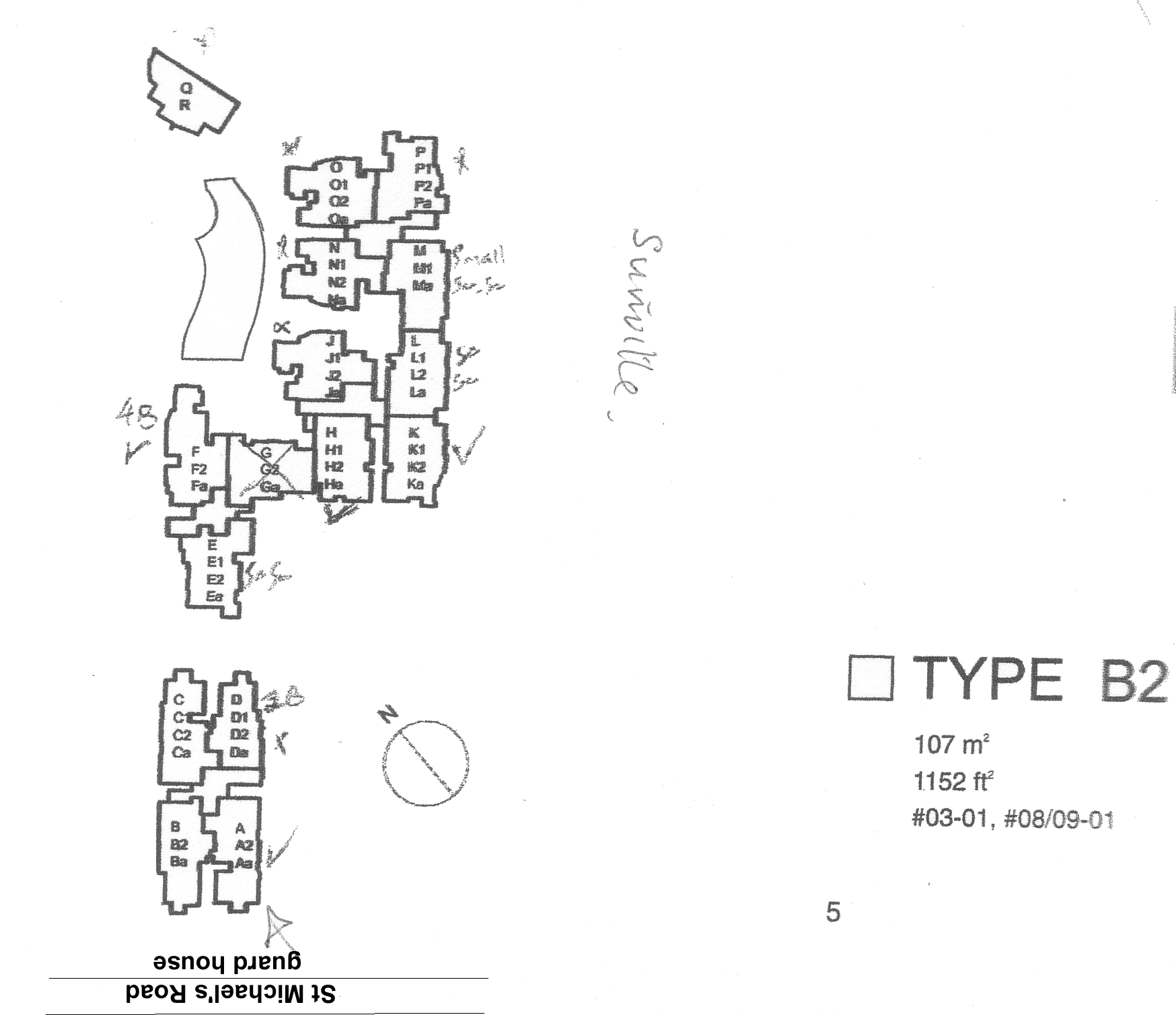
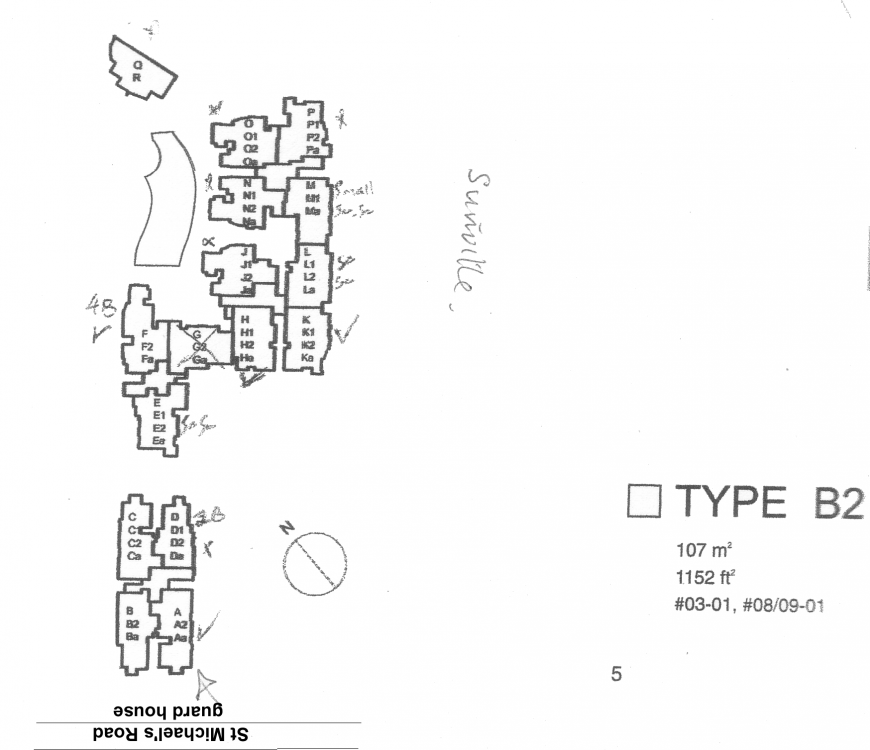
 Sunville Condo at St Michael's Road Site plan
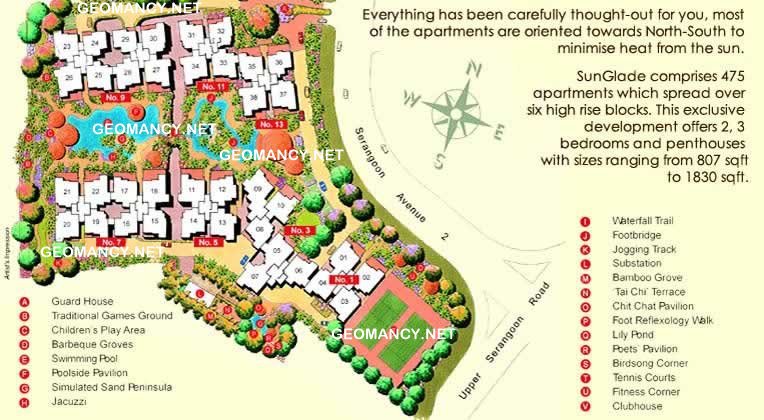
 Sunglade Condo at Serangoon Avenue 2 Sunglade is a 99‑year leasehold condominium in Serangoon, Singapore, popular with families and investors for its convenience and full facilities. Key points: - Location: Serangoon Avenue 2, within walking distance to Serangoon MRT interchange (North East & Circle lines) and NEX mega mall. Good access to the city and other parts of Singapore. - Project details: Mid‑sized development (few hundred units), completed in the early 2000s. Unit types typically range from 2‑ to 4‑bedrooms, with some larger/penthouse layouts. - Facilities: Full condo facilities such as swimming pools, gym, tennis courts, BBQ pits, function room, and landscaped grounds. - Nearby amenities: - Shopping & dining: NEX, heartland shops, coffeeshops, supermarkets. - Schools: Several popular primary and secondary schools in the vicinity (e.g., St. Gabriel’s Primary, Maris Stella High, Paya Lebar Methodist Girls’). - Appeal: - Strong connectivity and convenience. - Family‑oriented environment with comprehensive facilities. - Older leasehold project, so interiors and facade may feel dated compared with newer launches, but usually offers relatively larger, practical layouts. The Site plan
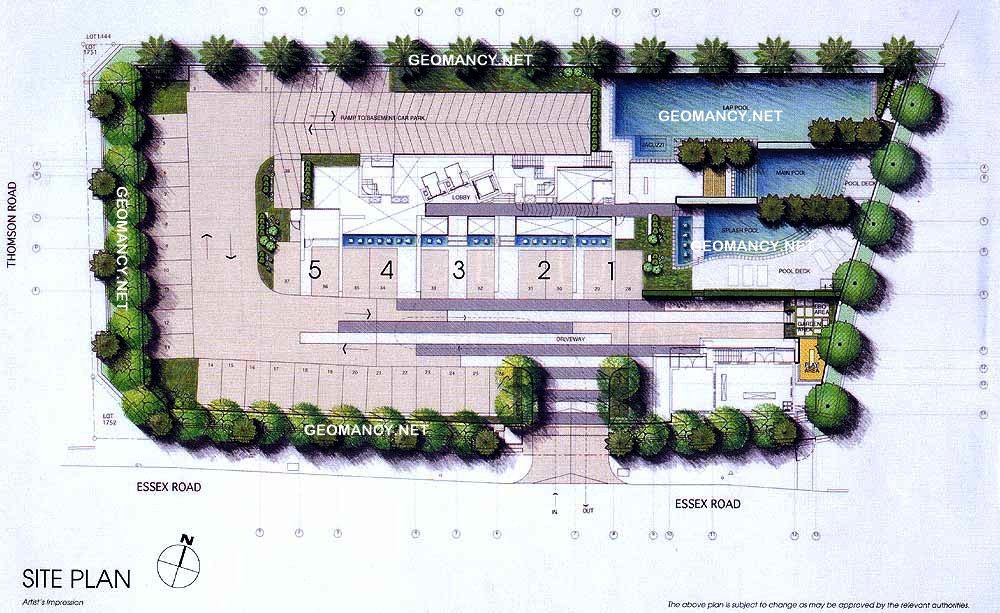
 Strata by Far East at Essex Road Site plan
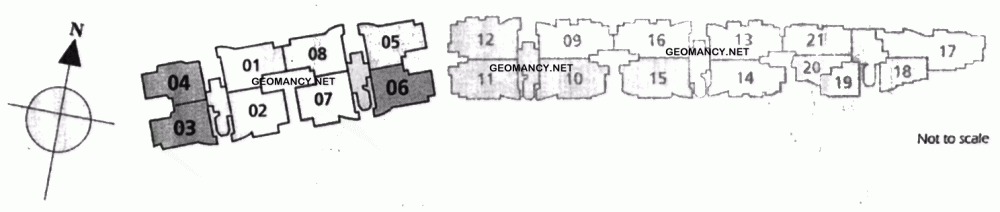
 Starville Condo Site plan Had a few clients in this development during T.O.P. I wonder if the telescope for sky watching is still around after so many years?
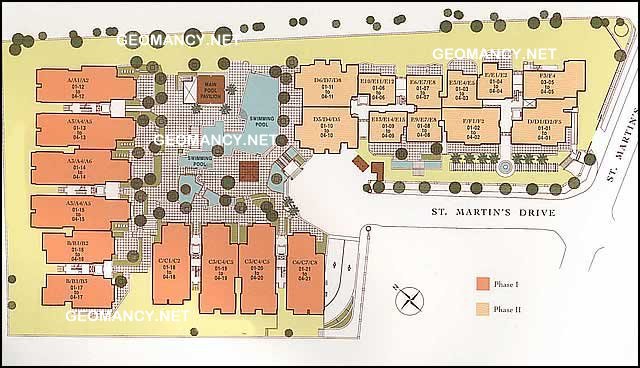
 St Martin Residence Condo Site plan
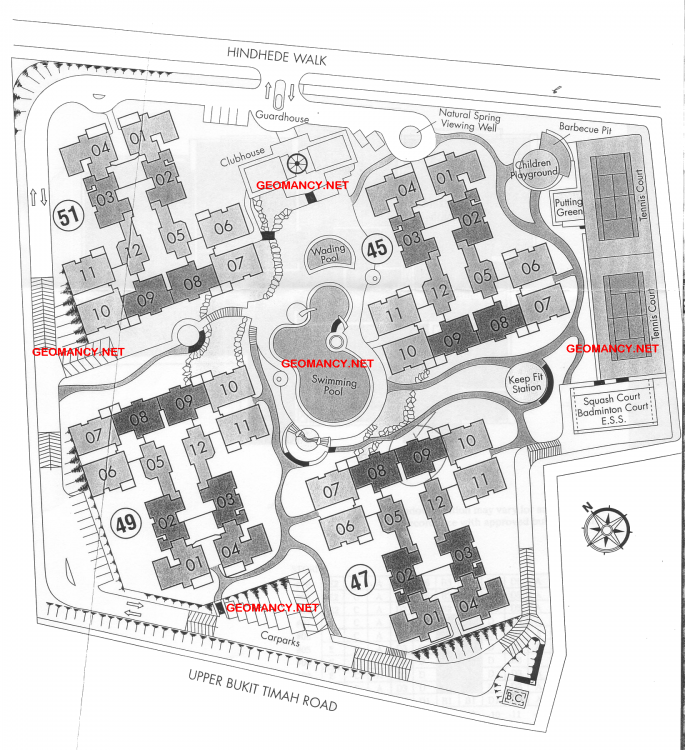
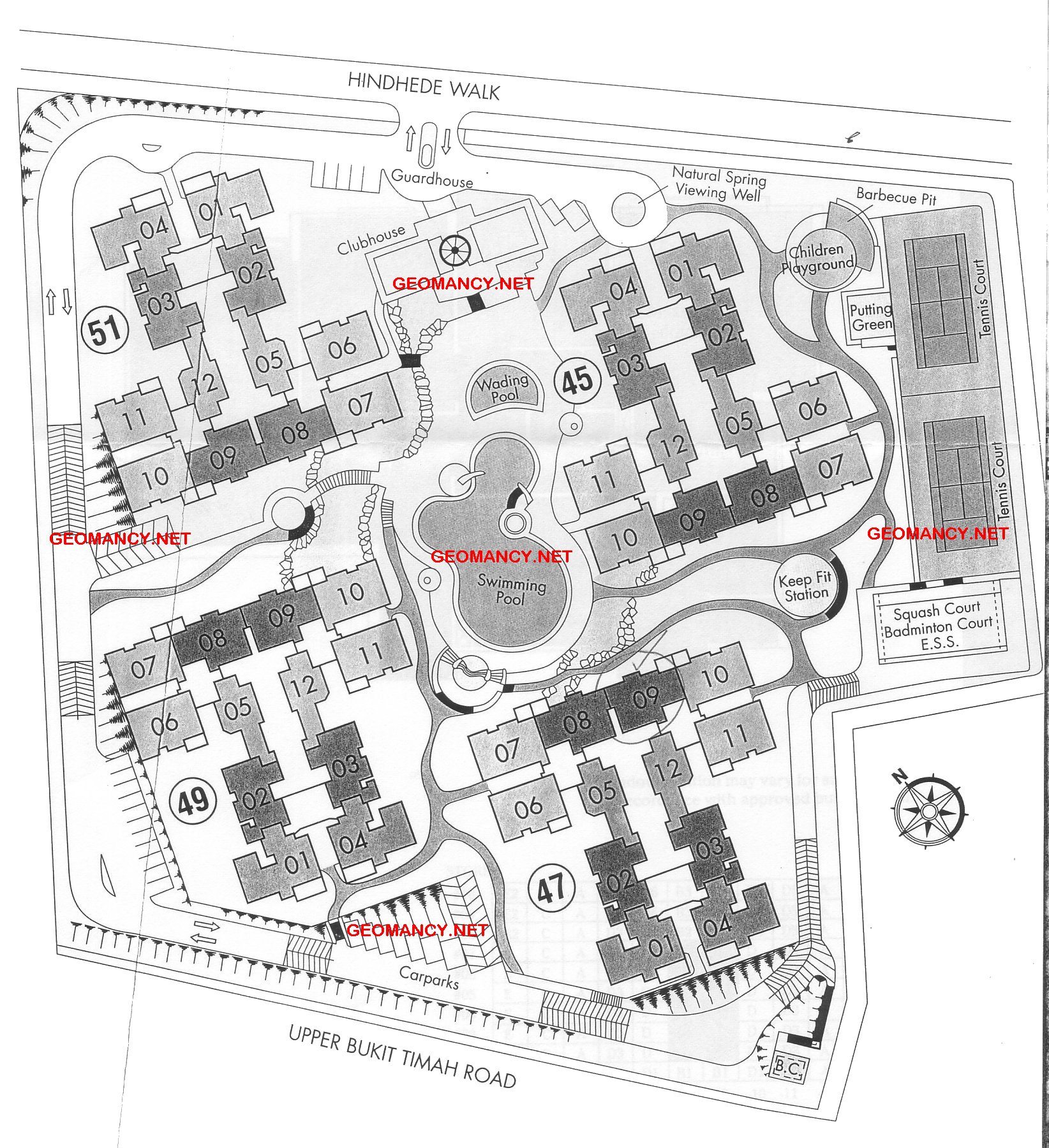
 Springvale Condo at Hindhedewalk Bukit Timah Site plan